Leadspicker with AI agents
Leadspicker also works from inside your own AI tools. The agent you already use in Claude Code, Cursor, Codex, OpenCode or Grok Bot can search the lead database, build lists, draft sequences and read replies in your account, while you stay in the window you are in.
What it means
Leadspicker runs an MCP server: a standard way for an AI tool to call another system. Connect your tool once and your agent gets Leadspicker's tools next to its own: your lists and sequences, the lead database, enrichment, routines and replies. The model stays yours, so the conversation itself does not use Leadspicker credits. What the agent does in your account costs the same credits as it would in the app.
Pick your tool
All of them connect to the same account. They differ in how they install and in how much of Leadspicker the agent gets.
| Tool | How it connects | What the agent gets | Skills |
|---|---|---|---|
| Claude Code | The one-line installer, or one command | The full server | The full set, with the installer |
| Cursor | The plugin, the installer, or an entry in mcp.json | Plugin: the 16-tool set. Otherwise the full server | Plugin: four. Installer: the full set |
| Codex | The one-line installer, or two commands | The full server | The full set, with the installer |
| OpenCode | The one-line installer, or opencode mcp add | The full server | The full set, with the installer |
| Grok Bot | A custom connector in the cloud, nothing to install | The 16-tool set | None |
| Any other MCP client | Add the server URL; it must support OAuth with DCR and PKCE | The full server | None |
Install in one line
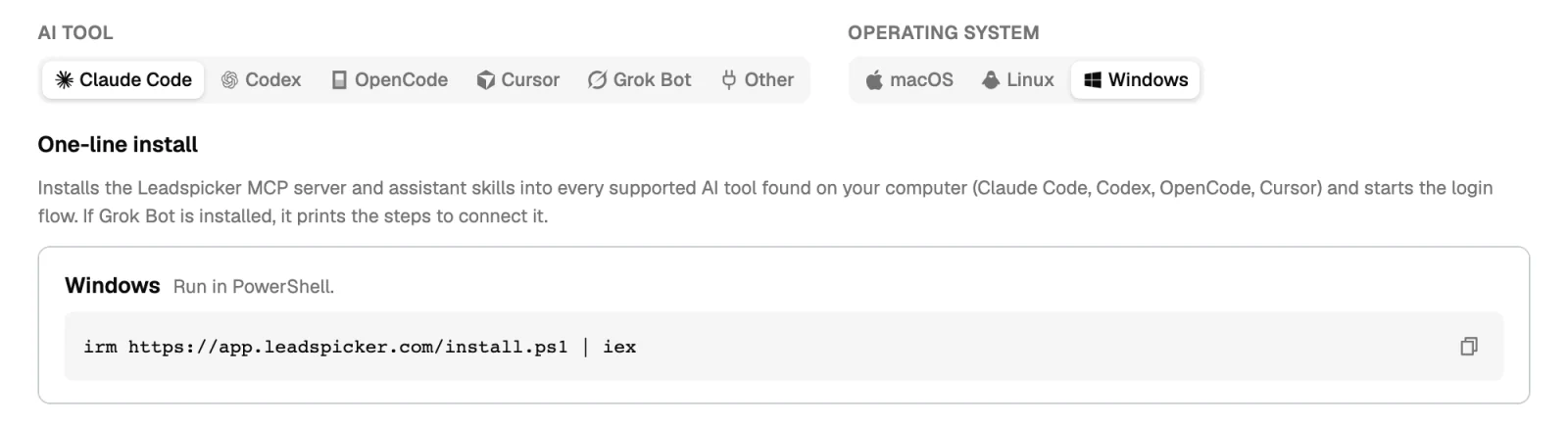
On a computer with Claude Code, Codex, OpenCode or Cursor, one command sets up every tool it finds: it registers the MCP server, installs the assistant skills and starts the sign-in.
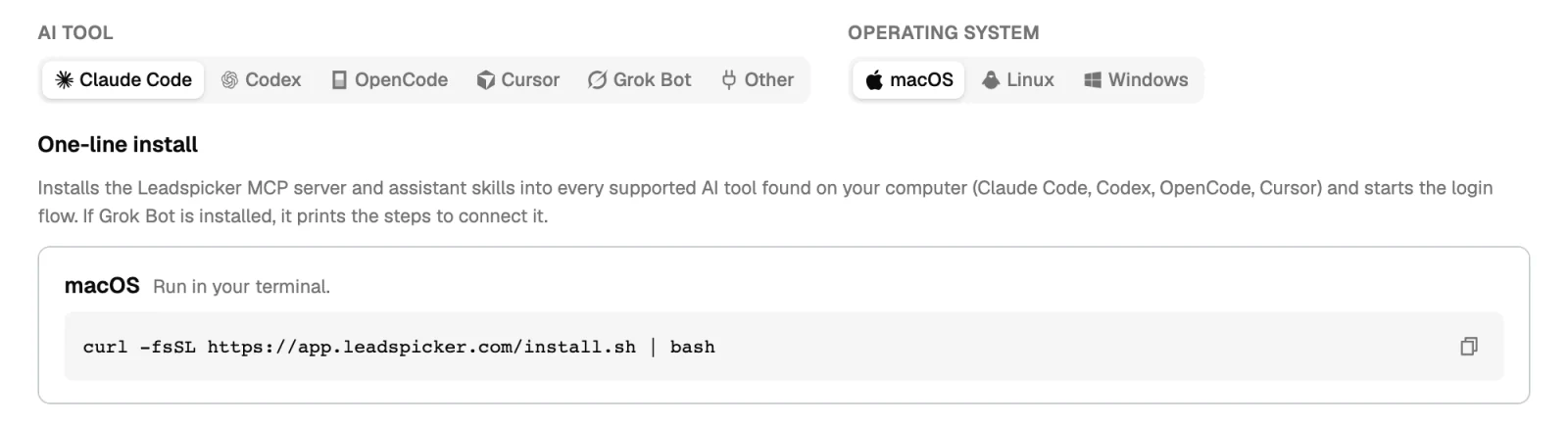
- macOS and Linux, in a terminal:
curl -fsSL https://app.leadspicker.com/install.sh | bash - Windows, in PowerShell:
irm https://app.leadspicker.com/install.ps1 | iex
The same commands, with a picker for your tool and operating system, are in the app under Settings → MCP.
What an agent can do
On the full server, close to everything you can do in the app yourself:
- Search the lead database and company intelligence, count the matches and import them into a list.
- Create lists and sequences, connect a list to a sequence, write and edit the steps and read the statistics.
- Add, update and import contacts, enrich them, and find an email or a phone number.
- Add enrichment and AI columns, and set up routines, including signal routines.
- List replies, mark them, and send a message.
- Work with exclusion lists, labels, webhooks and custom action columns.
- List meetings, read a meeting brief and create a calendar event.
- Read the credits and the rate card, the knowledge base, memory and skills.
What it cannot do
- Go beyond your account. The agent signs in as you and reads and changes only your own workspace.
- Work for free. Enrichment and AI columns cost the same credits as in the app, and imports count against the same monthly export limit.
- Send from the smaller tool set. The Cursor plugin and Grok Bot use 16 base tools. They cannot send messages, activate outreach, administer the account or configure integrations.
Safety
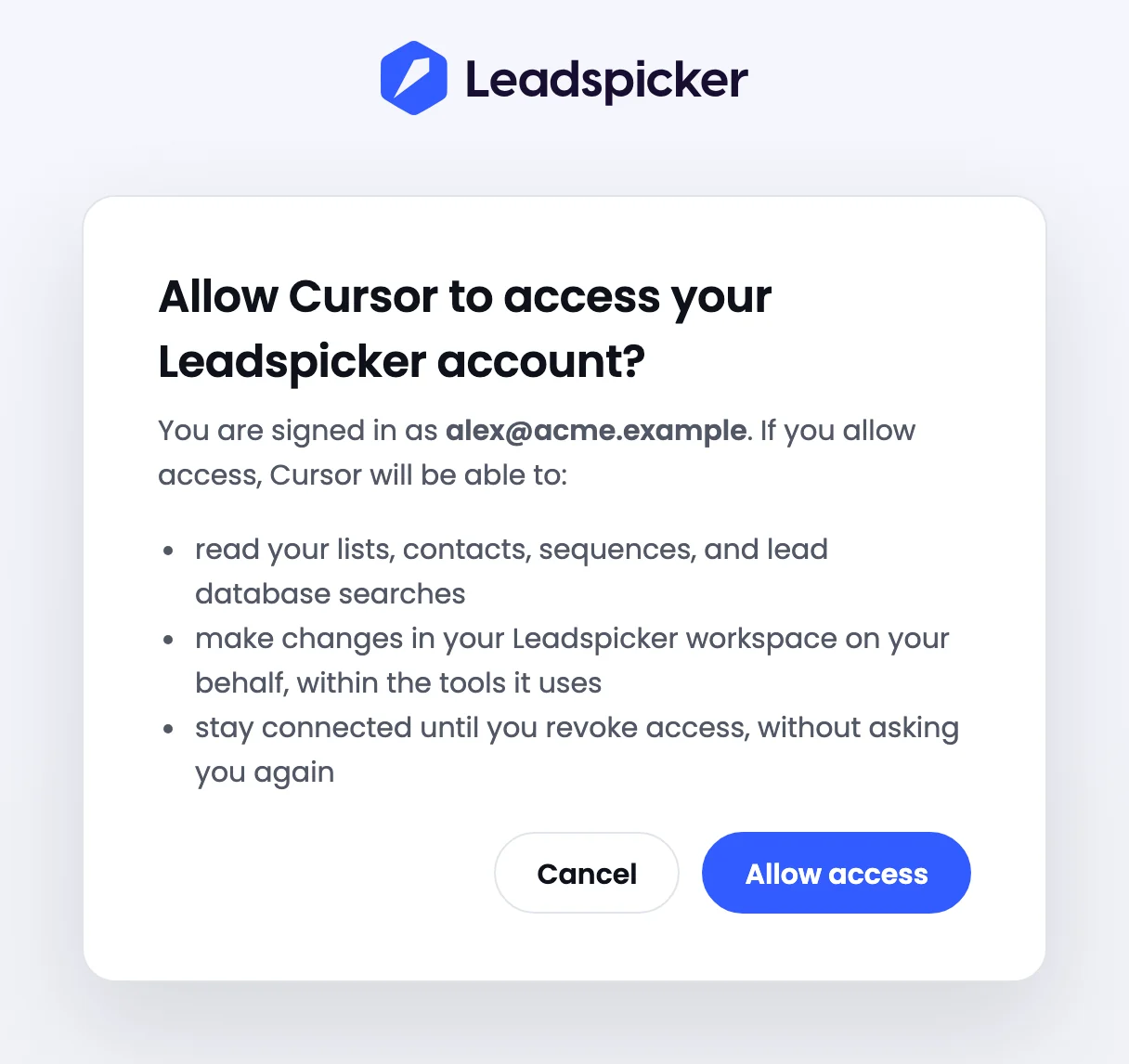
- It signs in as you. Sign-in is OAuth in the browser, against your own Leadspicker account. There is no API key to copy, store or rotate.
- It acts with your permissions and credits. Whatever the agent creates or spends shows up in your account like your own work.
- Sending and launching stay explicit. Building a list or drafting steps sends nothing. A message goes out only when a sequence with a connected list is launched, or when a message is sent on purpose.
- Let your tool ask first. Most AI tools can ask for your approval before they run a tool. Keep that on for anything that changes or spends.
The CLI, for scripts
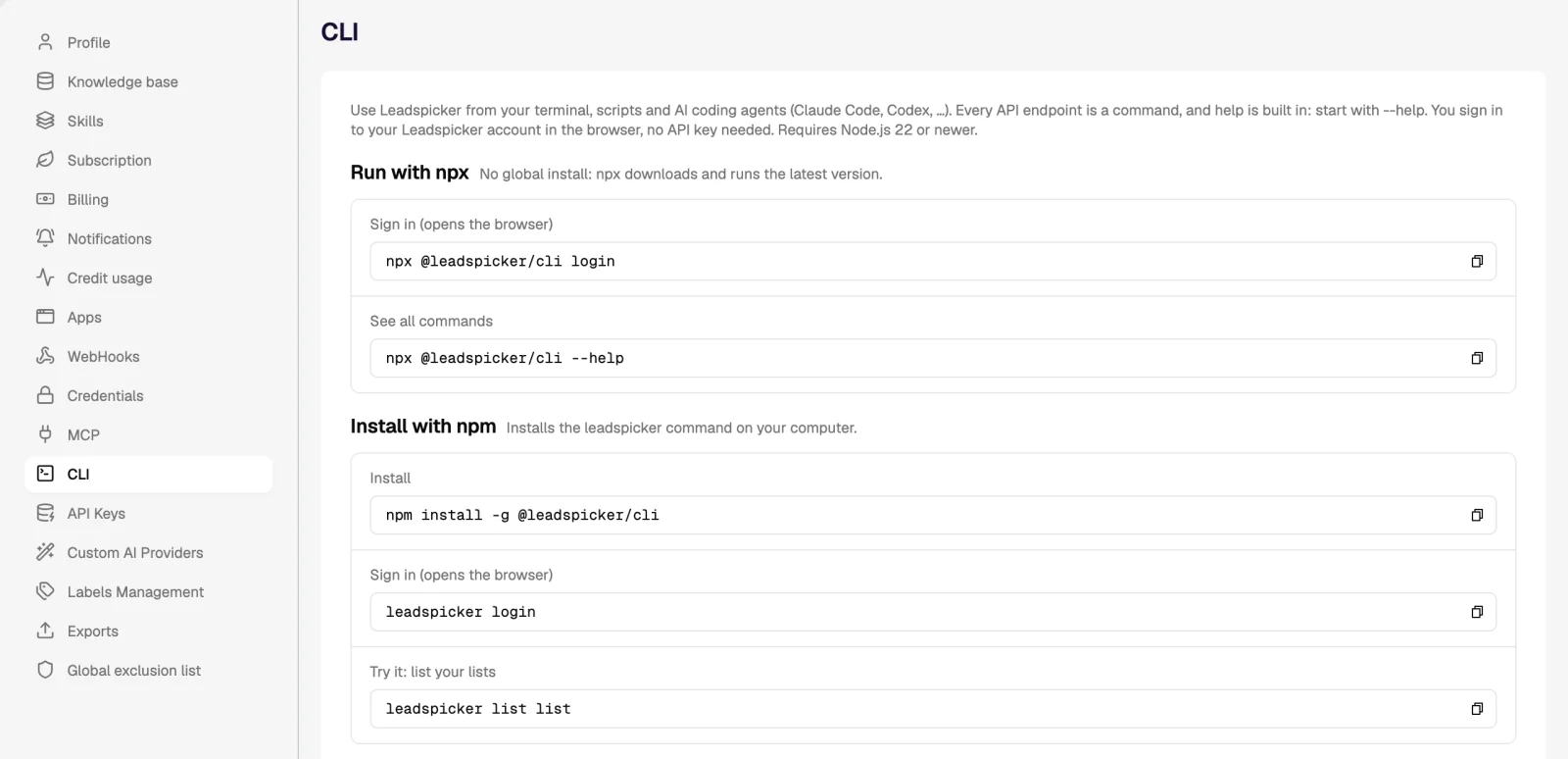
Where there is no conversation, such as a shell script, a scheduled job or CI, use the CLI. It signs in the same way and turns every API endpoint into a command.
No setup: the assistant in the app and in chat
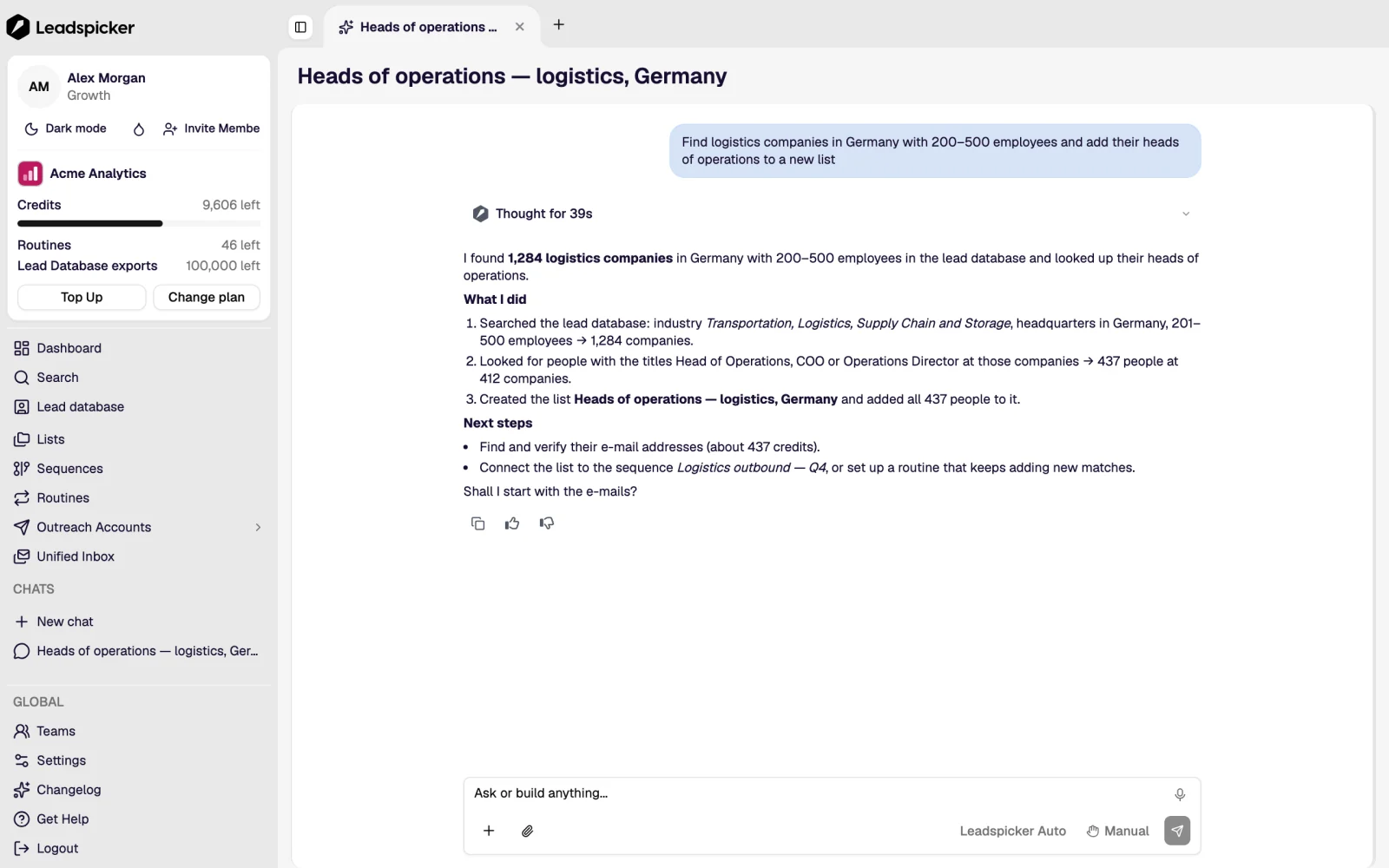
If you do not live in a coding tool, you need none of this. The AI assistant inside Leadspicker does the same work with nothing to install, and the same assistant answers in Slack, Microsoft Teams, Google Chat, Telegram and WhatsApp. The difference is whose model does the thinking: in the app it is Leadspicker's assistant, over MCP it is the agent you brought.
In this section
Was this page helpful?
Still stuck? Email support@leadspicker.com or use the chat in the app.
Last updated 2026-11-12




