Connecting integrations
Leadspicker is usually not the only system in the stack. These are the connections it makes, and what each one actually does.
CRMs
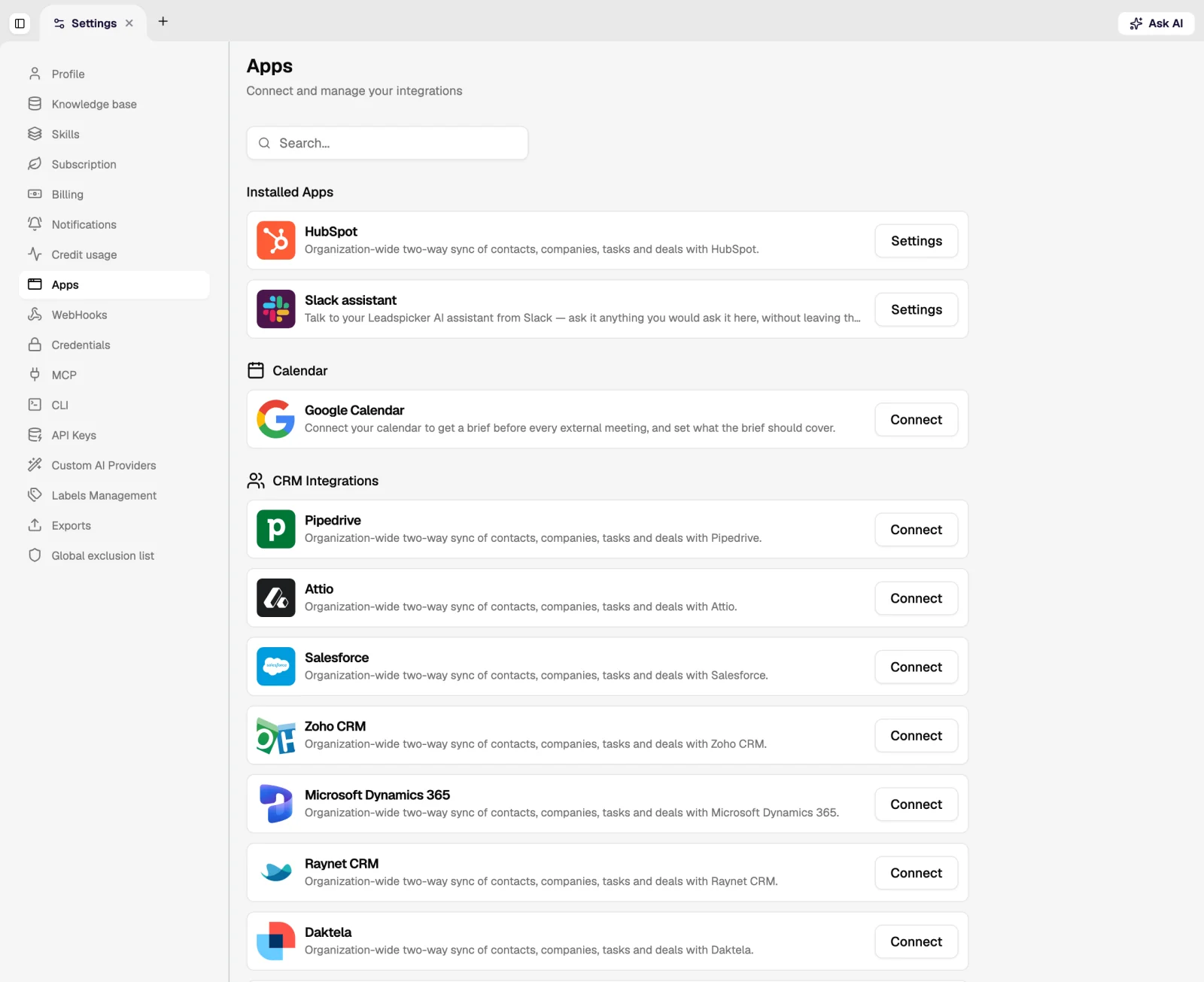
Native, organisation-wide integrations with HubSpot, Salesforce, Pipedrive, Attio, Zoho CRM, Microsoft Dynamics 365, Raynet CRM and Daktela. A connected CRM is configured on five tabs:
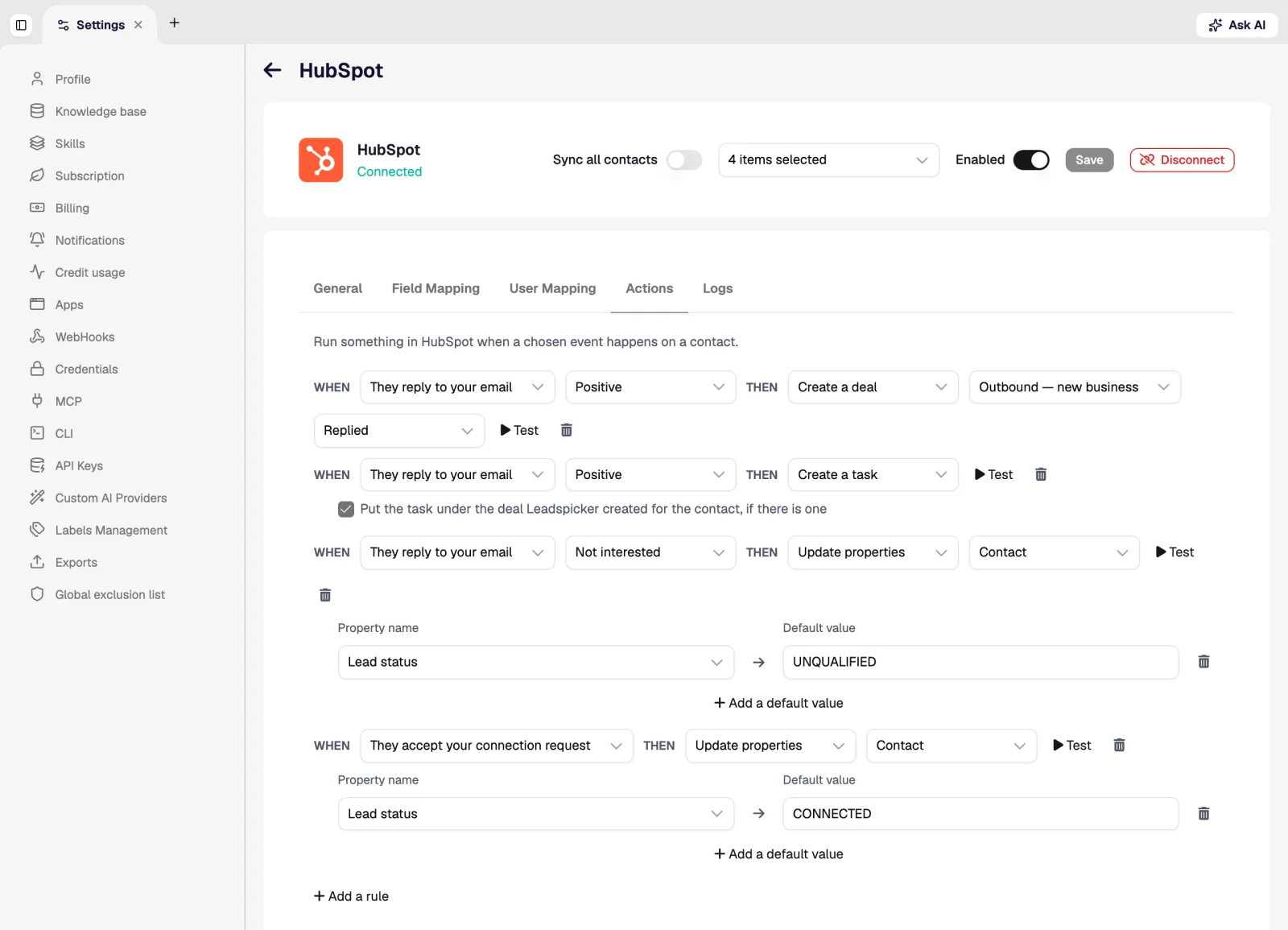
| Tab | What it controls |
|---|---|
| General | Which objects sync, in which direction, and for which lists. |
| Field Mapping | Which Leadspicker column corresponds to which CRM field, in both directions. |
| User Mapping | Which CRM user owns records created by which team member. |
| Actions | What outreach events do in the CRM: create a task, create a deal, update a property (per event and per reply sentiment). |
| Logs | Every sync and action, with its result, which is where you look when a record did not appear. |
The sync runs both ways: contacts and their outreach outcomes are written to the CRM, and CRM records can be imported into a list or used to feed an exclusion list.
Chat tools
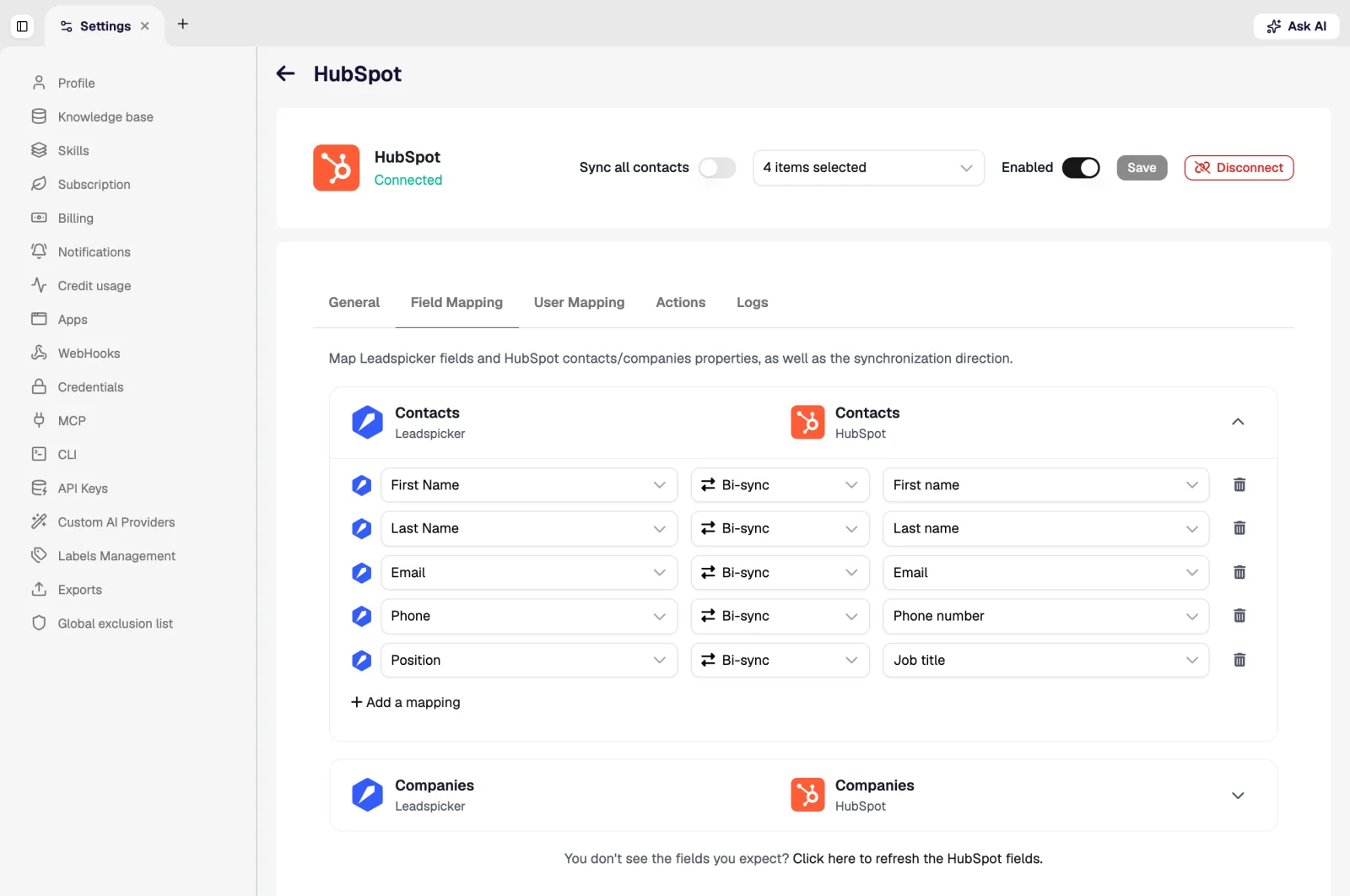
Slack, Microsoft Teams, Google Chat, Telegram and WhatsApp carry the assistant, and all but WhatsApp carry notifications too: hot replies, inbound leads, finished jobs and scheduled reports land in the channel where the team already works, and a list or sequence can be approved from there. Chat tools compares them.
Calendar
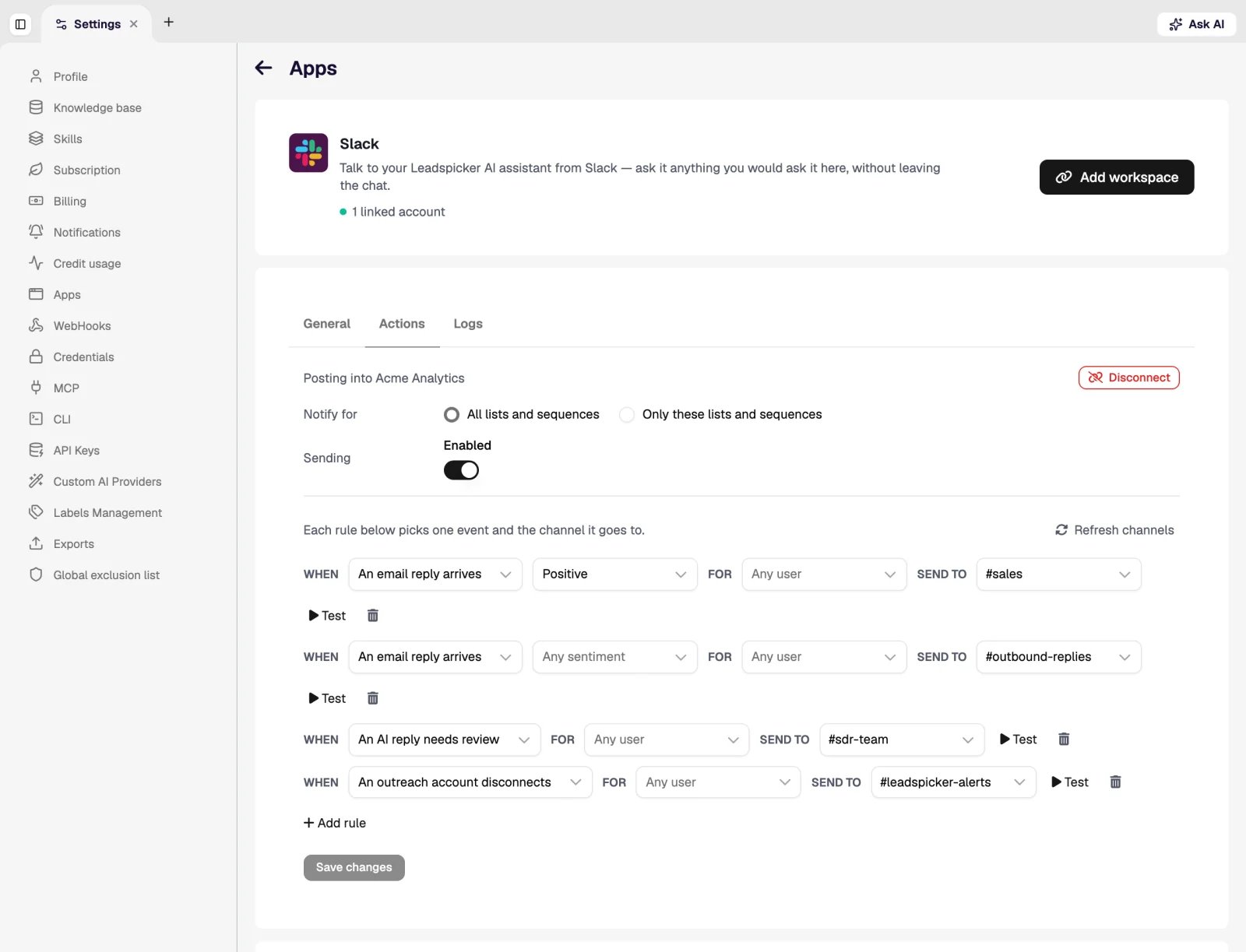
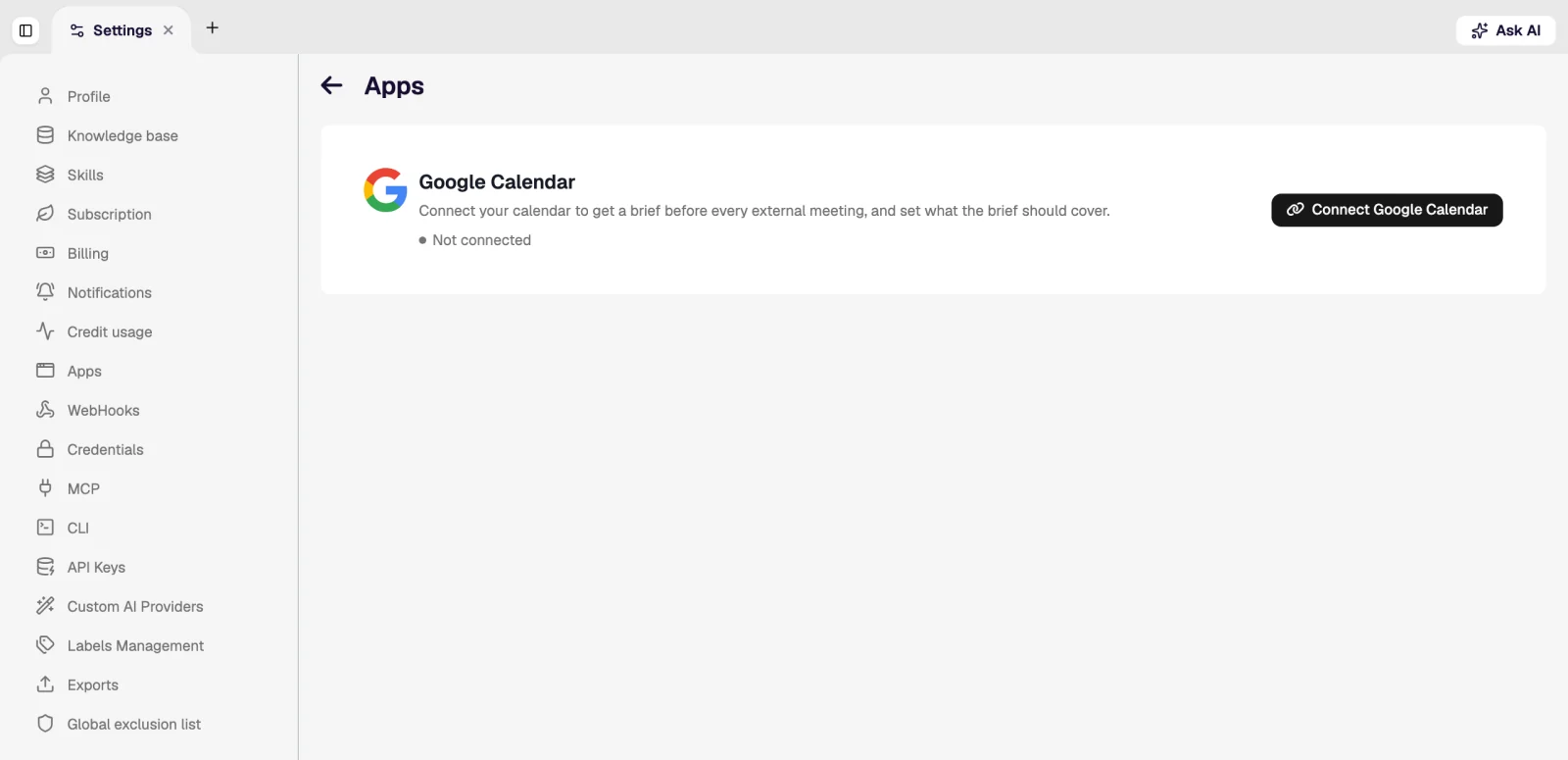
Connecting Google Calendar or Outlook Calendar gives you a prep brief before each external meeting, lets the notetaker join and record your calls, and is where meetings the assistant books land. See Calendar and Meetings.
API, MCP and automation
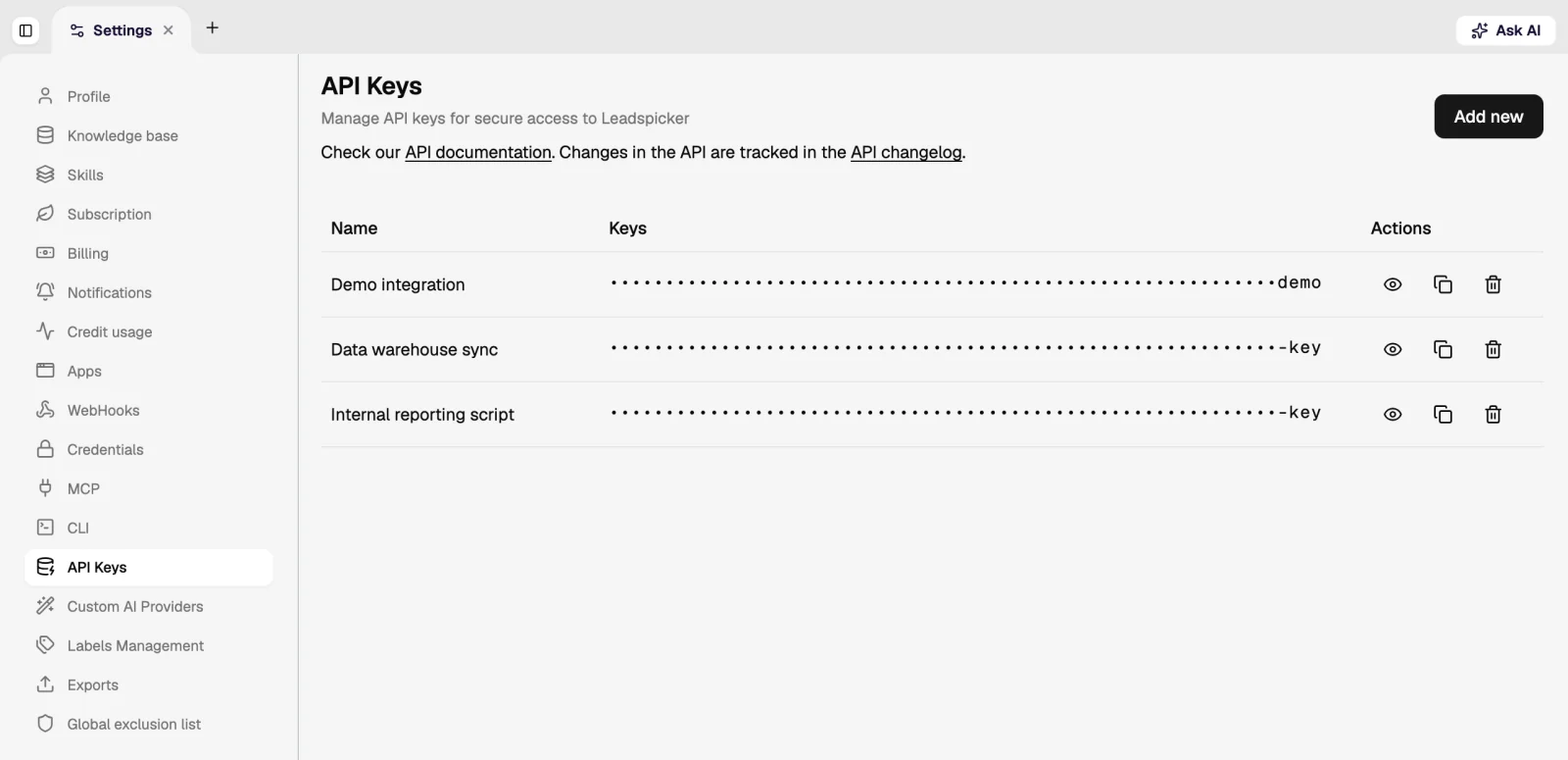
- REST API: lists, sequences, contacts and columns, documented on the developer page.
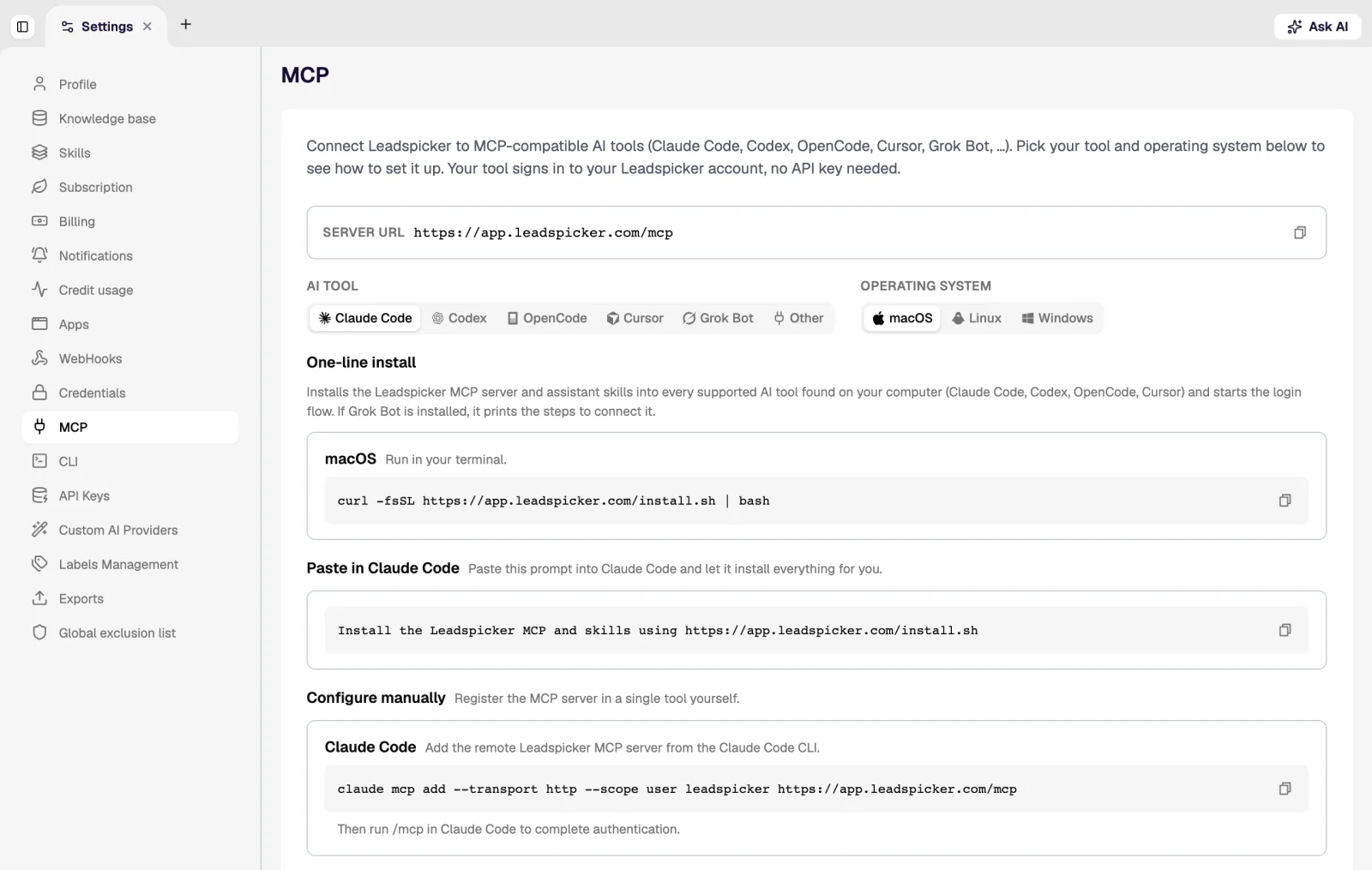
- MCP server: the same capabilities as tools inside an AI client such as Claude Code, Cursor or Codex; see AI agents.
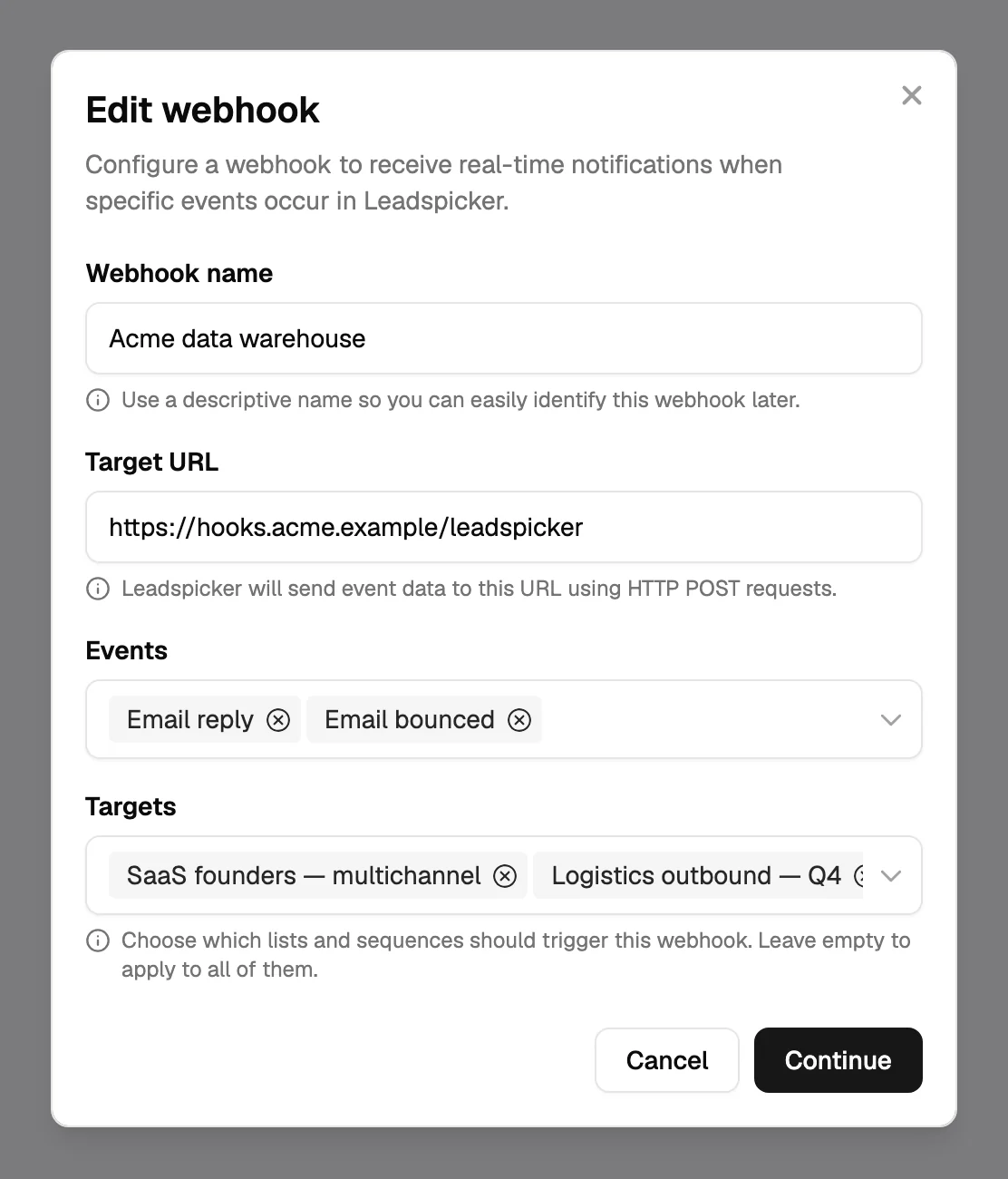
- Webhooks and automation platforms: push an event out when something happens in outreach, or write contacts in from a form or an automation tool.
Was this page helpful?
Still stuck? Email support@leadspicker.com or use the chat in the app.
Last updated 2026-11-12




