Teams and roles
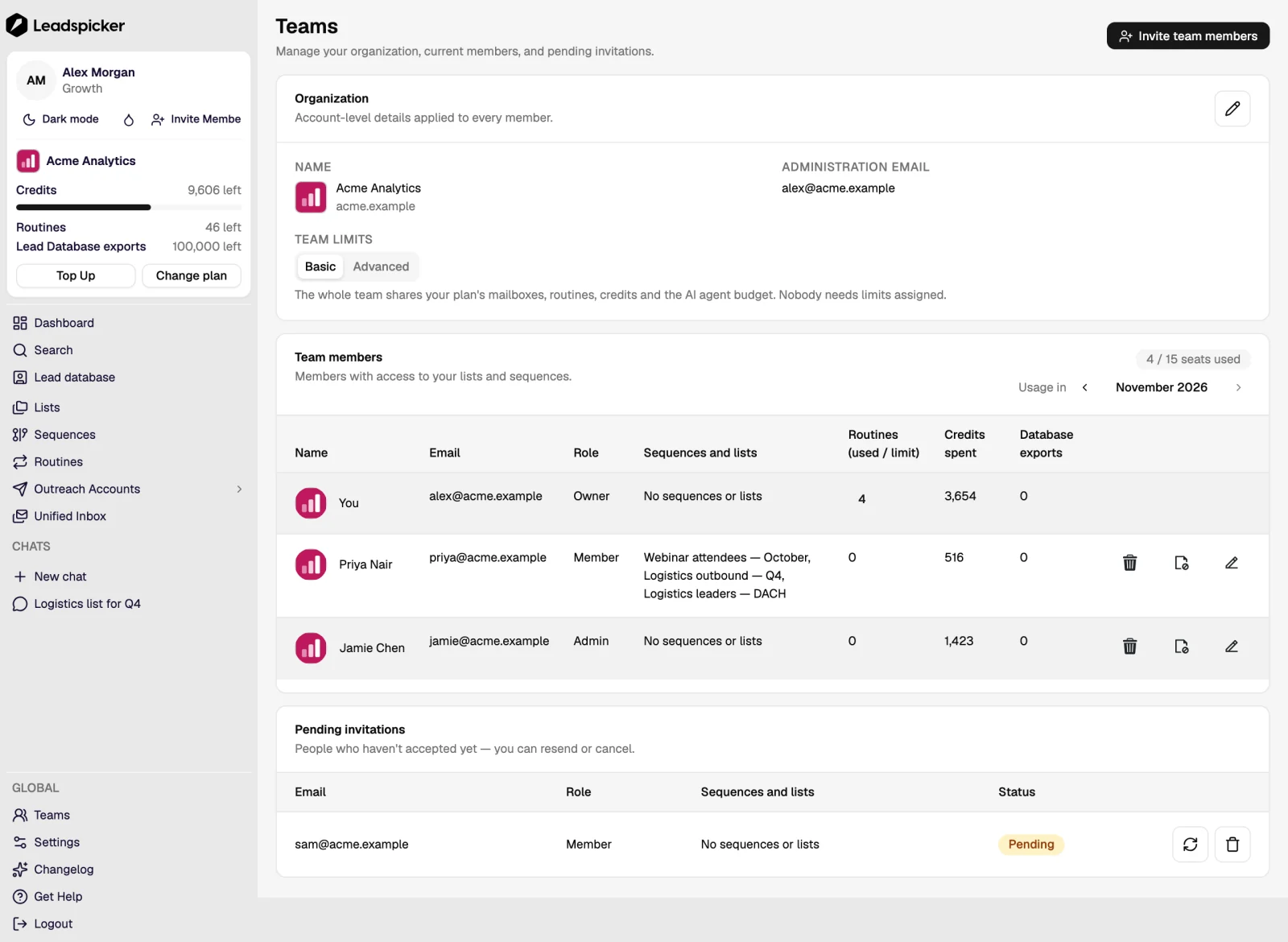
A Leadspicker account belongs to a team, not a person. That is what makes exclusion lists trustworthy and credits predictable.
What the team shares
- Credits. One balance for everyone, with usage itemised per member.
- Exclusion lists. One global list, so one person's customer cannot be another person's cold lead.
- Knowledge base and skills. What the assistant knows about the company, shared; personal skills stay personal.
- Integrations. A CRM is connected once for the organisation, not per user.
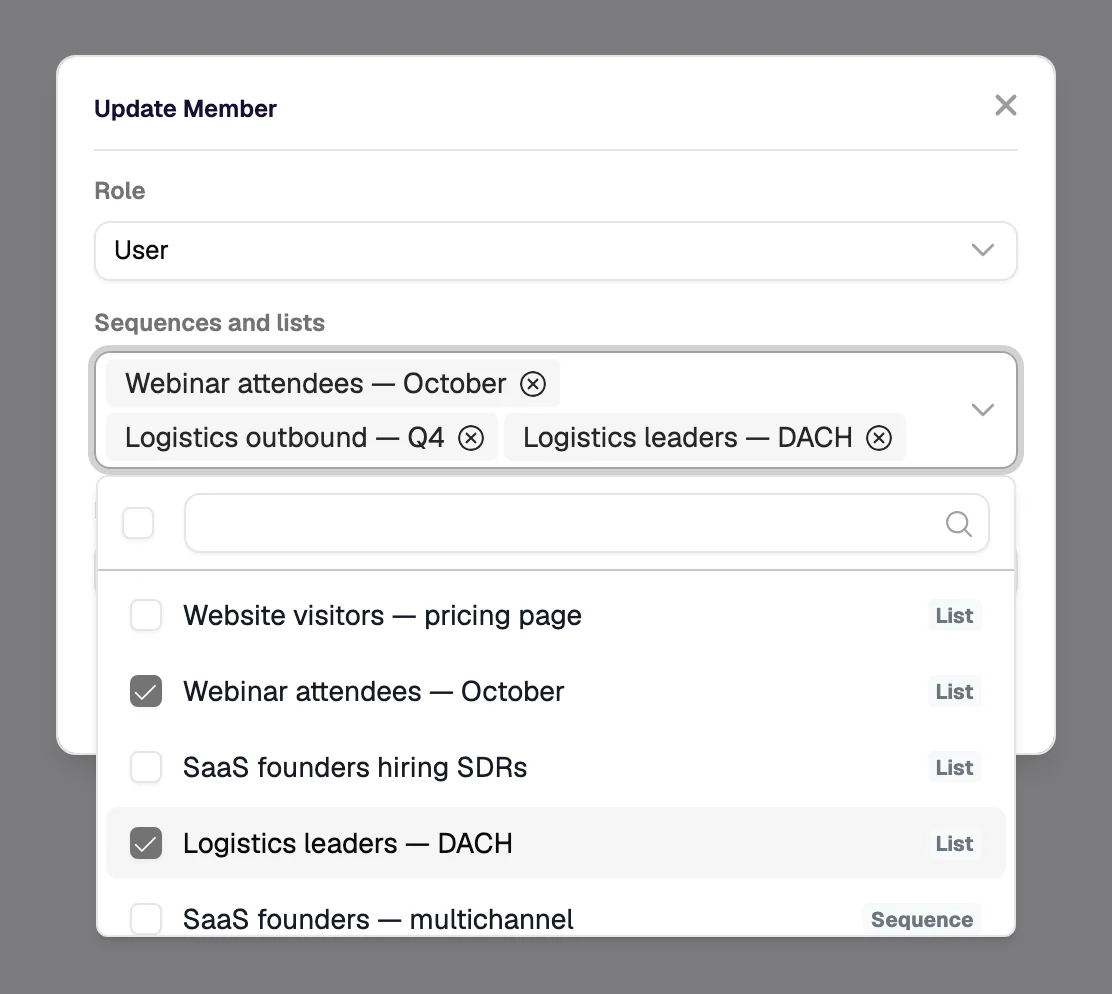
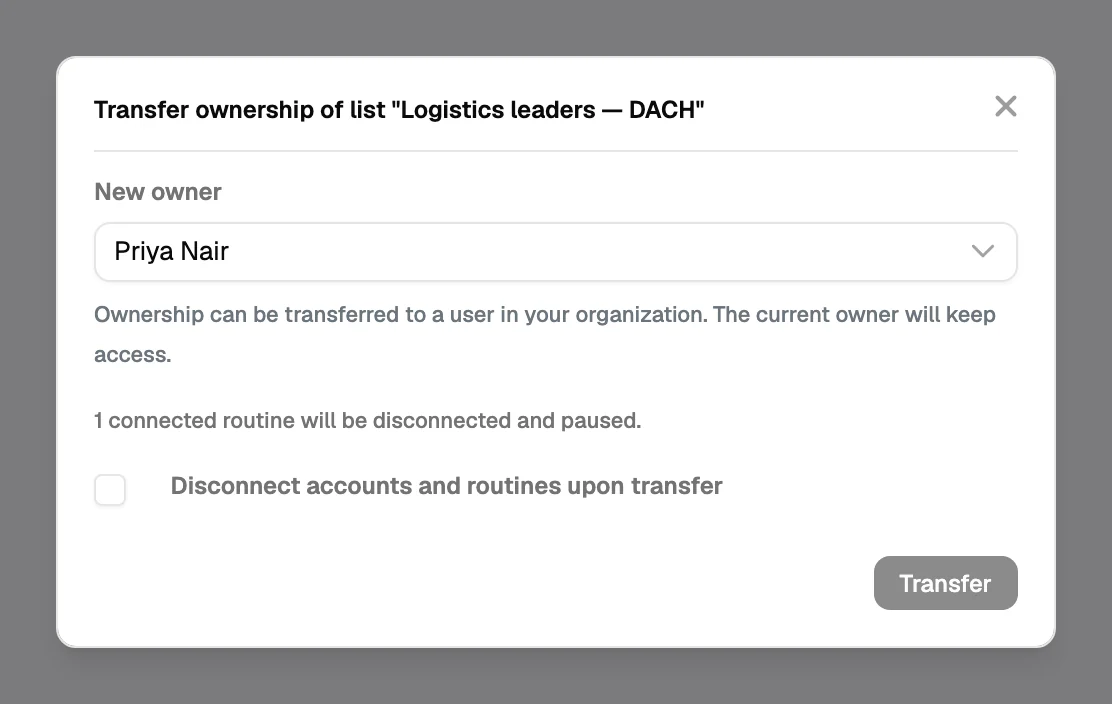
- Lists and sequences. Visible across the team, so work survives holidays and handovers.
Roles
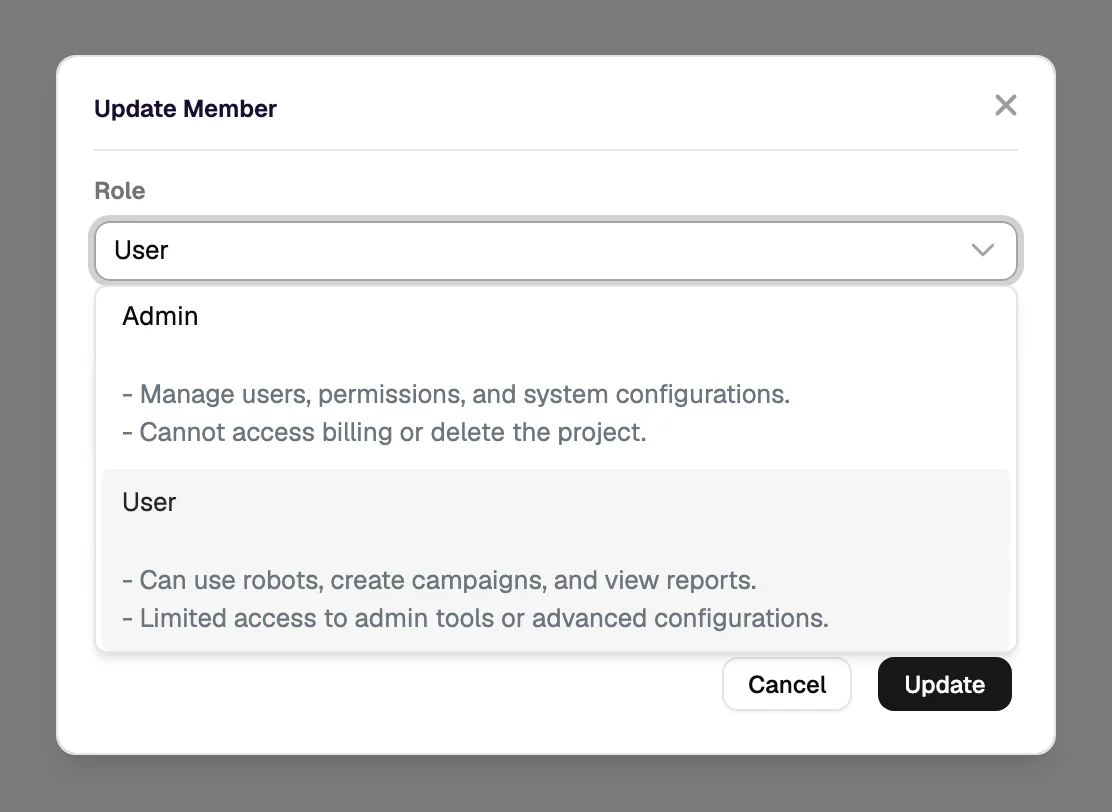
| Role | Can |
|---|---|
| Owner | Everything, including the plan, billing and removing members. |
| Admin | Manage members, integrations and shared settings; no billing changes. |
| User | Build lists and sequences, run outreach, use the shared knowledge and exclusions. |
Inviting people
- Invite by email from Teams
The invitation carries the role; it can be changed later.
- Have them connect their own outreach accounts
Sending as themselves is what keeps replies in their own mailbox.
- Agree the list and sequence naming
A shared account is only as navigable as its names: audience, channel, month.
Agencies
An agency works in a workspace: one space whose members can switch into several client accounts, each with its own lists, sequences, exclusion lists, credits and reporting. Client data stays inside the client's account; the workspace carries the agency's own skills and knowledge. See agencies and multi-client work.
Was this page helpful?
Still stuck? Email support@leadspicker.com or use the chat in the app.
Last updated 2026-11-12




