Sequences: steps, settings and statistics
A sequence is the outreach itself. This page covers the editor, the settings that decide how it sends, and the numbers it produces.
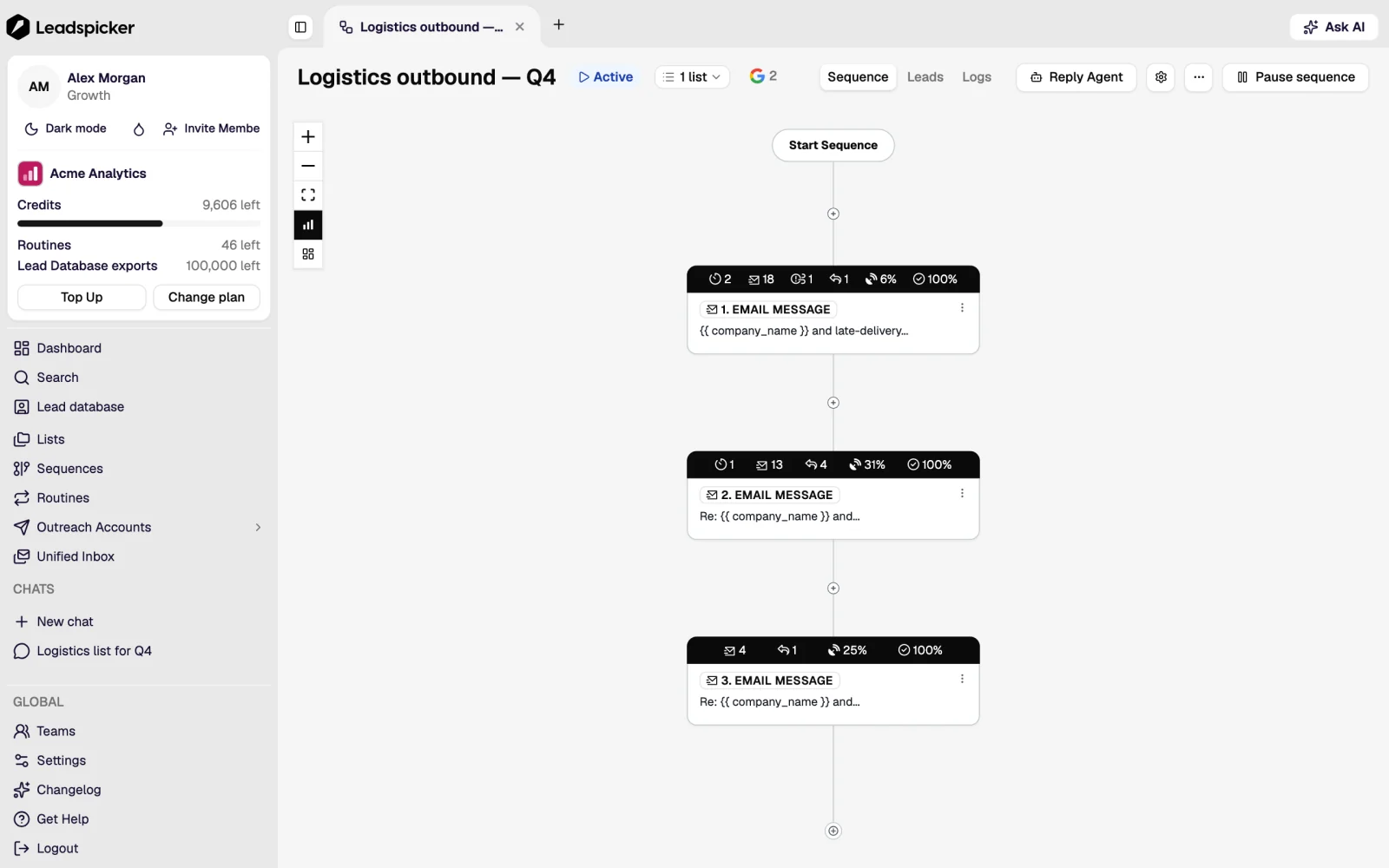
Steps
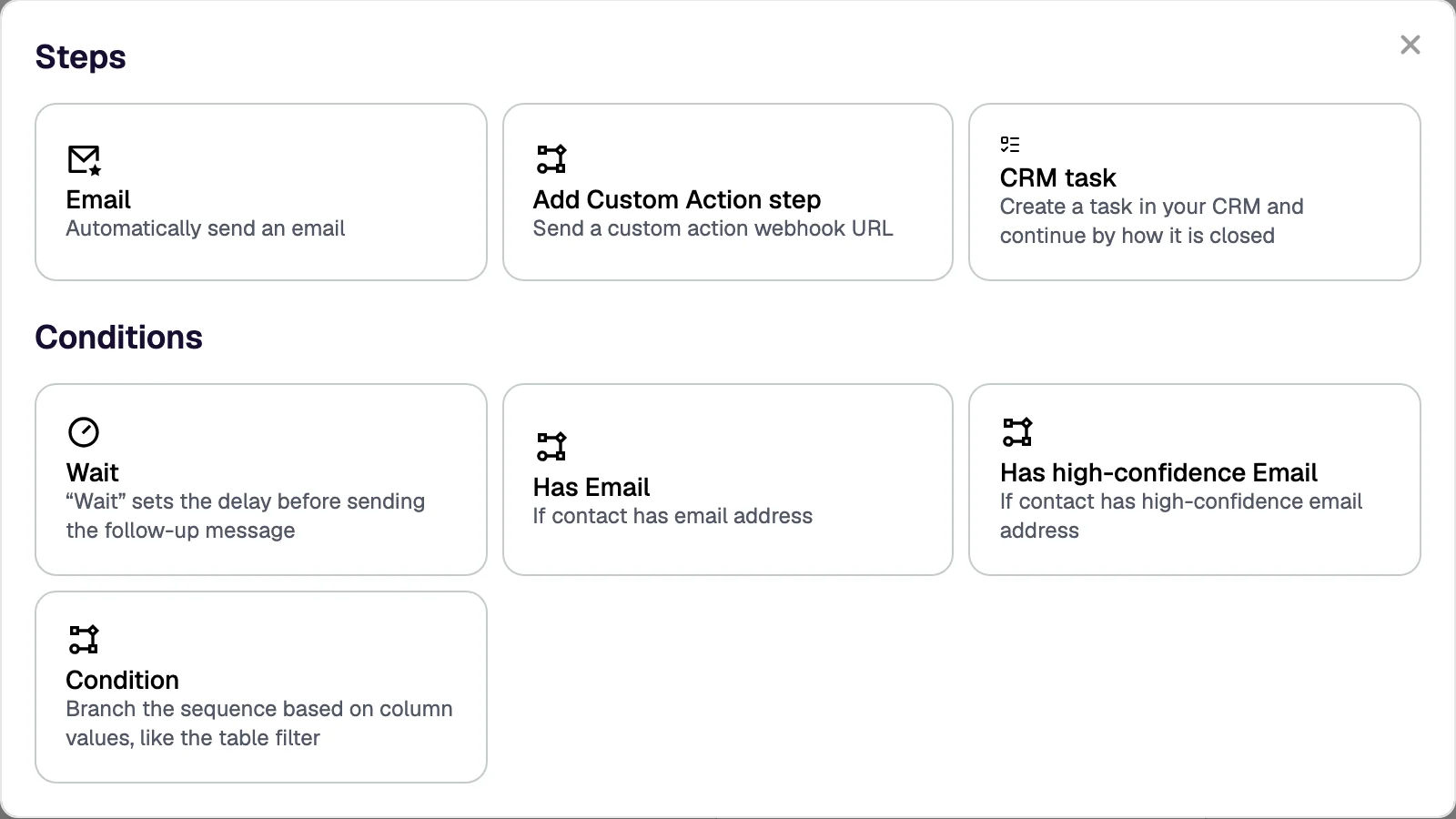
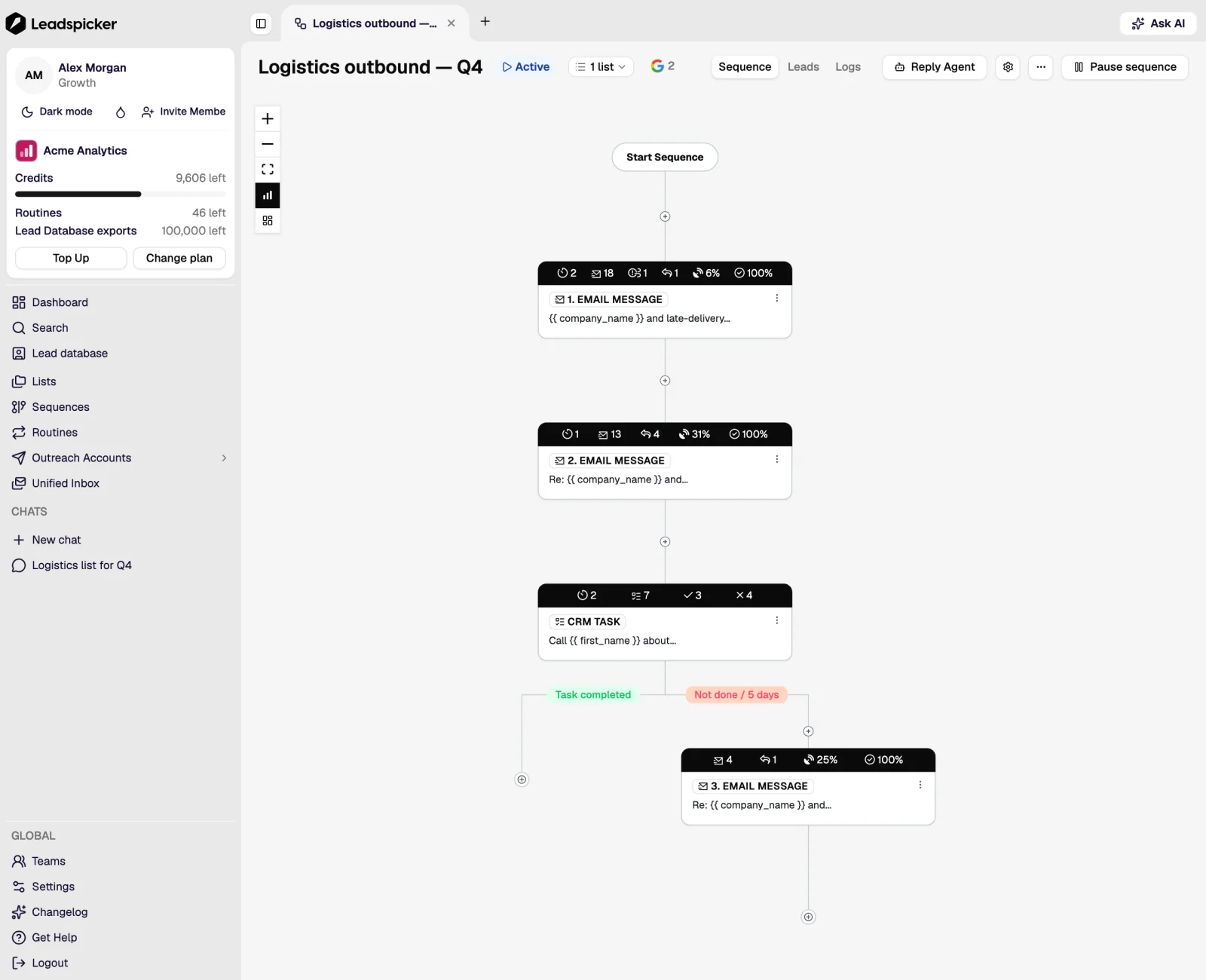
Steps run in order, with waits in between. The available kinds are an email, a social connection request, a social message, a paid direct message, and a wait. A follow-up is simply a later step: it runs only if the contact has not replied and nothing else has stopped them.
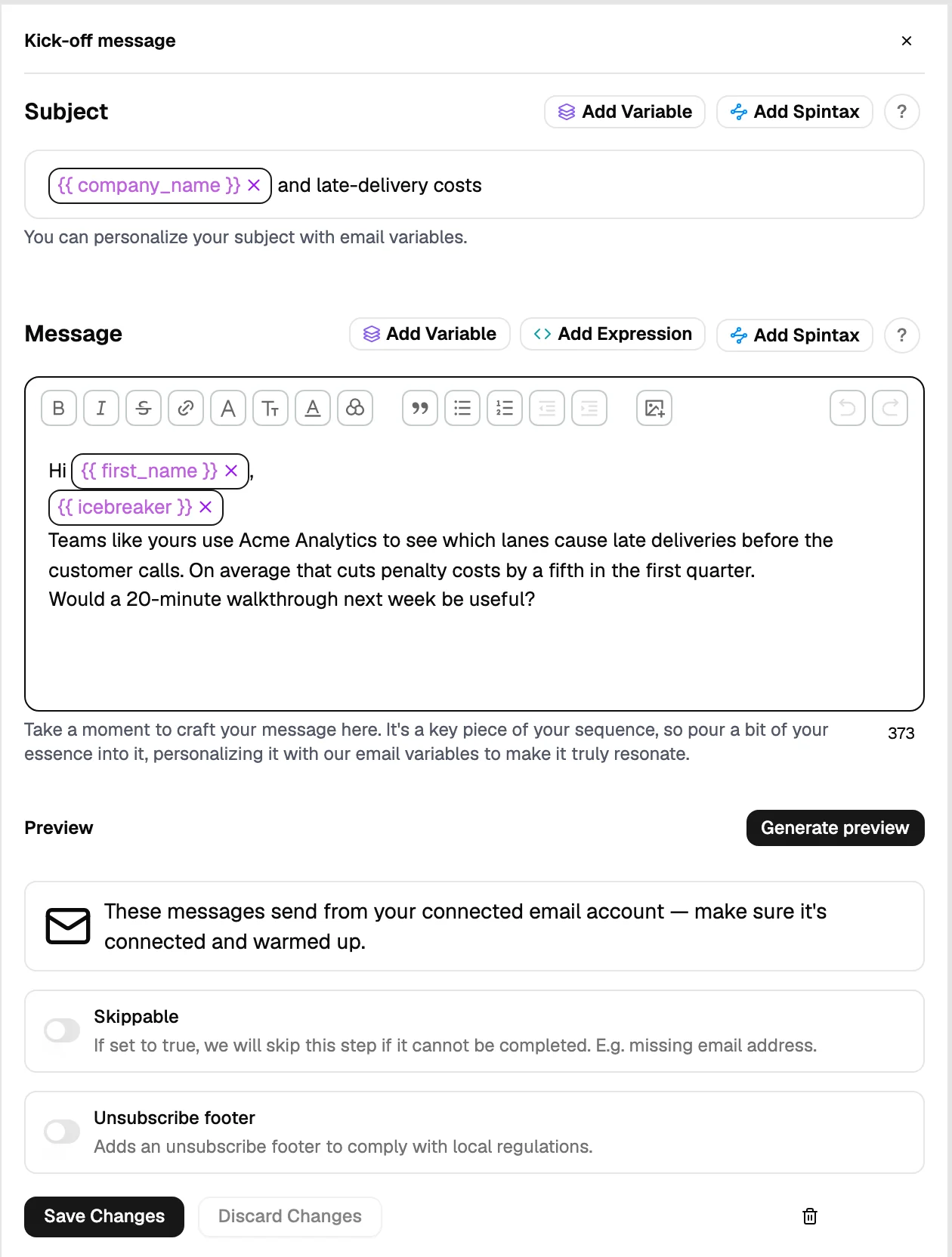
- Personalisation inserts column values into the text, so every message is assembled from that contact's own data.
- Conditions branch the path: a different step for contacts who accepted a connection request, or who have no email.
- Previews render a step with a real contact's values and can be sent to yourself before launch.
Settings that decide how it sends
| Setting | What it controls |
|---|---|
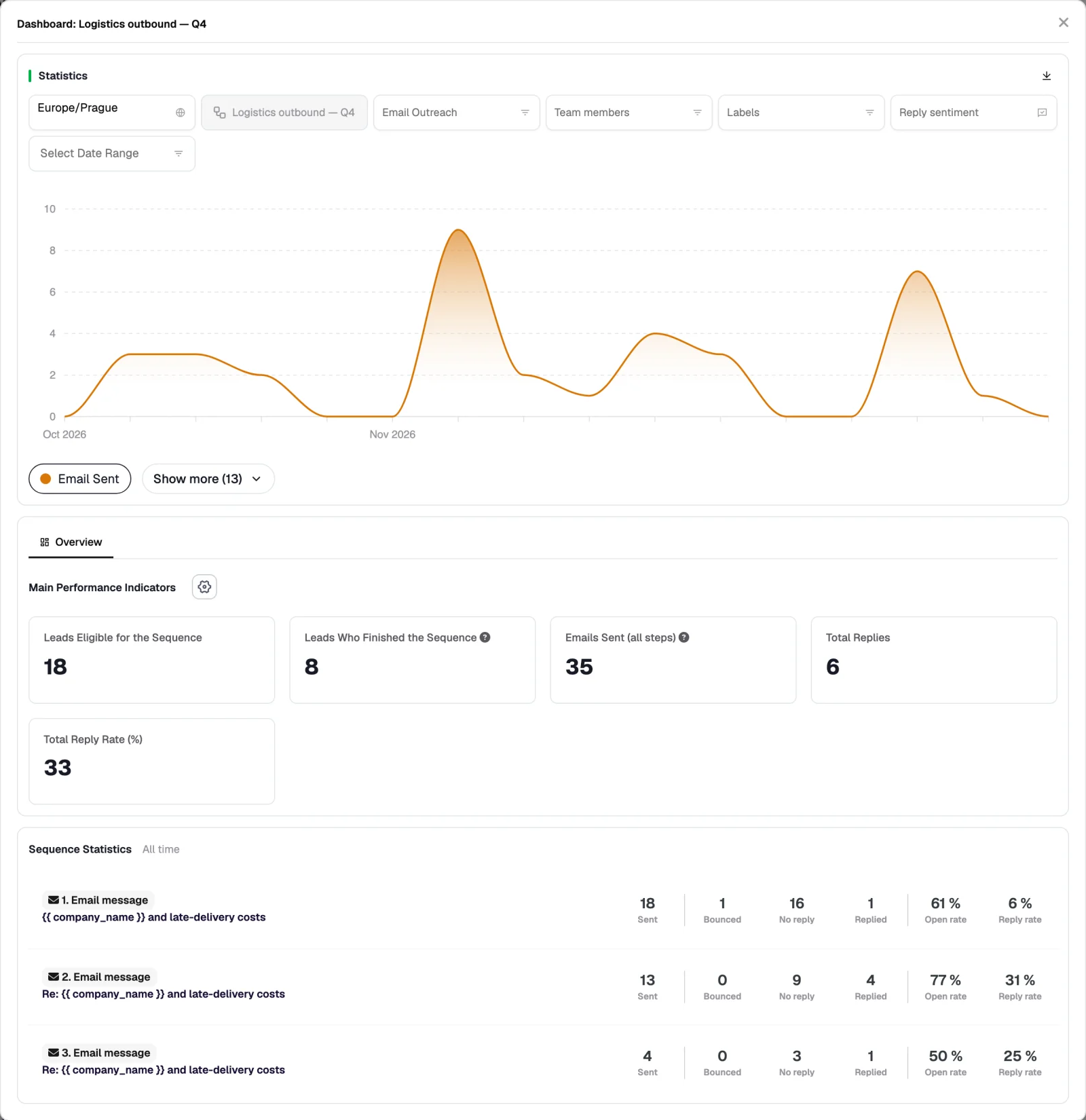
| Sending accounts | Which connected mailboxes and social accounts this sequence sends from. Volume is spread across them. |
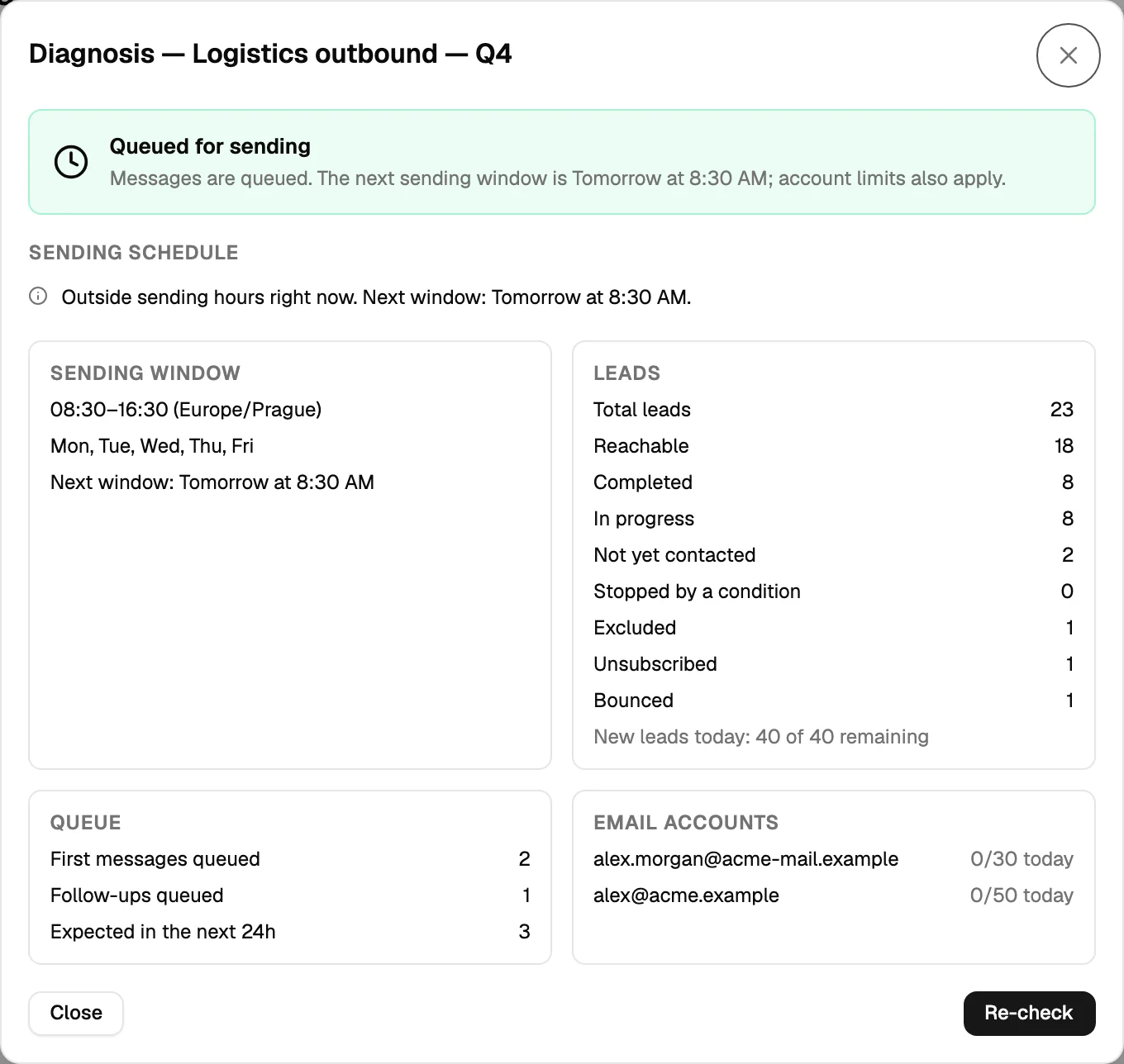
| Sending window | The days and hours steps may go out in, so nothing arrives at 3am. |
| Daily volume | How many contacts enter the sequence per day, inside each account's own limit. |
| Stop conditions | What ends the remaining steps: a reply, a bounce, a removal request, a CRM state. |
| Exclusions | The global exclusion list always applies; a sequence can add its own. |
Connected lists
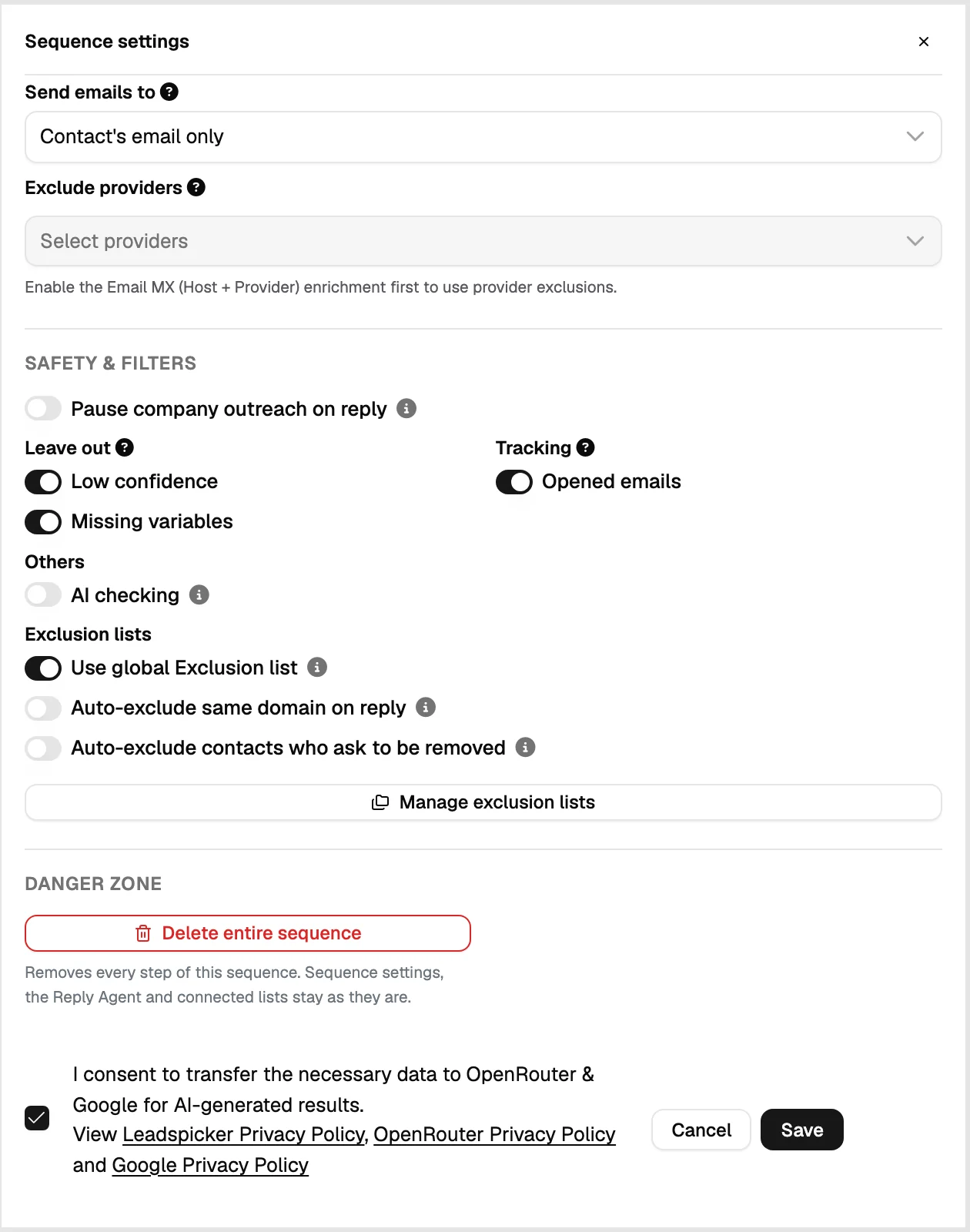
The connected lists panel is where contacts come from, and the connection stays live: anything added to those lists later enters the sequence too. A sequence with no connected list has nobody to send to, which is the usual reason a launched sequence appears to do nothing.
What the statistics tell you
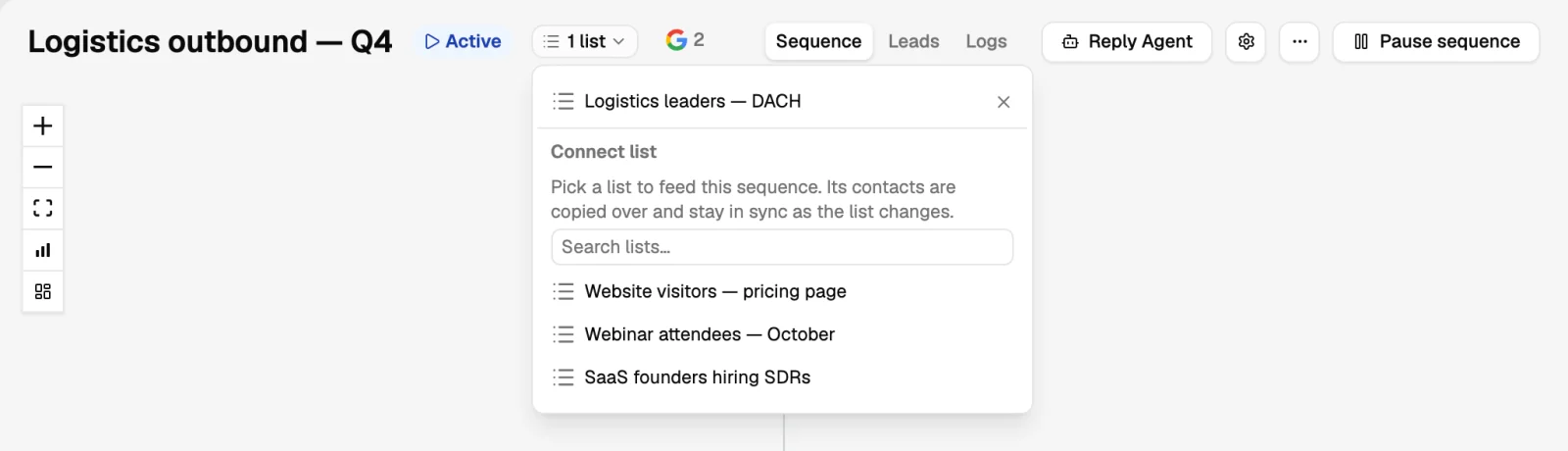
- Per step: sent, opened where tracking is on, replied, and what the replies were.
- Per account: volume and bounce rate, which is where a deliverability problem shows up first.
- By sentiment: positive, maybe, not interested, negative, out of office, bounced.
- Pipeline effects: when a CRM is connected, the deals and tasks created from replies.
Can I edit a running sequence?
Yes. Changes apply to steps that have not run yet; messages already sent are unaffected.
What happens if I pause it?
Nothing new is sent. Contacts hold their position and resume when you start it again.
Can one contact be in two sequences?
Yes, but it is rarely a good idea. Most teams keep audiences separate so the same person does not get two opening messages in the same week.
Was this page helpful?
Still stuck? Email support@leadspicker.com or use the chat in the app.
Last updated 2026-11-12




