Searching the lead database
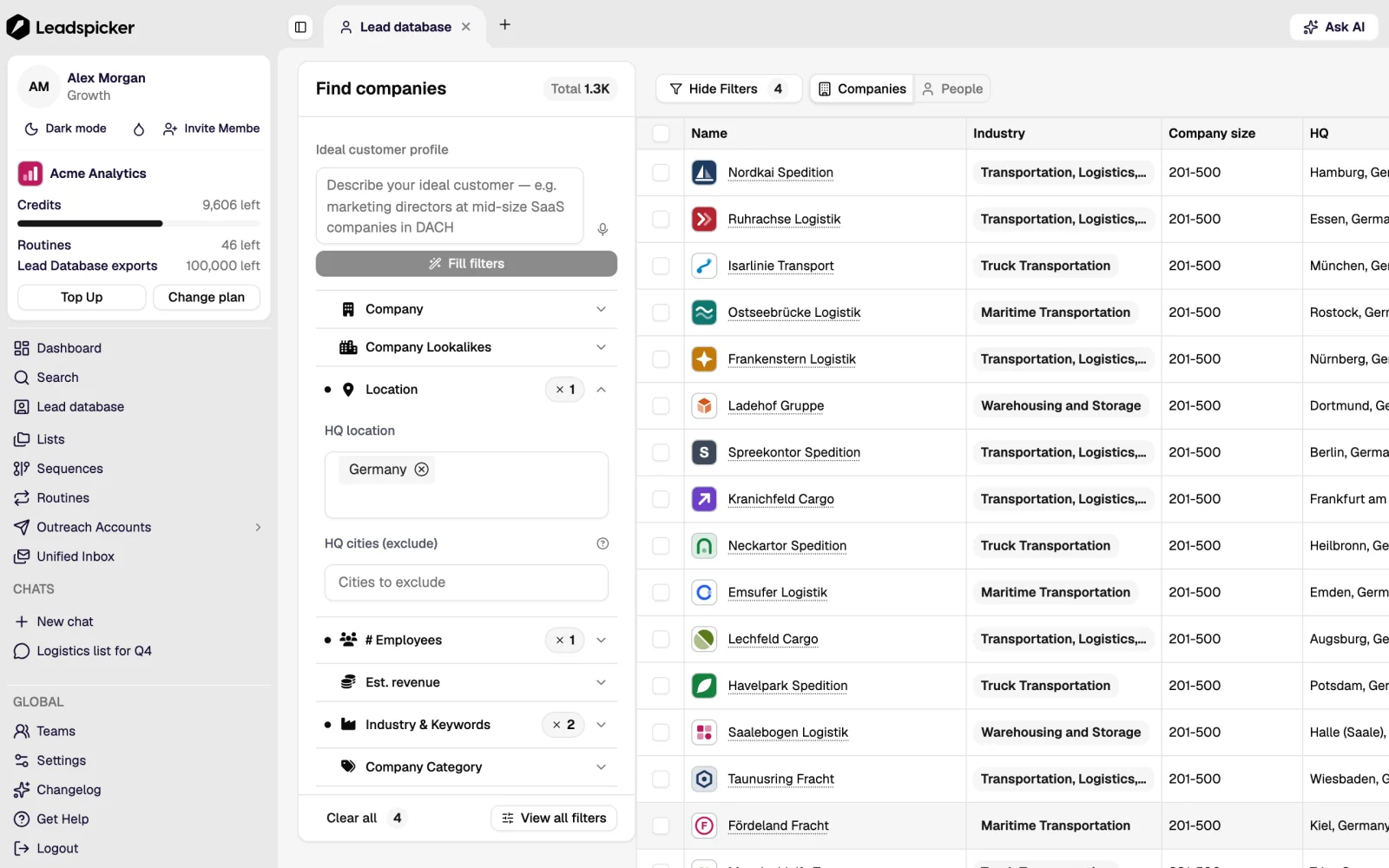
The lead database is where most lists begin. It has two tabs (People and Companies) and two ways of searching, one of which is much better than the other at describing an ICP.
Search by similarity first
Name five to ten companies you have actually sold to and ask for more like them. The search reads what those companies do, not which industry code they were filed under, so it finds the ones a filter would miss and skips the ones that only look right on paper.
Filter search is the second move, not the first: use it to add the hard constraints (country, company size, seniority, title) on top of a similarity result, or on its own when the audience really is defined by a filter ("all dentists in Moravia").
Preview before you import
- Read the count
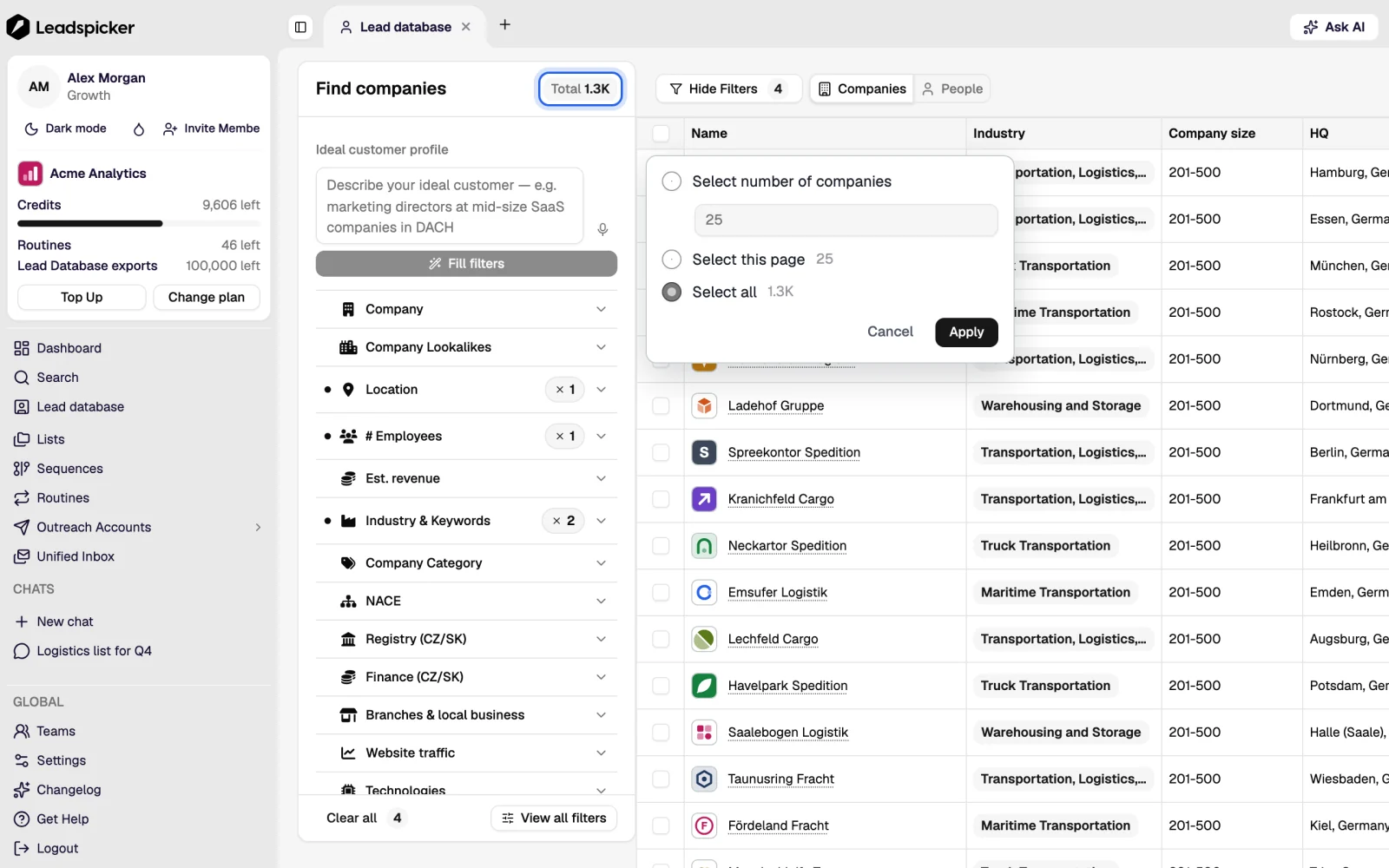
The search shows how many companies and people match before anything is imported. Tens of thousands means the definition is still a market; hundreds means it is an audience.
- Open a few rows
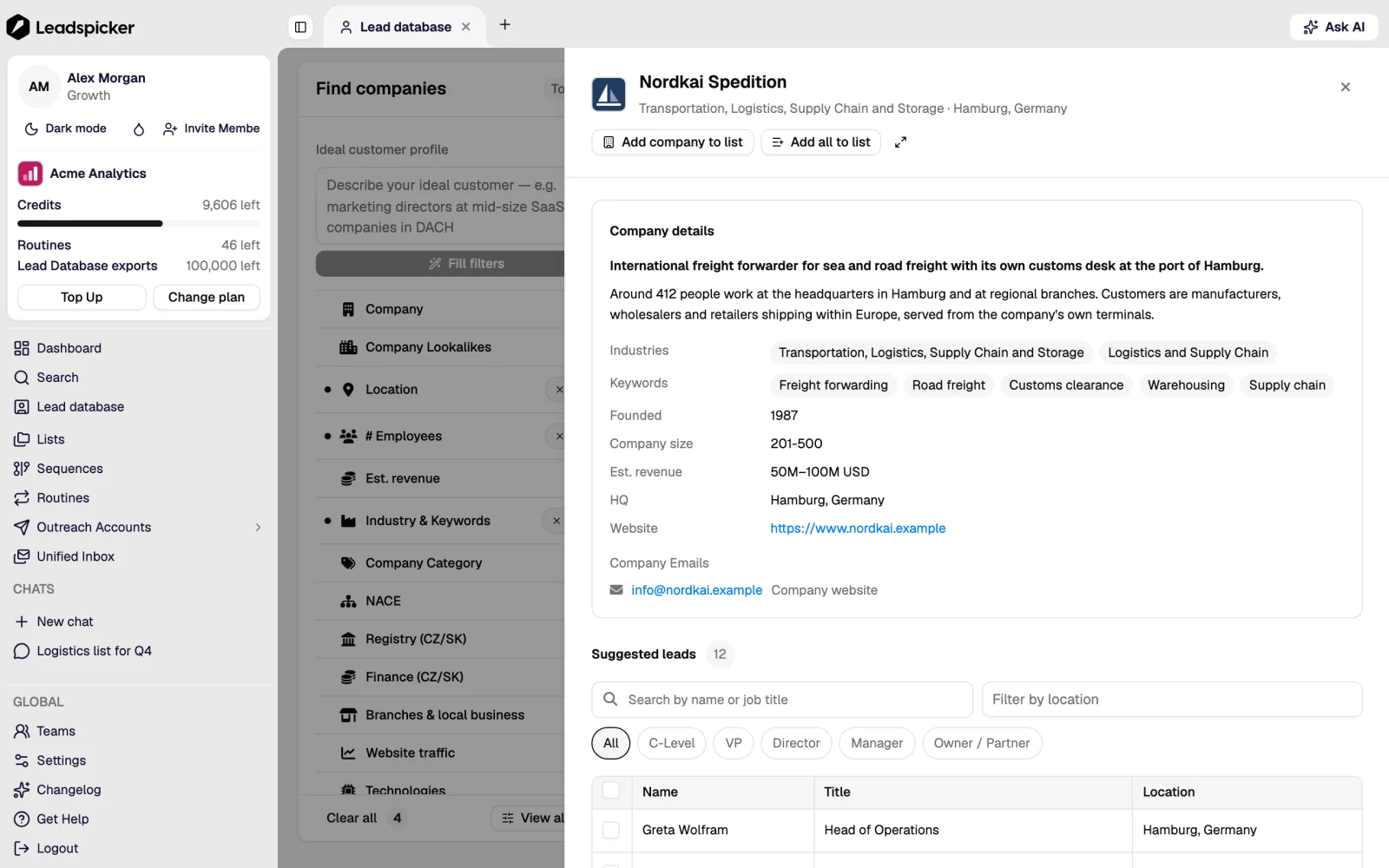
Three or four company records tell you more about precision than the number does.
- Pick the people
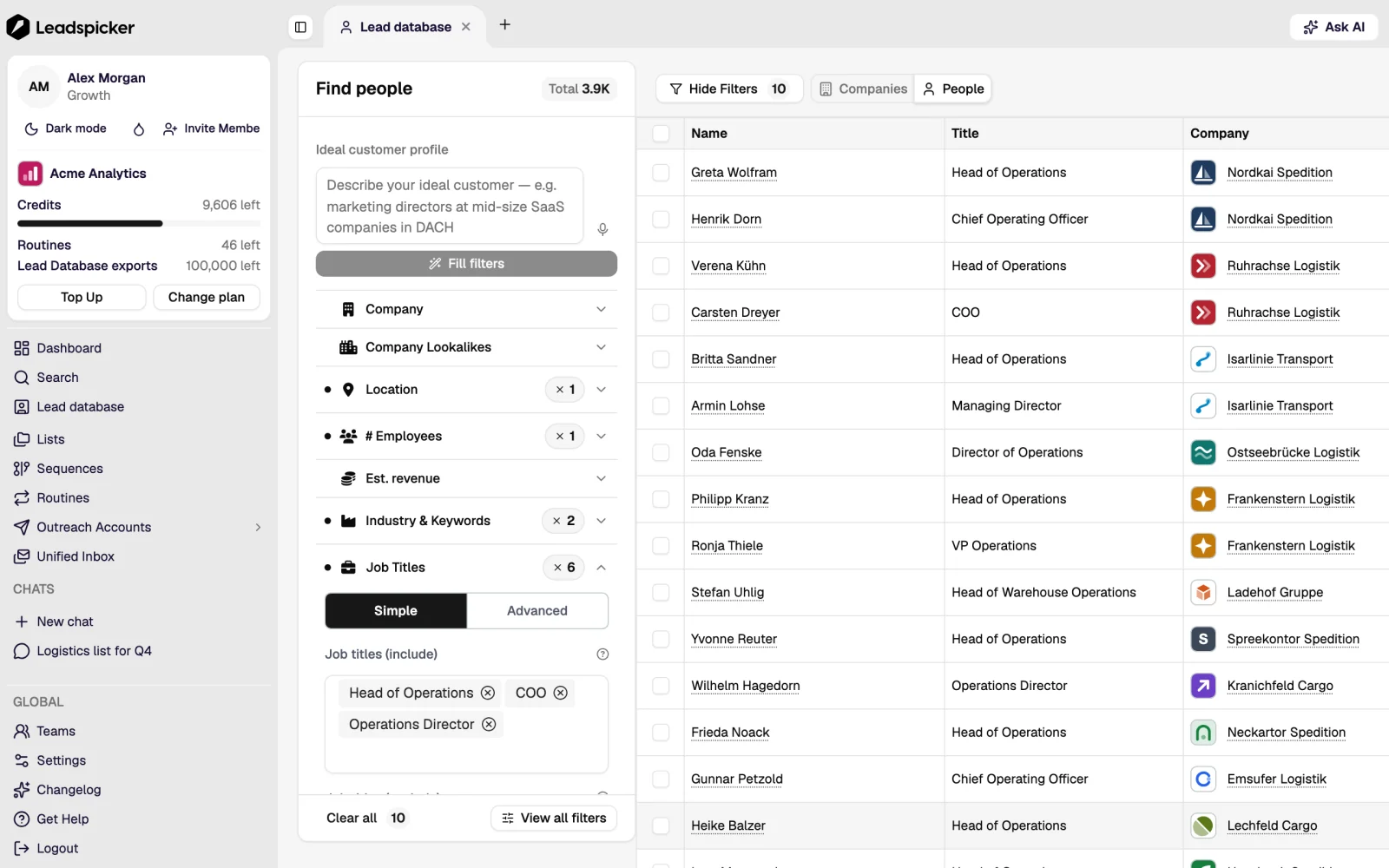
Choose the titles that own the problem and the ones that own the budget, and cap the number per company; two or three is usually right.
- Import into a list
Choose the target list; a new one keeps the campaign's statistics clean. Exports do not cost credits; they count against your plan's monthly export limit, so the preview is where you decide how many to take.
What you get per record
- Companies: name, website, size, industry, location, and the company-intelligence data behind them (financials, funding, technologies, job ads, public contracts).
- People: name, title, seniority, company, public profile. Work emails and phone numbers are filled in by enrichment once the contacts are in a list.
- Coverage is strongest in Europe, and the Czech and Slovak records carry figures filed in the public register.
Czech and Slovak register filters
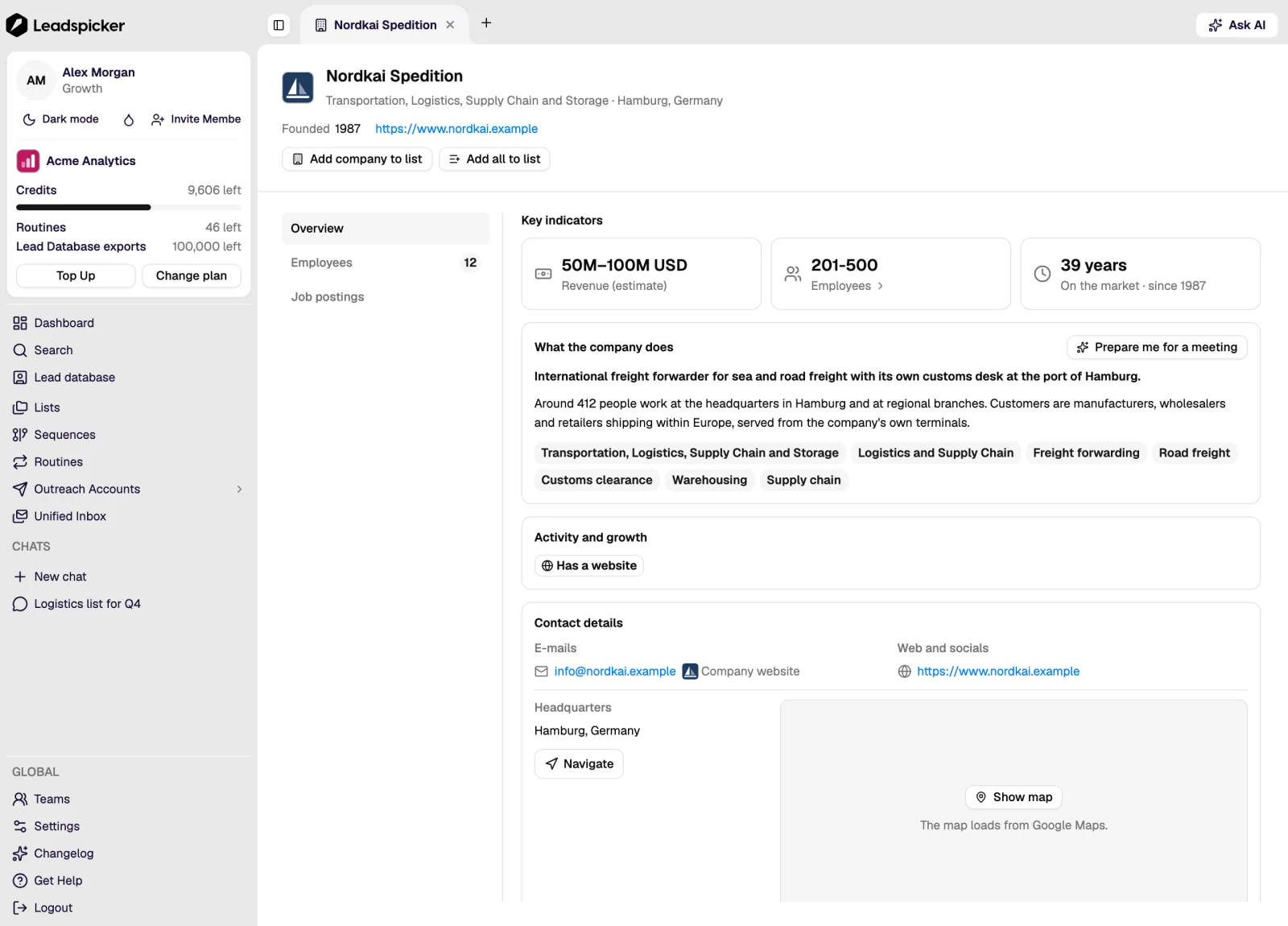
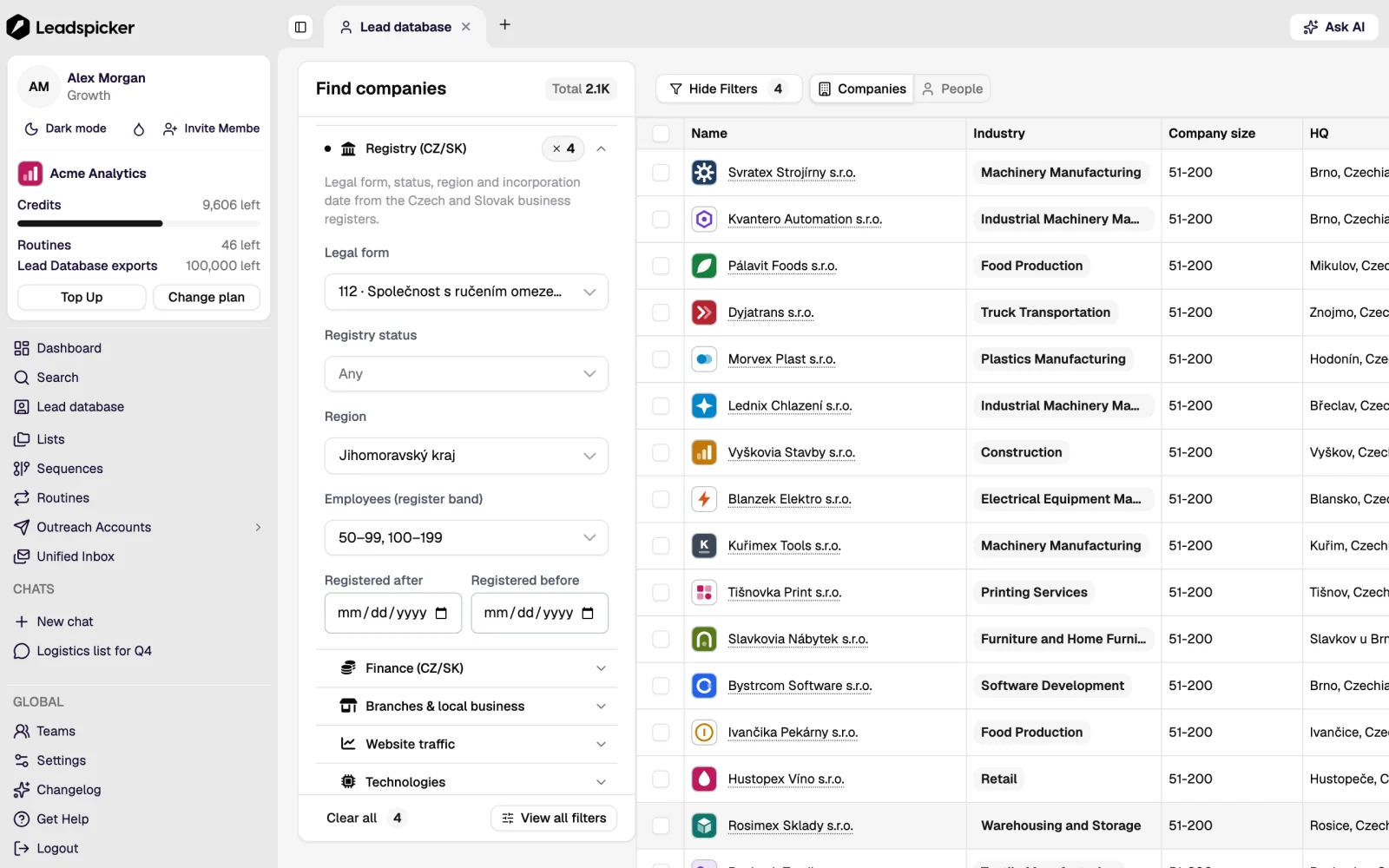
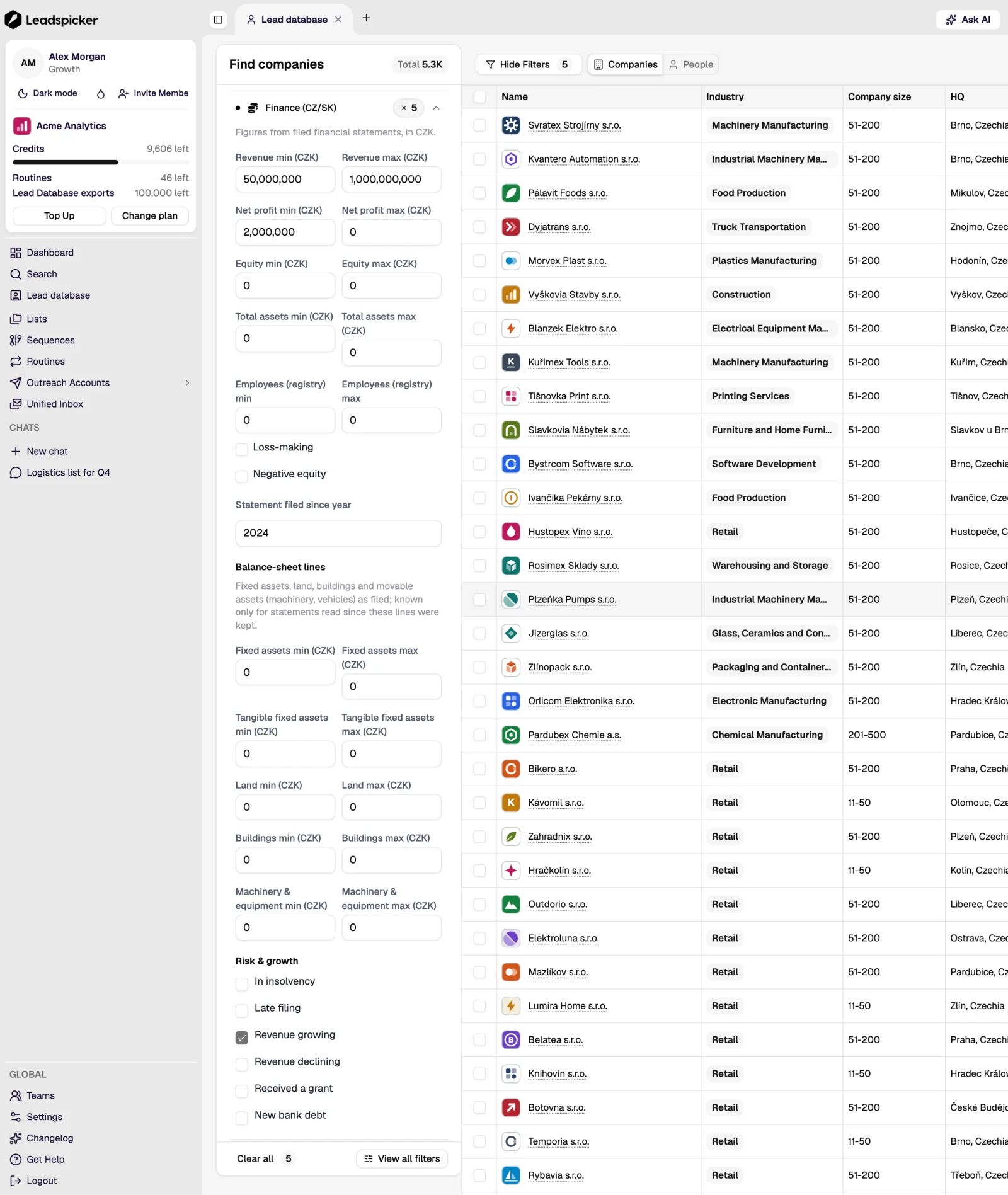
For Czech and Slovak companies the filter sidebar adds a group built on the business registers. Registry (CZ/SK) narrows companies by legal form, register status, region, headcount band and date of incorporation. Finance (CZ/SK) works with the figures from filed statements in CZK (revenue, net profit, equity, assets, employees) and with signs such as growing revenue, a received grant or insolvency.
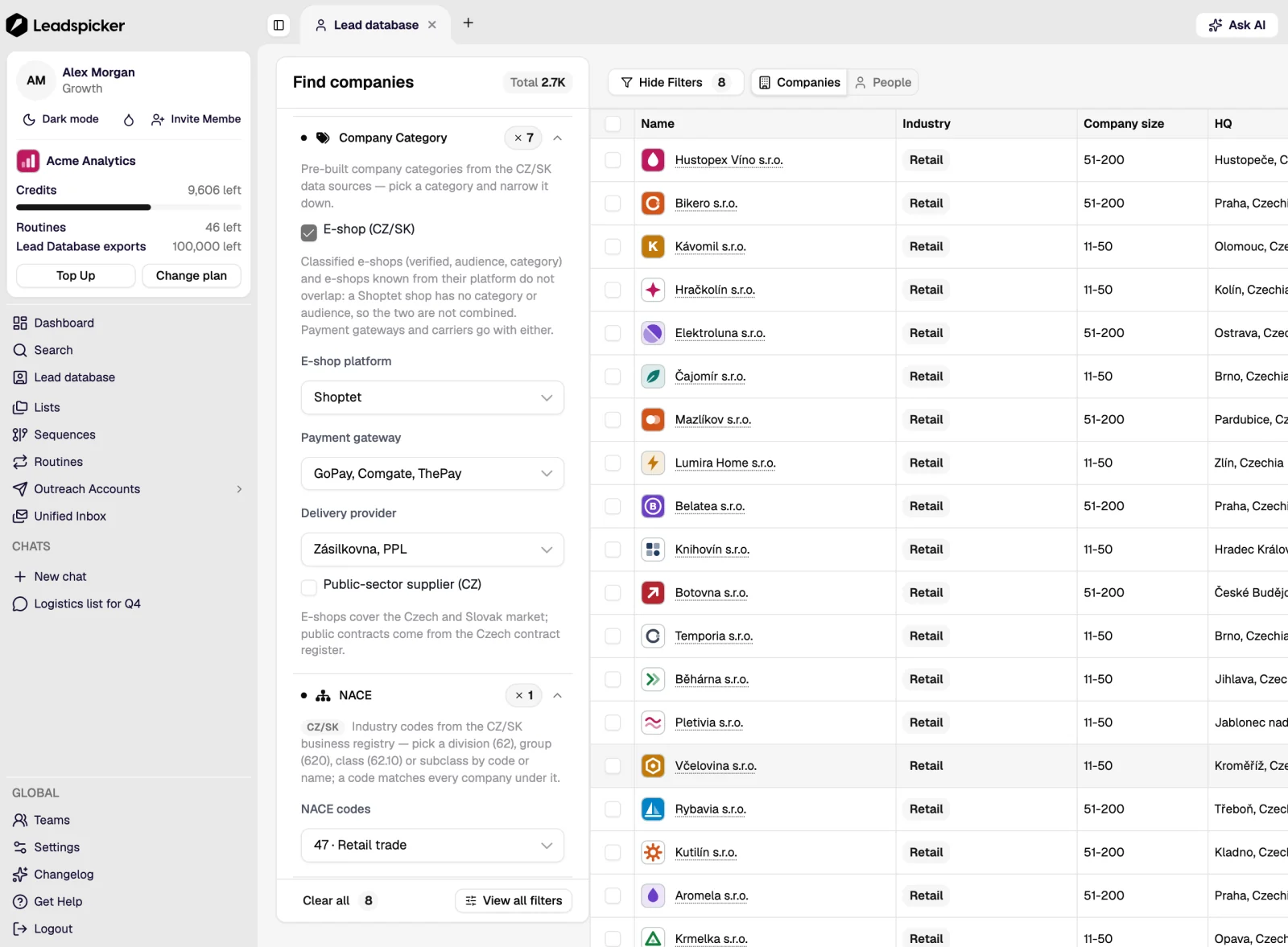
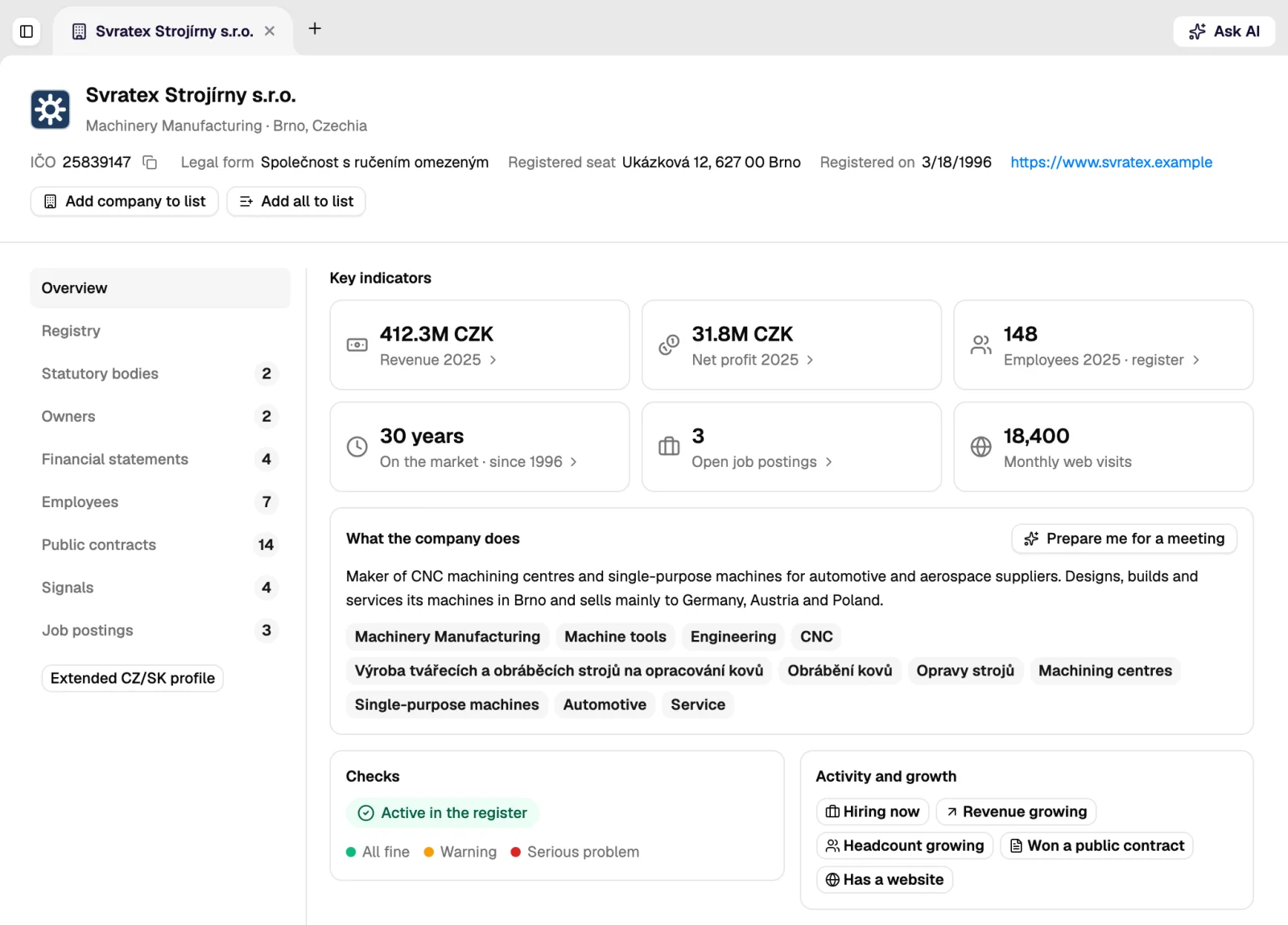
NACE picks industries by their register code, Company Category finds e-shops by platform, payment gateway and delivery provider, or suppliers to the public sector, and Branches & local business searches by branch network and premises. The company page then shows the same facts for one company: registration number, legal form, seat, the last filed revenue and profit, and public contracts.
Can I search for companies and get the people in one step?
Yes. Search companies, then choose which titles to take from each one; the import puts the people into the list with their company attached.
Does a search cost credits?
No. Searching, previewing and importing contacts into a list are included in the plan; imports count against its monthly export limit. Enriching the imported contacts is what costs credits.
How do I avoid importing people I already have?
Anyone on the exclusion list never enters outreach even if they are imported again, and a routine de-duplicates against the list it fills. For a one-off import, filter the search to companies you have not contacted yet.
Was this page helpful?
Still stuck? Email support@leadspicker.com or use the chat in the app.
Last updated 2026-11-12




