Leadspicker in Grok Bot
Grok Bot runs in the cloud, so there is nothing to install on your computer. You add Leadspicker as a custom connector and sign in.
What you can do from Grok Bot
Grok Bot works with the smaller tool set: finding, counting, saving into a list and drafting.
- Using Leadspicker, find VP or director-level sales leaders located in France and tell me the total match count.
- Create a list named France Sales Leaders and import up to 50 of them into it.
- Draft a two-step sequence for that list and show me the saved steps.
Set it up
Three clicks in Grok Bot and one sign-in.
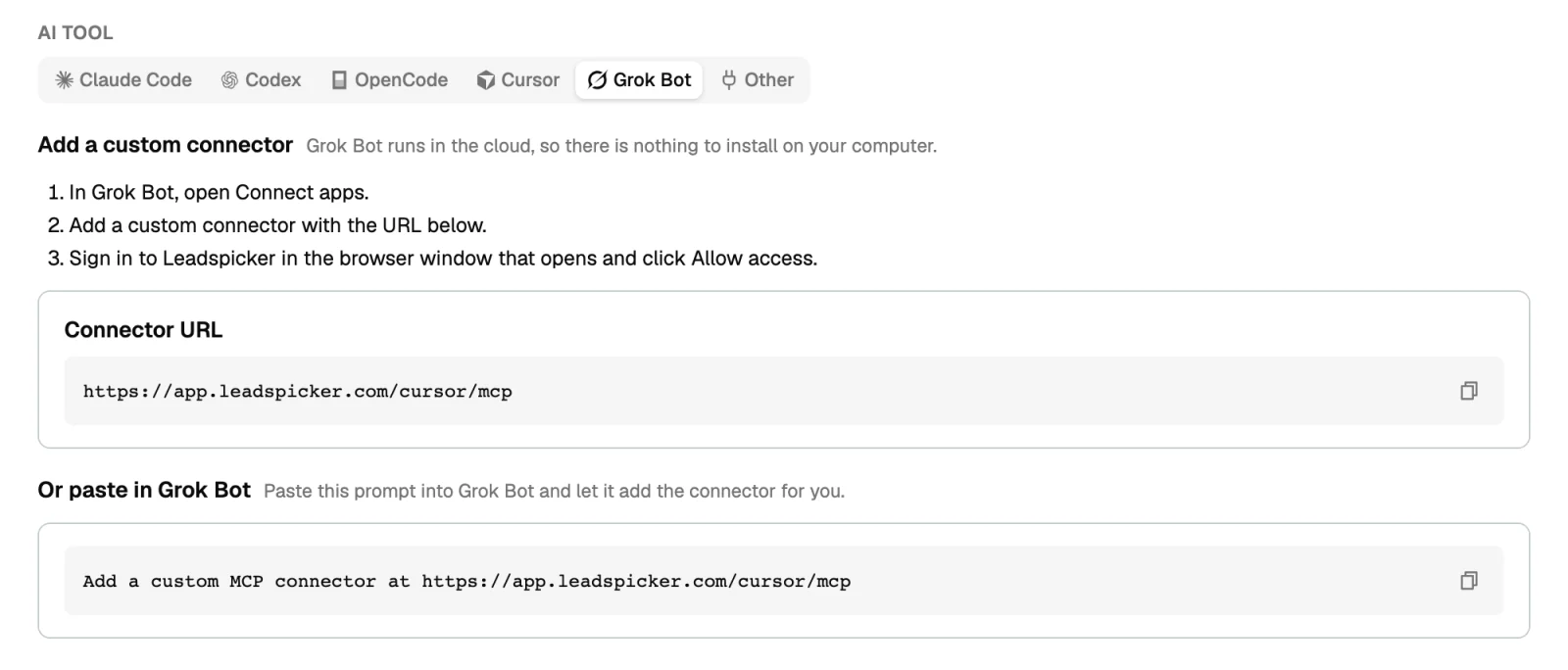
- Open Connect apps
In Grok Bot, open Connect apps.
- Add a custom connector
Add a custom connector with the URL
https://app.leadspicker.com/cursor/mcp. - Sign in
Sign in to Leadspicker in the browser window that opens and click Allow access.
Or paste this prompt into Grok Bot and let it add the connector for you: Add a custom MCP connector at https://app.leadspicker.com/cursor/mcp
What gets installed
Nothing on your computer. The connector lives in Grok Bot, and no skills are installed. The one-line installer does not change this: when it finds Grok Bot, it prints these same steps.
Limits
- 16 base tools: lists, contacts, company and people search with a count and an import, sequences and sequence steps.
- It cannot send messages, activate outreach, administer the account or configure integrations.
- A sequence it creates stays a draft until you connect a list and launch it in Leadspicker.
- For enrichment, routines and replies use the app, the AI assistant, or a tool on the full server.
Why does the address end in /cursor/mcp?
It is the endpoint Leadspicker publishes for plugin marketplaces. Grok Bot and the Cursor plugin share it, which is why both have the same 16 tools.
Can Grok Bot send my outreach?
No. It prepares lists and drafts; launching stays with you in Leadspicker.
How do I disconnect it?
Remove the connector under Connect apps in Grok Bot.
Was this page helpful?
Still stuck? Email support@leadspicker.com or use the chat in the app.
Last updated 2026-11-12




