Leadspicker in OpenCode
OpenCode gets the full Leadspicker server as a remote MCP server. Add it from the terminal and authenticate once.
What you can do from OpenCode
Whichever model you run in OpenCode, it gets the same Leadspicker tools:
- Find e-commerce companies in Poland with 50 to 200 employees, pick the head of marketing at each and save them to a new list.
- Set up a routine that adds new job ads for sales roles in Czechia to the list Hiring sales CZ every day.
- Which of my sequences had the most positive replies last month?
Set it up
OpenCode adds servers through a short wizard in the terminal.
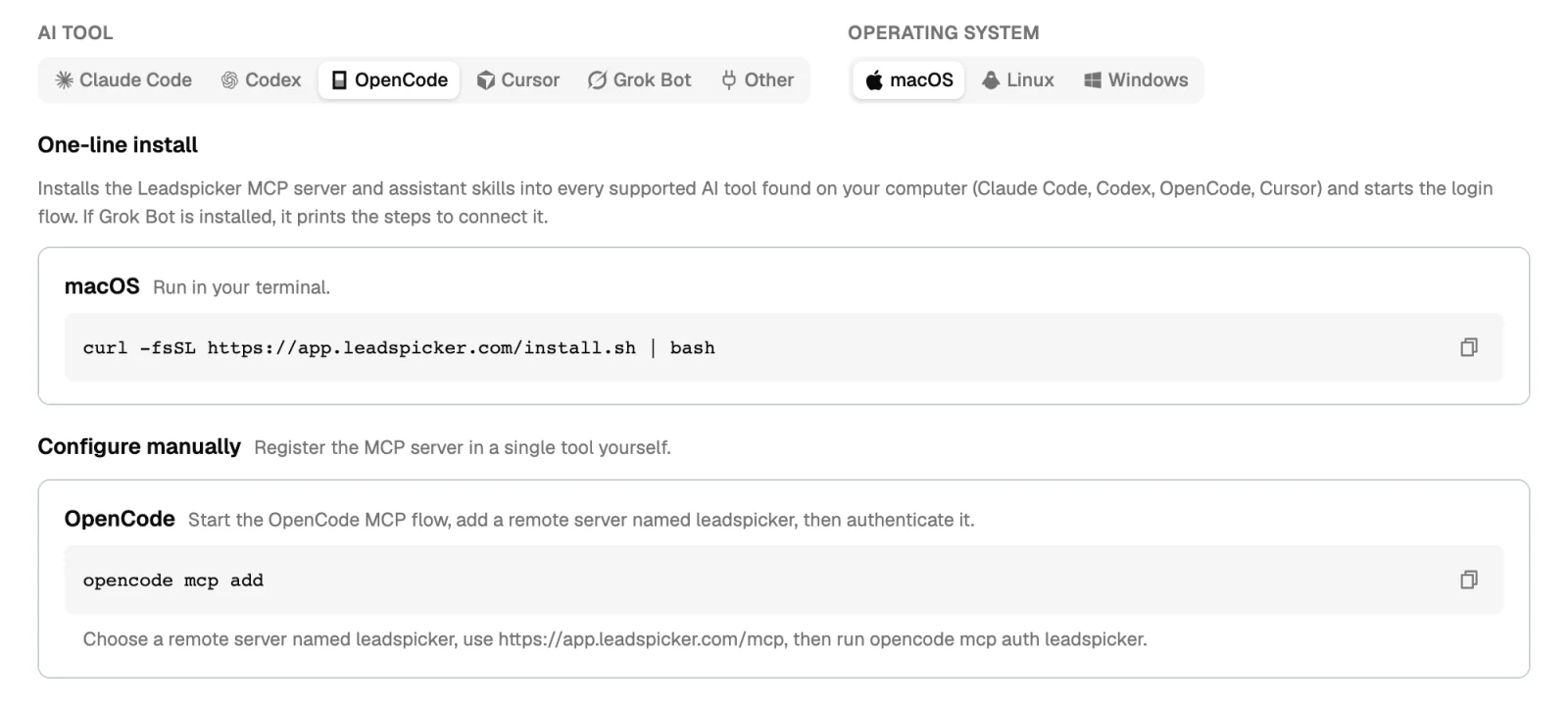
- Start the MCP flow
Run
opencode mcp add. - Add the remote server
Choose a remote server, name it
leadspickerand use the URLhttps://app.leadspicker.com/mcp. - Authenticate
Run
opencode mcp auth leadspickerand sign in to Leadspicker in the browser.
The one-line installer does all three and installs the skills: curl -fsSL https://app.leadspicker.com/install.sh | bash on macOS or Linux, irm https://app.leadspicker.com/install.ps1 | iex in PowerShell on Windows.
What gets installed
| Piece | What it is |
|---|---|
| MCP server | A remote server named leadspicker. The installer writes it into ~/.config/opencode/opencode.json. |
| Skills | The leadspicker-… assistant skills, in ~/.claude/skills and ~/.agents/skills. Only the installer adds them. |
Limits
- OpenCode is on the full server, sending included. Have it show you a plan before a step that sends or spends.
- The server has to be named
leadspicker, otherwise the auth command above does not find it. - Actions cost the same credits as in the app. The model is whichever one you configured in OpenCode.
Can I add the server by editing the config file?
Yes. Put "leadspicker": { "type": "remote", "url": "https://app.leadspicker.com/mcp", "enabled": true } into the mcp section of ~/.config/opencode/opencode.json, then run opencode mcp auth leadspicker.
The authentication did not complete. What now?
Run opencode mcp auth leadspicker again.
Which model does it use?
The one you set up in OpenCode. Leadspicker supplies the tools, not the model.
Was this page helpful?
Still stuck? Email support@leadspicker.com or use the chat in the app.
Last updated 2026-11-12




