Raynet CRM integration
Leadspicker syncs contacts and their companies into Raynet CRM, and opens a business case with a task for the salesperson when a prospect replies.
What you get
- Contacts linked to their company, or leads, whichever your team works with.
- Business cases. A deal in Leadspicker is a business case in Raynet, opened in the phase you choose.
- Tasks for the mapped Raynet user, under the business case when there is one.
- Field updates on the contact or the company.
- Categories, tags and company states as the scope of exclusion lists.
The model shared by all CRMs is in How CRM integrations work.
Connect Raynet CRM
- Get an API key in Raynet
Raynet connects with an API key instead of a sign-in redirect. Create one in your Raynet account settings.
- Open the Raynet CRM card
Go to Settings → Apps and open Raynet CRM, as an owner or admin of the organisation.
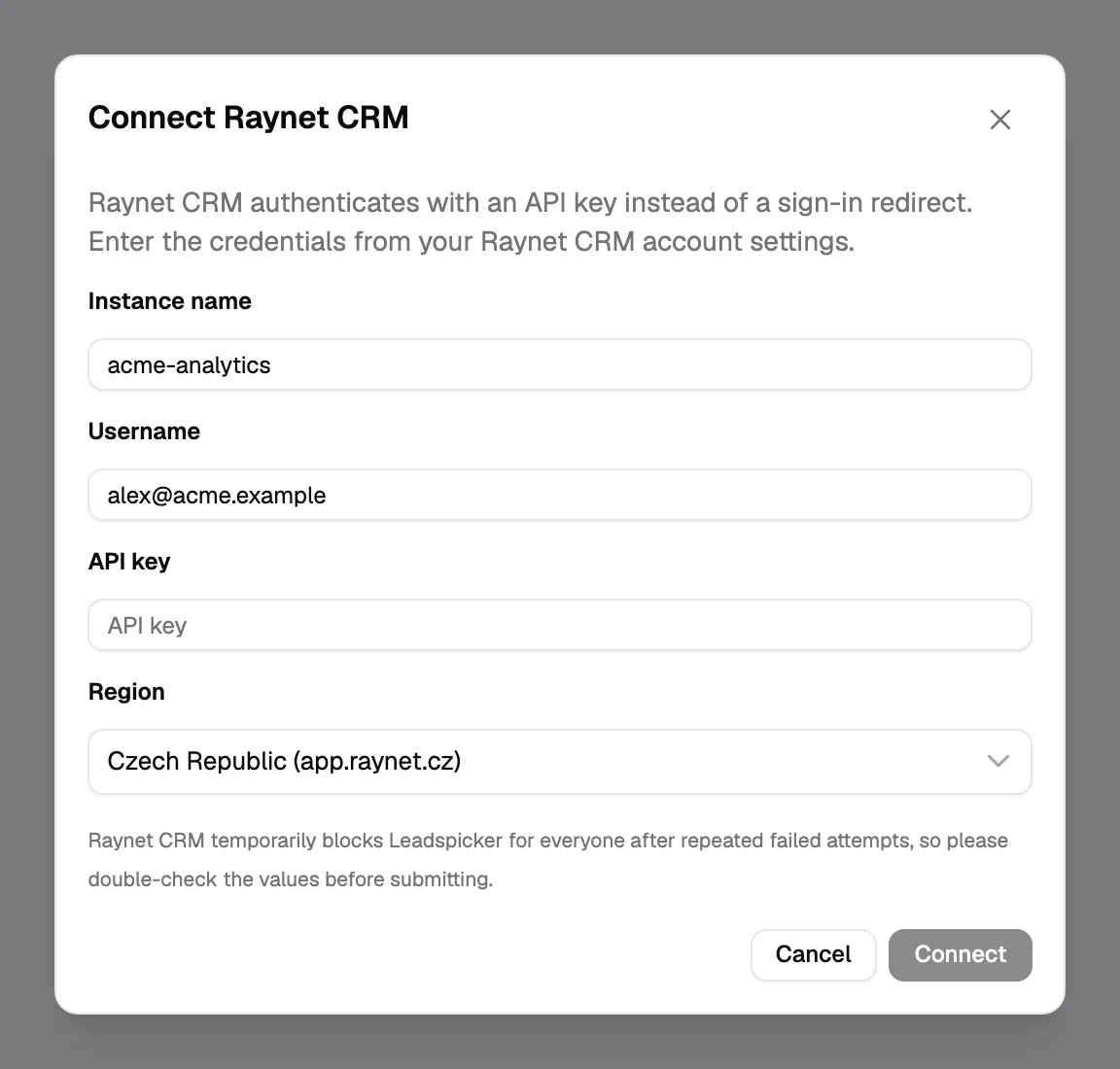
- Fill in the four fields
Instance name, Username, API key and Region: Czech Republic, Slovakia, International or EU.
- Set records, map, save
On General pick the record type, the scope and the triggers, check both mapping tabs, turn Enabled on and Save.
Settings specific to Raynet CRM
| Setting | How it behaves |
|---|---|
| Contacts & Accounts (default) | A contact person linked to a company. Business cases and tasks are attached to both. |
| Leads | A single lead record. A lead is not linked to a business case, so tasks stay on the lead. |
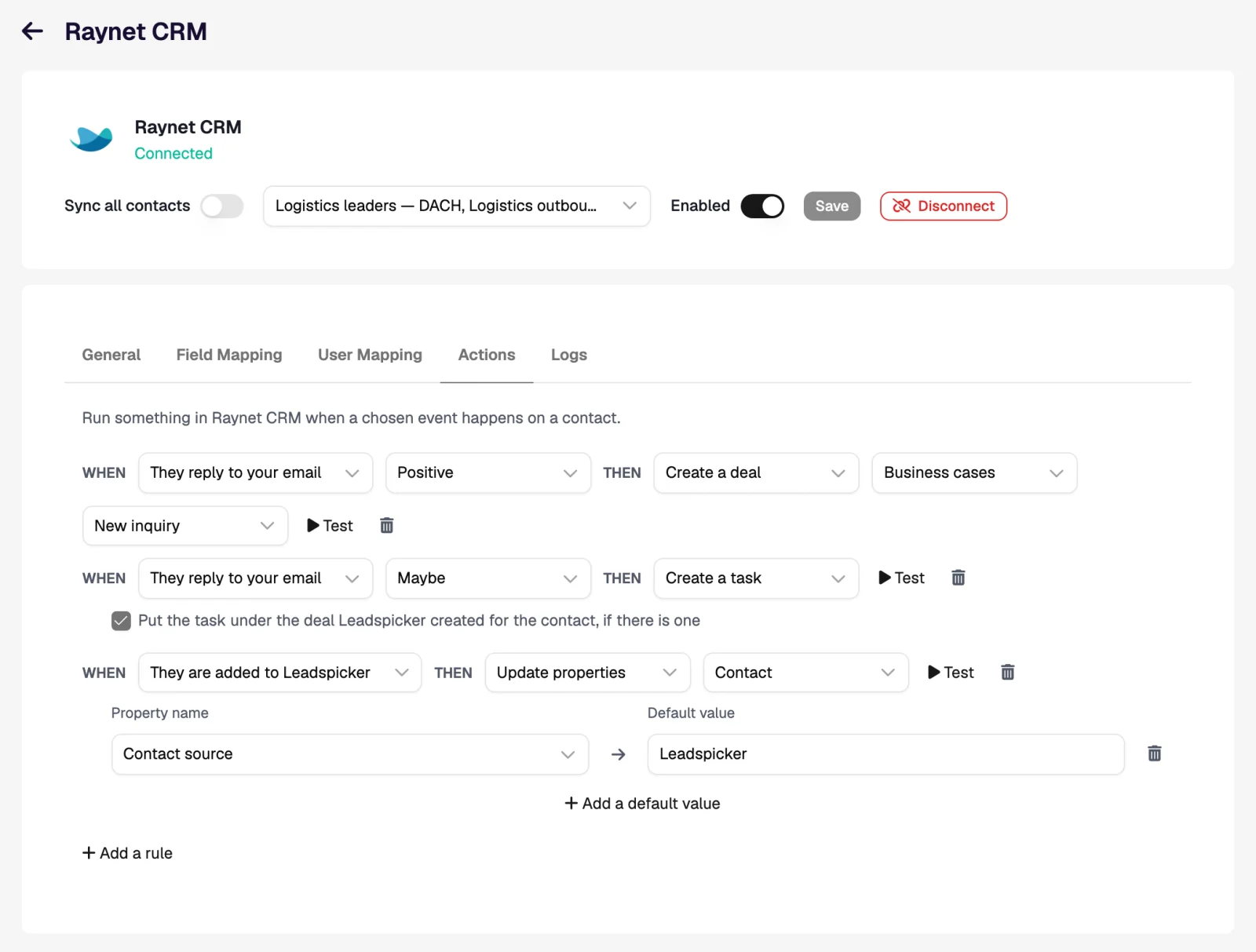
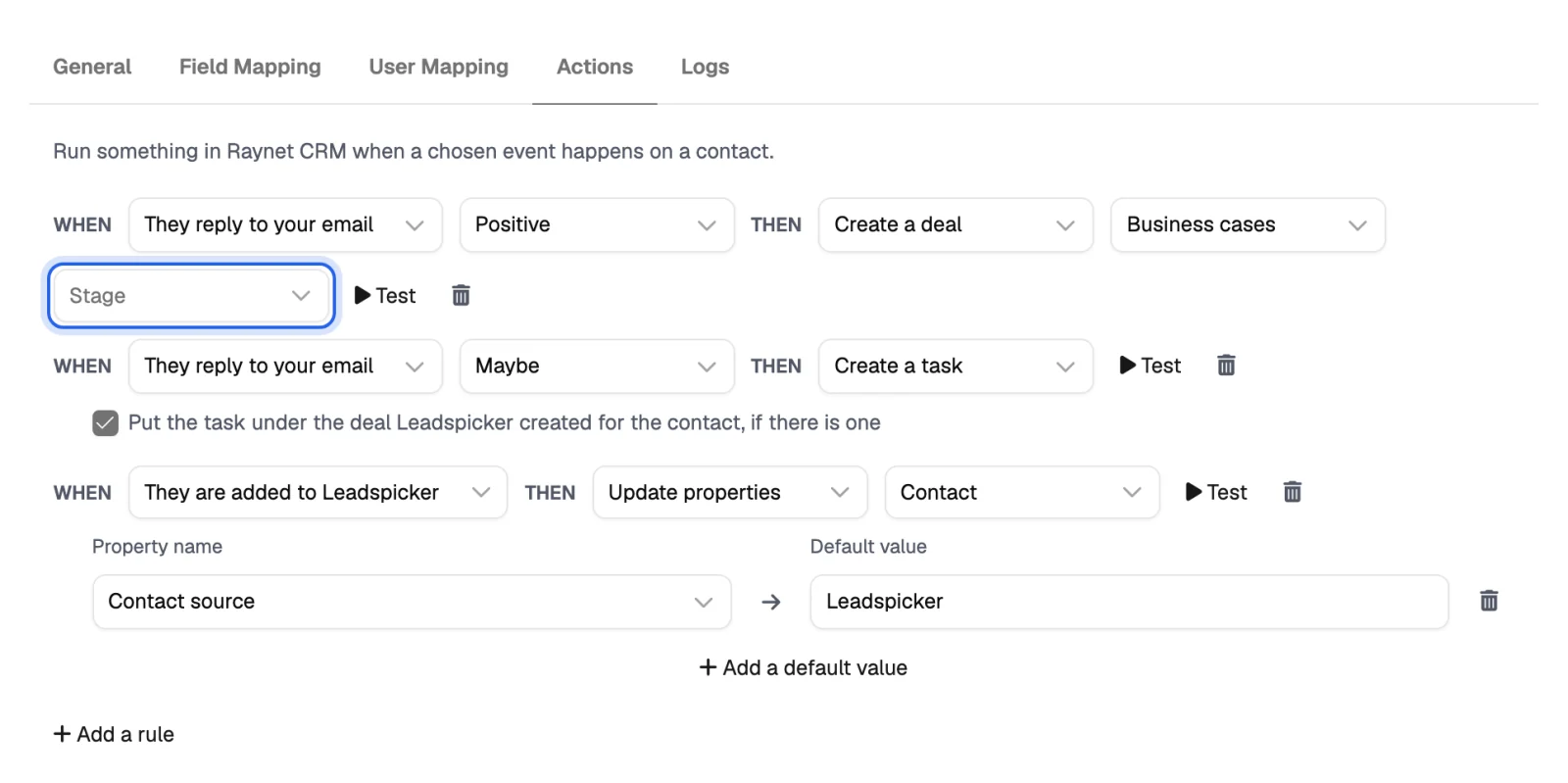
| Business case without a stage | The stage is optional here. Leave it empty and Raynet opens the business case in its first phase. |
| Region | An instance lives in exactly one region. The wrong one signs in fine and then shows an empty workspace. |
Workflows inside Raynet CRM
| When | Then | What the rep sees in Raynet |
|---|---|---|
| They reply to your email, Positive | Create a deal with no stage, plus Create a task | A business case in the first phase with the contact and company on it, and a task Reply from … (Positive) under it. |
| They reply, Maybe | Create a task | A task on the contact, or on the lead in Leads mode, with the reply text and a deadline. |
| They reply, Positive | Get their phone number | The contact's phone filled in if it was empty, so the salesperson can call straight away. |
Invalidated phases are not offered as stages.
Import from Raynet CRM and exclusions
- Import. Import → From CRM on a list brings in your contacts, or leads in Leads mode, hourly if you want.
- Exclusions. Exclude all contacts, all companies, or a selection by category, tag or company state: Potential, Current, Deferred or Ended. A company scope excludes everyone there.
- Extra columns to match on. Point the exclusion at a custom Raynet field with a website or a company identification number, and a company with no website is excluded too.
Where do I find the instance name?
In the address bar when you are signed in to Raynet: the name after the slash. You can also paste the whole address; Leadspicker takes the name and the region from it.
Why did the business case land in the first phase?
The rule has no stage. Pick one in the rule if new business cases should start further along.
Can I keep current customers out of outreach?
Yes. Add Raynet as a source of the exclusion list and select the company state Current.
Was this page helpful?
Still stuck? Email support@leadspicker.com or use the chat in the app.
Last updated 2026-11-12




