Using the Unified Inbox
Outreach only pays off in the replies. The inbox collects them from every connected mailbox and social account, sorts them by what they mean, and keeps the rest of the system in step.
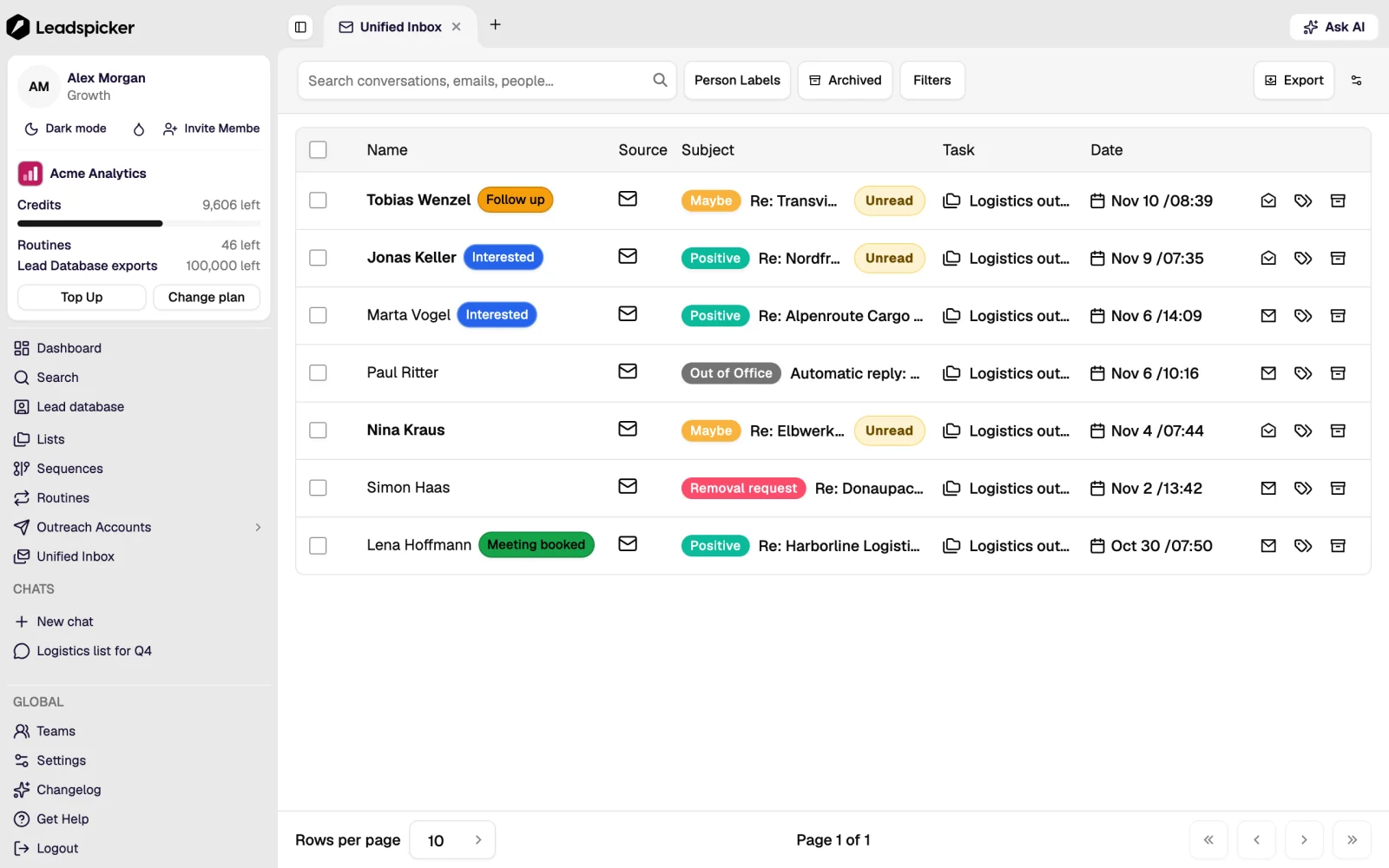
One place for every channel
Email replies, social messages, connection acceptances and inbound form submissions appear in one timeline, grouped by contact. Opening a conversation shows the full history with that person, the data on them and the sequence they came from.
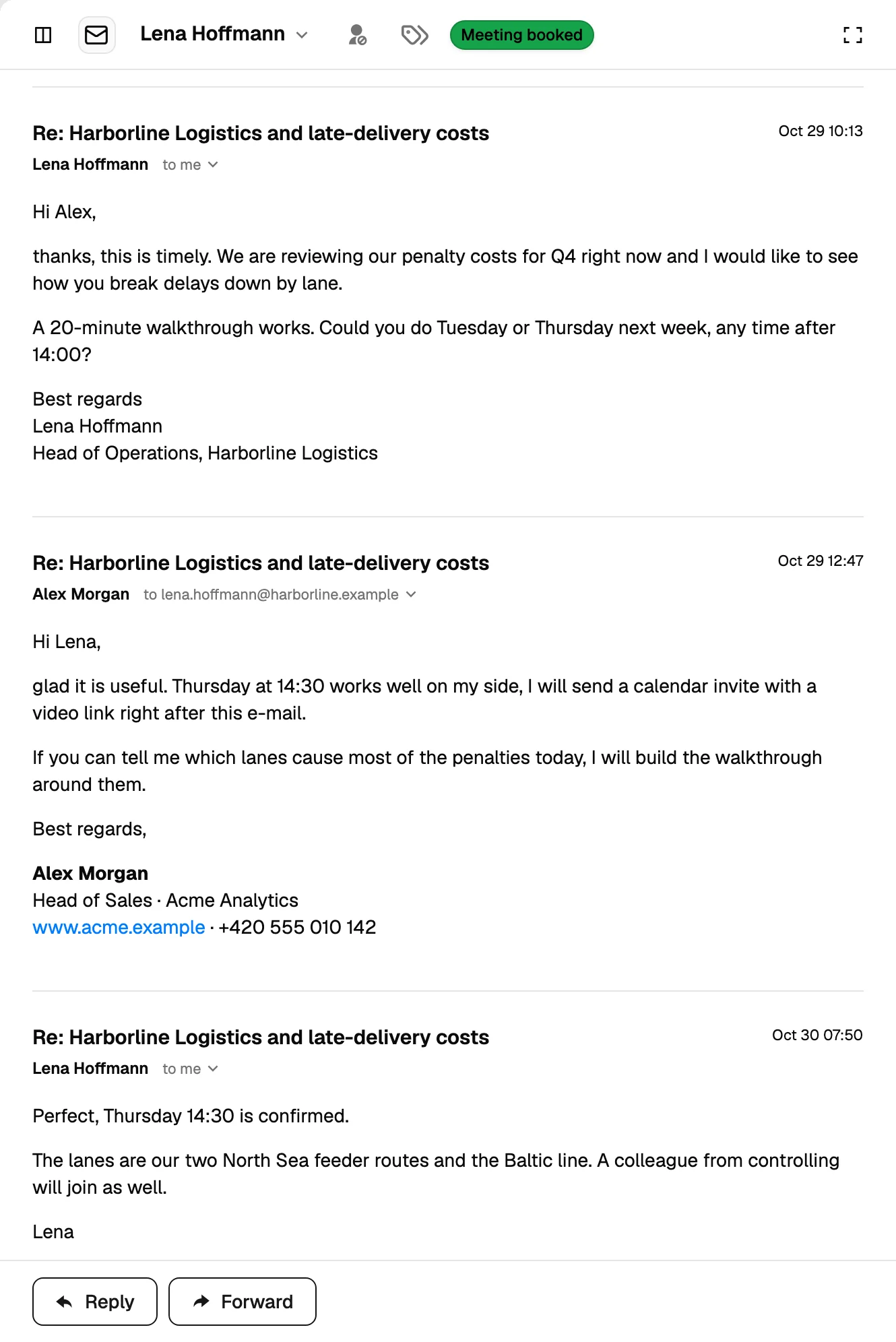
Sentiment
Every reply is classified so the queue can be worked by priority rather than by arrival time:
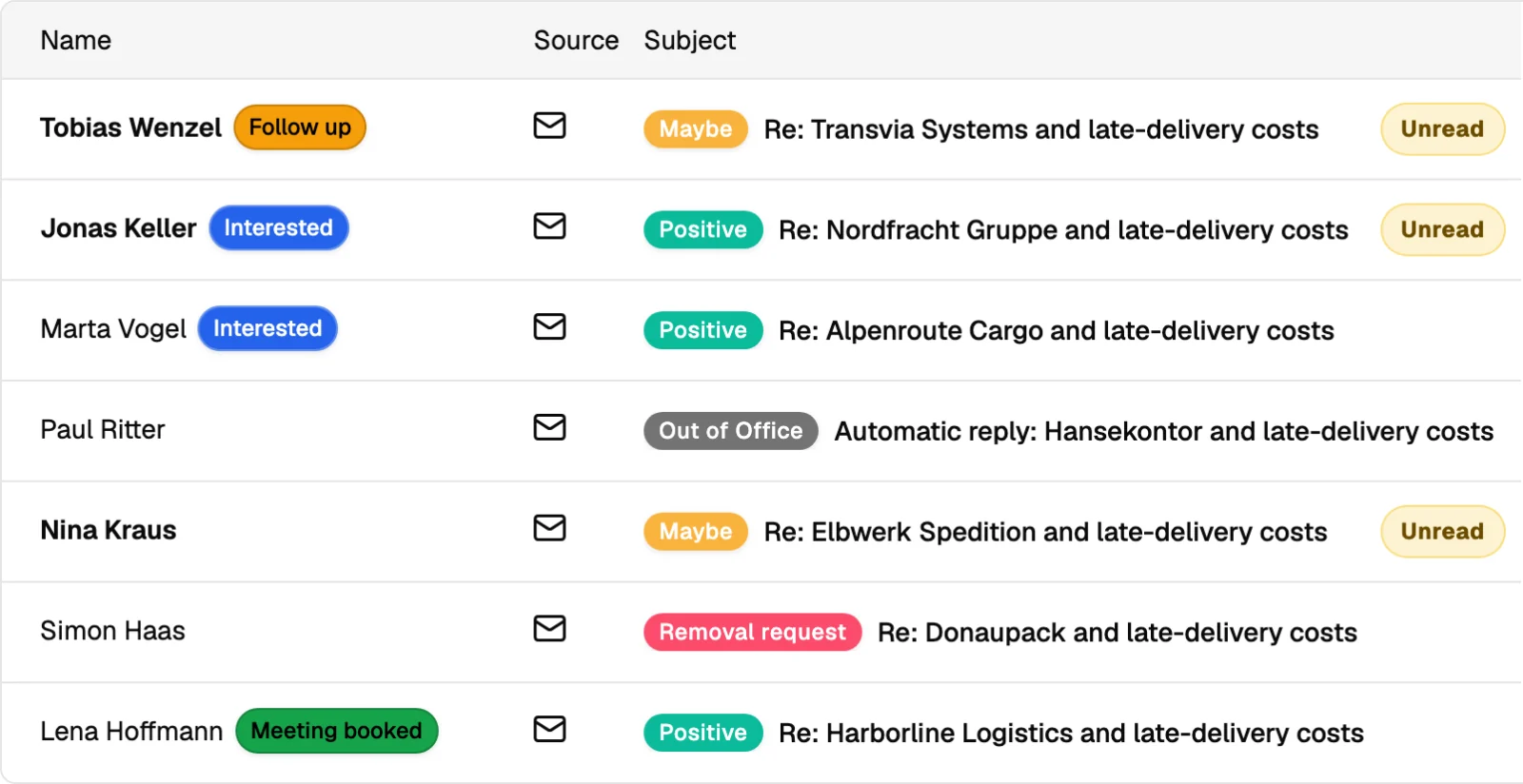
| Sentiment | What it means | What happens automatically |
|---|---|---|
| Positive | Interested, asking for a call or details. | Follow-ups stop; the reply is flagged for a person or the Reply Agent. |
| Maybe | Interested later, or asking something first. | Follow-ups stop; the contact can be scheduled for a later touch. |
| Not interested / negative | A clear no. | Follow-ups stop. |
| Removal request | Asks not to be contacted again. | Follow-ups stop and the contact goes on the exclusion list. |
| Out of office | An automatic absence reply. | The sequence waits rather than treating it as an answer. |
| Bounced | The address did not accept the message. | The contact is stopped and the address is marked. |
The Reply Agent
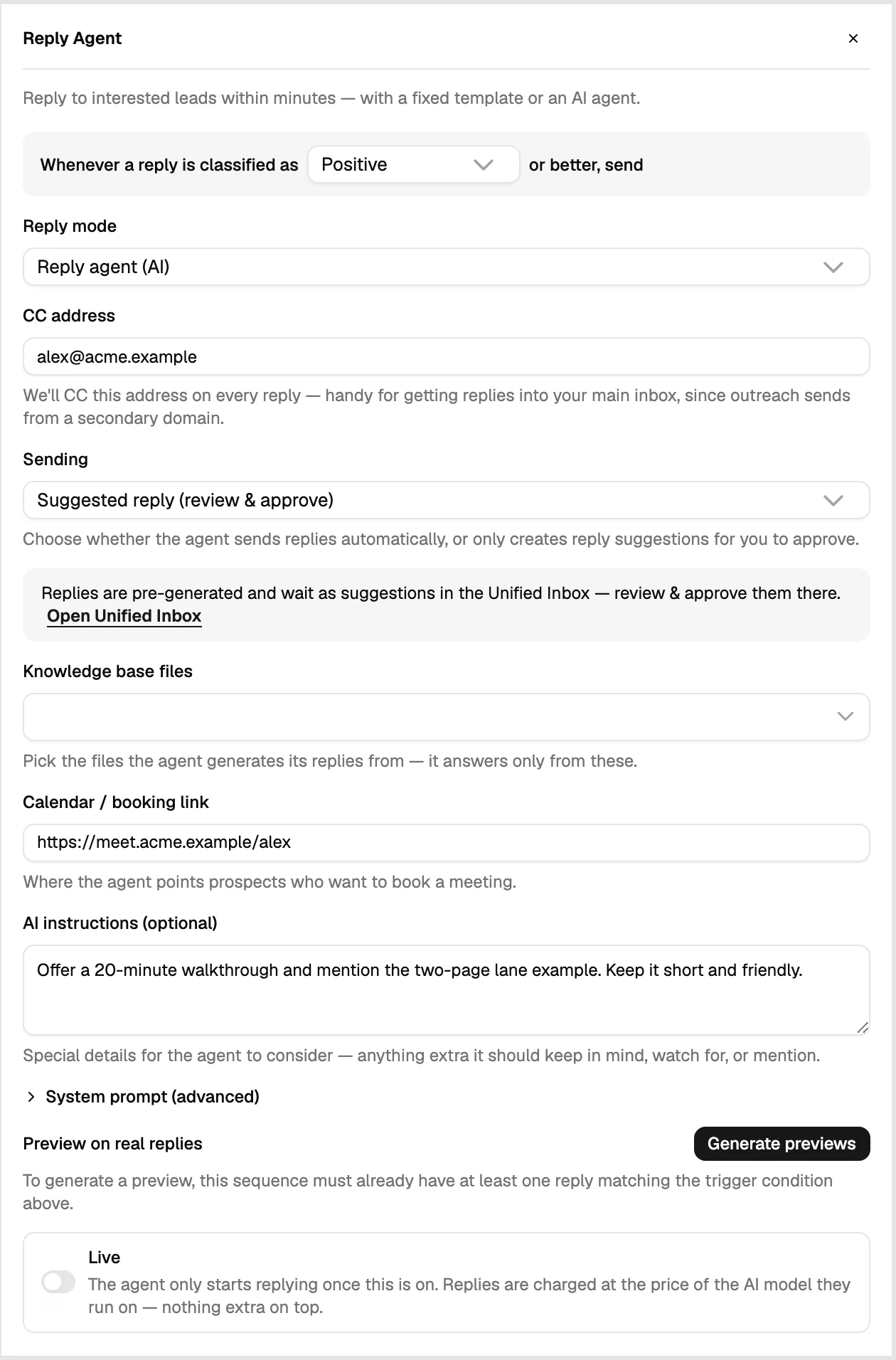
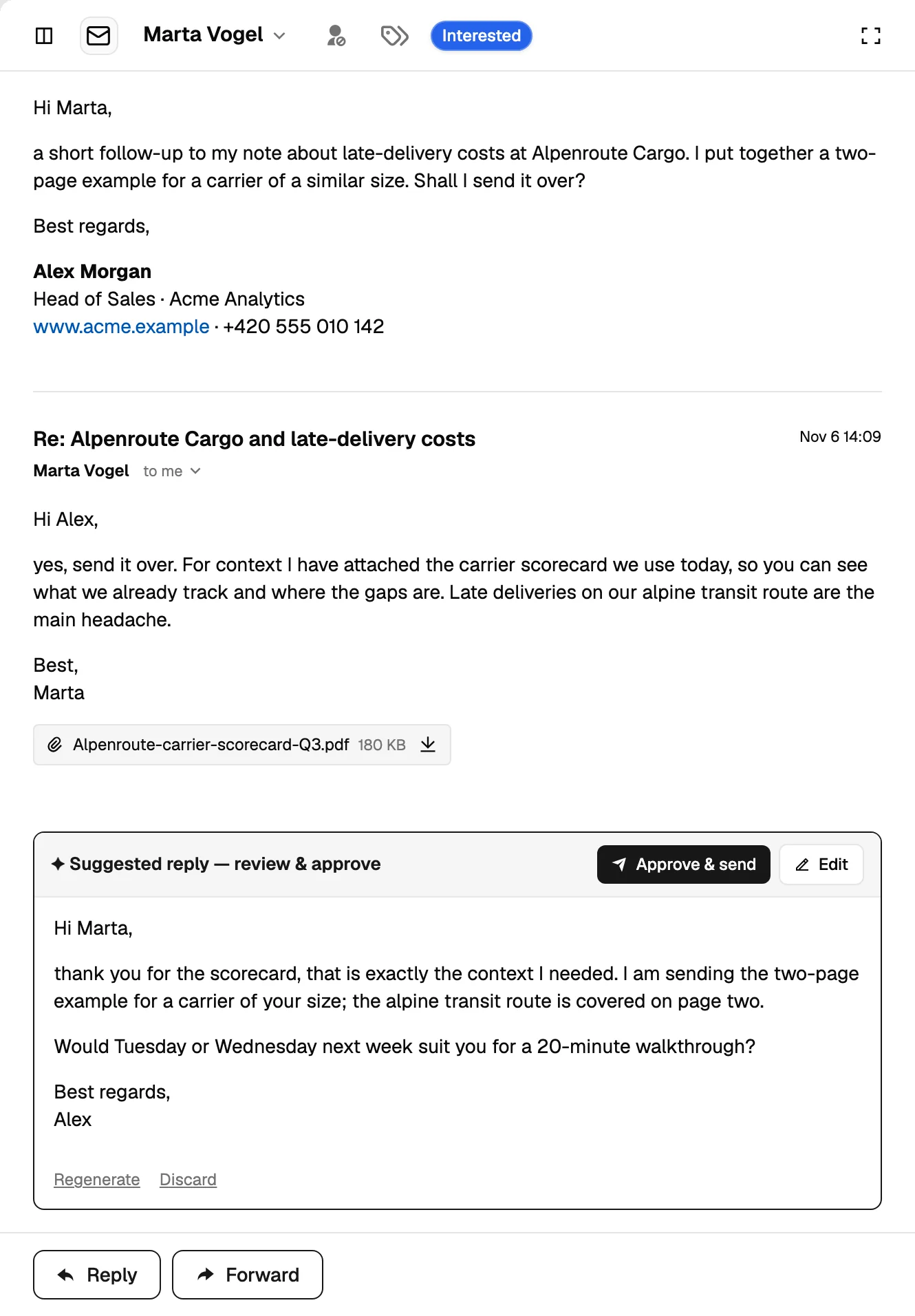
The Reply Agent answers interested replies from your knowledge base: pricing and product questions, and meeting slots from a connected calendar. It runs in one of two ways: suggested, where it drafts and a person sends, or automatic for positive replies. Both modes log the exchange on the contact.
What the inbox triggers
- CRM actions: create a task, a deal or update a property when a reply has a given sentiment.
- Notifications: a message to Slack, Microsoft Teams, Google Chat or Telegram when a hot reply lands.
- Exclusions: removal requests are added to the exclusion list without anyone remembering to do it.
- Statistics: the sequence's reply numbers come from here, which is why classification matters.
Was this page helpful?
Still stuck? Email support@leadspicker.com or use the chat in the app.
Last updated 2026-11-12




