The Leadspicker MCP server
One remote server gives an AI tool access to your Leadspicker account. It follows the open Model Context Protocol specification, including its OAuth-based authorization. This page is the reference: where the server lives, how sign-in works, what it exposes and what to check when a client will not connect.
The server
MCP, the Model Context Protocol, is an open standard for connecting AI tools to other systems. Leadspicker's server is remote, so there is nothing to run or update on your computer.
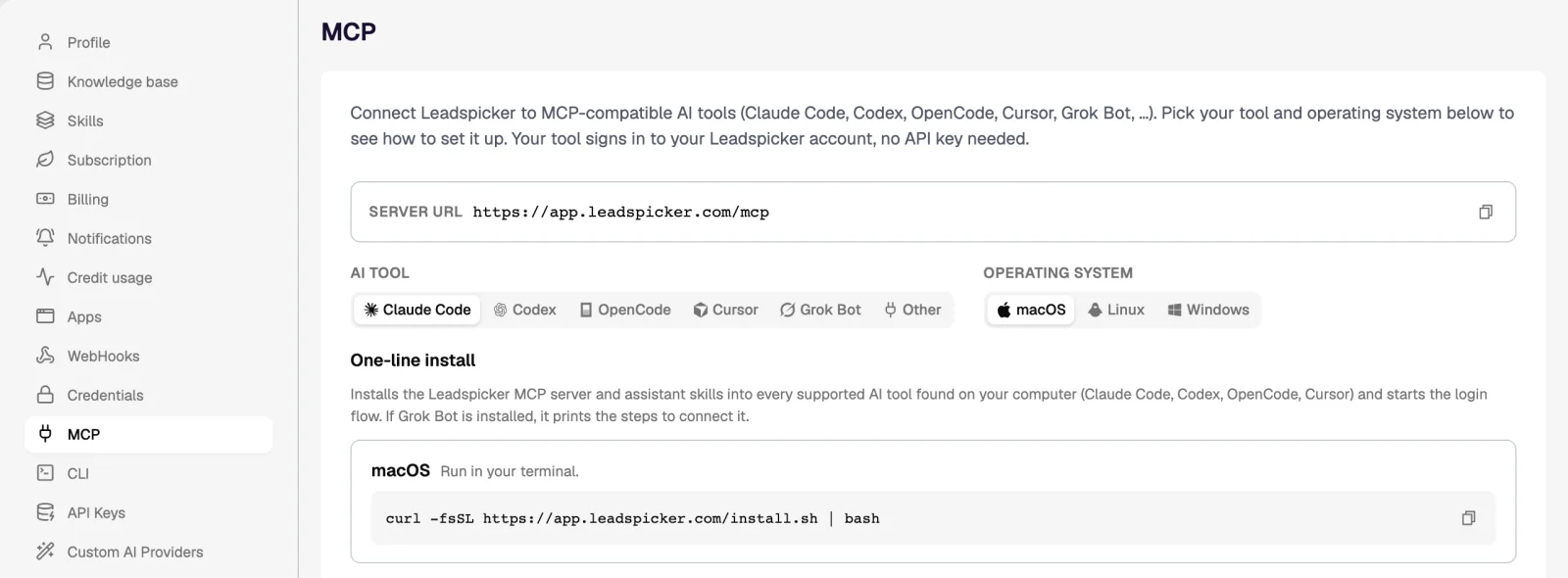
| What | Value |
|---|---|
| Server URL | https://app.leadspicker.com/mcp |
| Sign-in | OAuth in the browser, against your own Leadspicker account |
| API key | None |
| In the app | Settings → MCP |
| Runs on | The same backend, data and credit balance as the app |
Sign-in
The server uses OAuth with dynamic client registration (DCR) and PKCE. In practice: the first time your tool reaches Leadspicker it opens a browser window, you sign in and allow access, and the tool keeps the session. Nothing is pasted into a config file and there is no key to rotate.
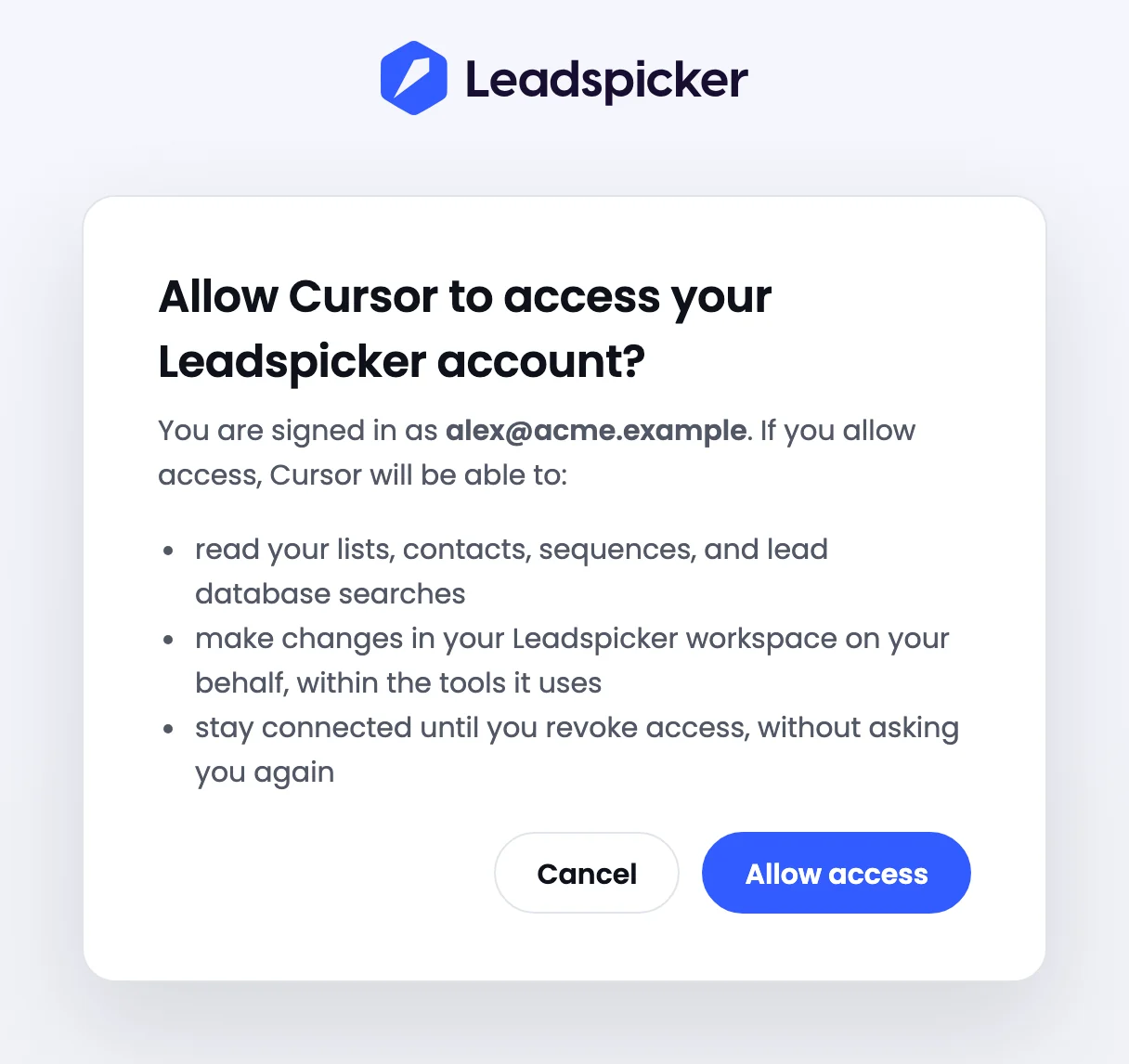
- The agent acts as the person who signed in: the same lists and sequences, the same permissions, the same credits.
- In a team, each person connects their own tool and signs in as themselves.
- To disconnect, remove the server or its connection in your AI tool.
Tool families
The full server groups its tools by what you would do in the app.
| Family | What the agent can do |
|---|---|
| Lists and sequences | Create them, connect a list to a sequence, write and edit the steps, read the statistics. |
| Contacts | Add and update contacts, import a file, enrich, find an email or a phone number. |
| Lead database and company intelligence | Search companies and people, count the matches, import the results, search signals. |
| Enrichment and AI columns | Add a column and run it on a list. |
| Routines | Create and control routines, including signal routines. |
| Replies | List replies, mark them, send a message. |
| Housekeeping | The exclusion list, labels, webhooks and custom action columns. |
| Calendars and meetings | List meetings, get a meeting brief, create a calendar event. |
| Account | Credits and the rate card, buying sending infrastructure, team and API keys. |
| Knowledge | The knowledge base, memory and skills. |
Two endpoints
There are two addresses, and the one a client uses decides how much the agent can do.
| Full server | Marketplace endpoint | |
|---|---|---|
| Address | app.leadspicker.com/mcp | app.leadspicker.com/cursor/mcp |
| Used by | Claude Code, Codex, OpenCode, Cursor through the installer or mcp.json, and any other client | The Cursor plugin and Grok Bot |
| Tools | Every family above | 16 base tools |
| Sending messages and activating outreach | Yes | No |
| Account administration and integration settings | Yes, within your permissions | No |
The 16 base tools cover finding and preparing: list, get and create a list; list and get a contact; search companies and people, each with a count and an import; list, get and create a sequence; list and create a sequence step. A sequence made this way stays a draft until you connect a list and launch it in Leadspicker.
Other clients
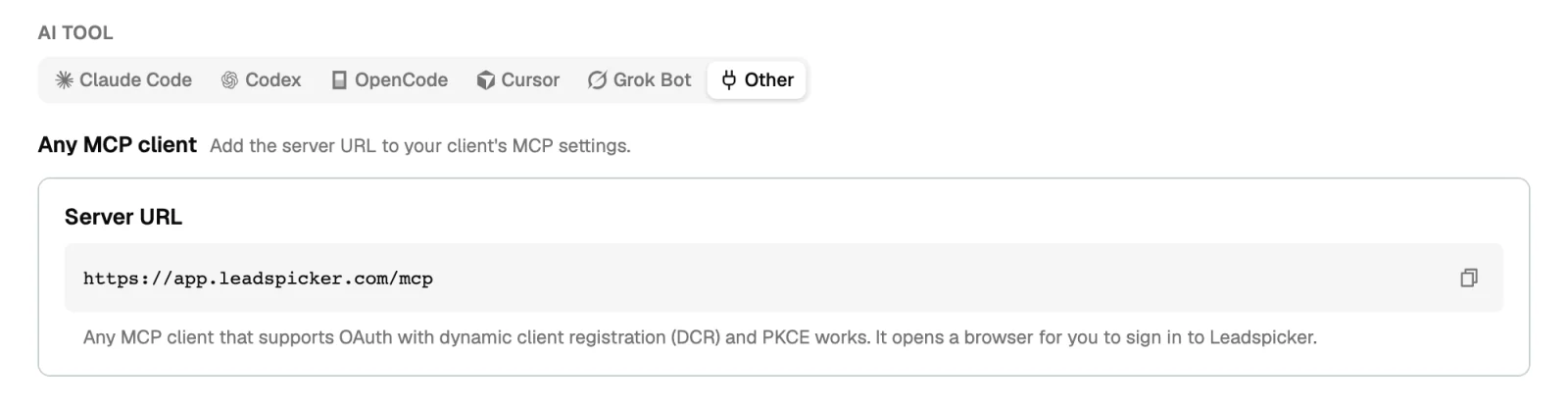
Any MCP client that supports OAuth with dynamic client registration (DCR) and PKCE works. Add the server URL to the client's MCP settings and it opens a browser for you to sign in. In Settings → MCP, the Other option shows the URL to copy.
Skills that come with the installer
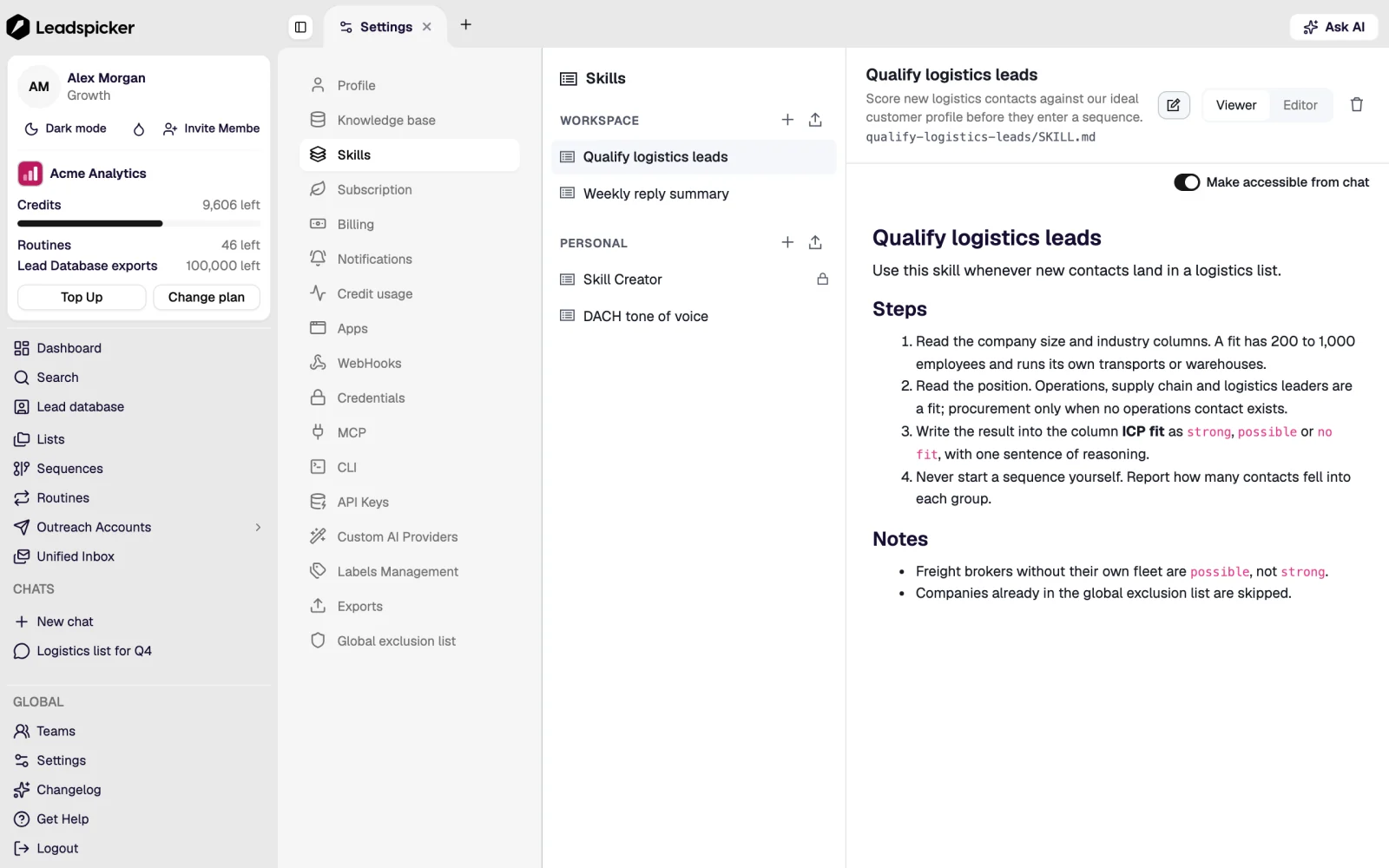
The one-line installer also adds the assistant skills, as folders named leadspicker-…, so your agent follows the same playbooks as the assistant in the app. A skill is a set of instructions, not a tool: it tells the agent in which order to use the tools and what to check on the way.
- Finding and importing: lead database, company intelligence, import contacts.
- Data work: data enrichment, classifier (AI columns), personalizer, phone numbers, lead notes.
- Outreach: lists and sequences, outreach, reply to lead, A/B testing, routines.
- Account: credits, buying (domains, mailboxes, plan), CRM integrations.
- Getting around: onboarding, glossary, master (the end-to-end pipeline), skill creator, time context.
The installer puts them into ~/.claude/skills (read by Claude Code, OpenCode and Cursor) and ~/.agents/skills (read by Codex, OpenCode and Cursor). The Cursor plugin carries its own four: inspect workspace, find prospects, import prospects and draft outreach.
When it does not connect
| What you see | What to check |
|---|---|
| The Leadspicker tools do not appear | Check that the server is listed as connected in your tool's MCP settings, then start a new conversation. |
| Sign-in did not finish, or it expired | Run the login again: /mcp in Claude Code, codex mcp login leadspicker, opencode mcp auth leadspicker, or Connect under Tools & MCP in Cursor. |
| The client asks for an API key or a token | It does not support remote MCP servers with OAuth. Use a client that supports OAuth with DCR and PKCE. |
| A company network blocks the connection | Ask for https://app.leadspicker.com/mcp to be allowed, or https://app.leadspicker.com/cursor/mcp for the Cursor plugin and Grok Bot. |
| The agent says it cannot send or launch | The client is on the 16-tool endpoint. Use the full server, or do that step in the app. |
For the wider picture and a worked example, see What is Leadspicker MCP? on the website.
Do I need an API key?
No. The server signs you in with OAuth in the browser. API keys are only for calling the REST API directly.
Does using MCP cost credits?
The conversation does not: the model is yours. Actions that cost credits in the app, such as enrichment or AI columns, cost the same through MCP.
Can the agent see other people's lists?
It sees what you see. It signs in as you, so it has your permissions and nothing more.
Was this page helpful?
Still stuck? Email support@leadspicker.com or use the chat in the app.
Last updated 2026-11-12




