Using the AI assistant
The assistant is not a help chatbot. It works in your account with the same tools you have (searching, building lists, enriching, drafting sequences, reading results) and asks before it spends anything, unless you tell it not to.
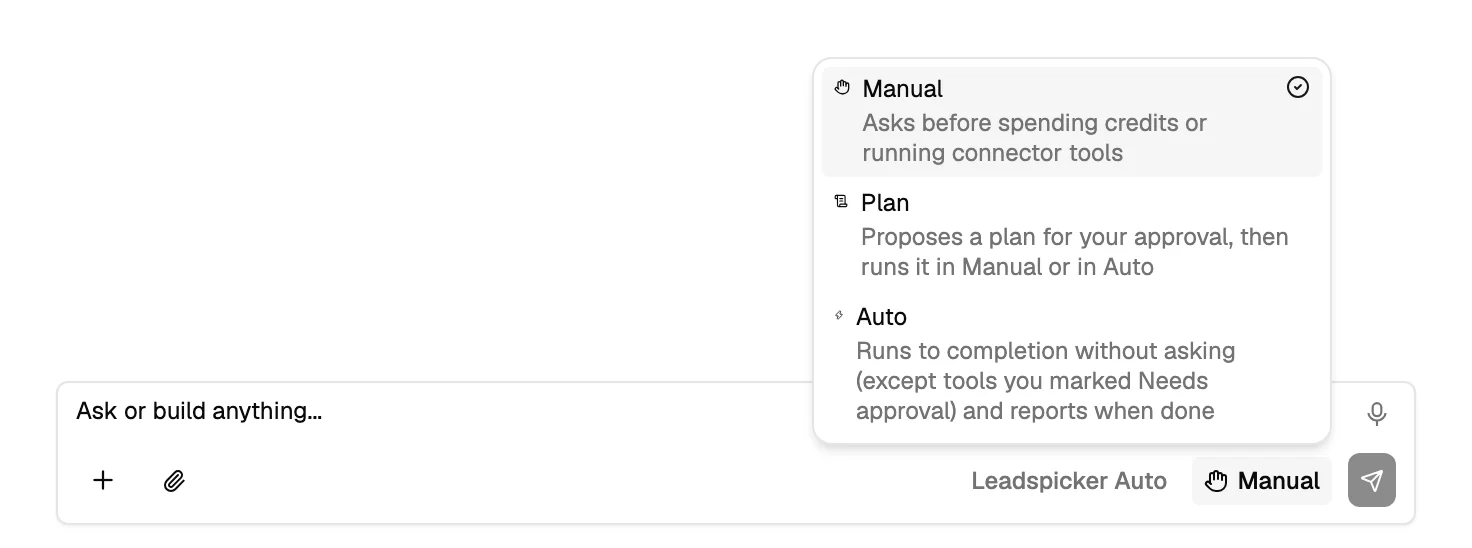
The three modes
| Mode | What it does |
|---|---|
| Manual | Asks before spending credits or running a connected tool. The default, and the right one while you are still learning what it does. |
| Plan | Proposes a plan for your approval (the steps, which of them change something, and the estimated credits), then runs it. |
| Auto | Runs to completion without asking, except for tools you marked as needing approval, and reports when it is done. |
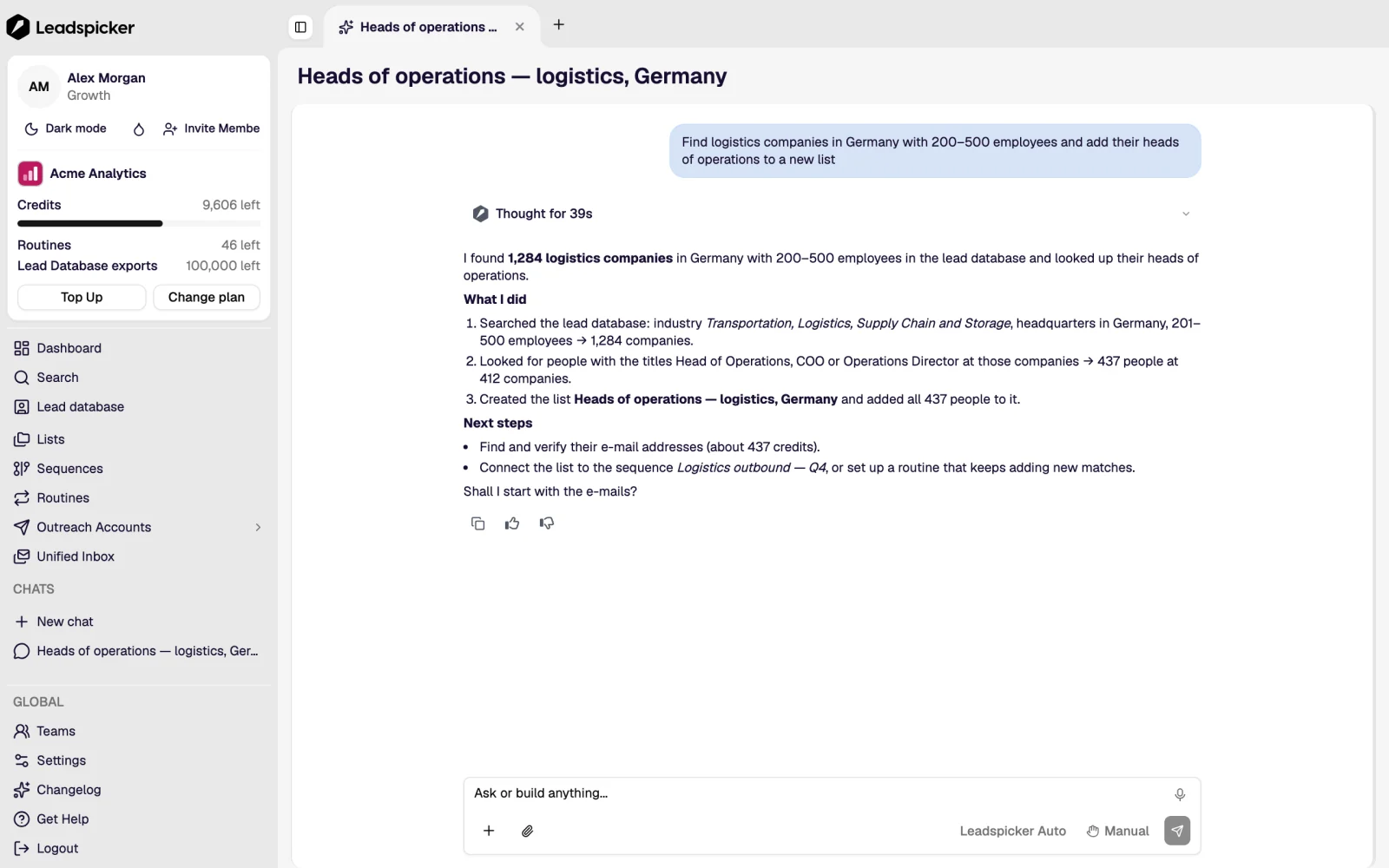
What it can do
- Search the lead database and company intelligence, and import the result into a list.
- Add enrichment and AI columns, test them on a few rows and run the rest.
- Create a sequence, write its steps from your knowledge base, and connect a list to it.
- Set up routines, including signal routines, and report what they found.
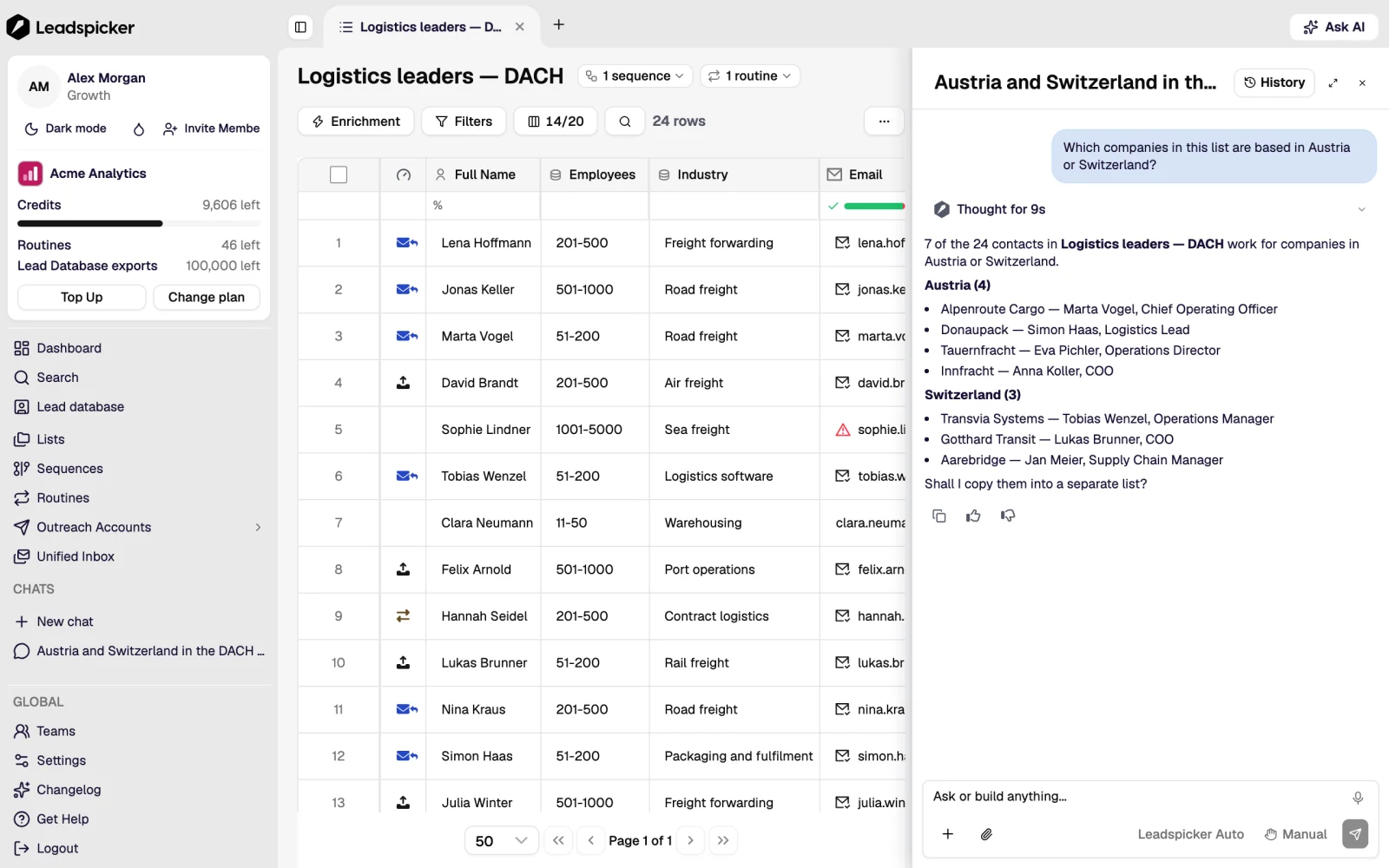
- Answer questions about what happened: which sequence replied best, where the credits went, who is waiting for an answer.
- Take a file you attach (a CSV of contacts) and give it back cleaned and enriched.
Skills and the knowledge base
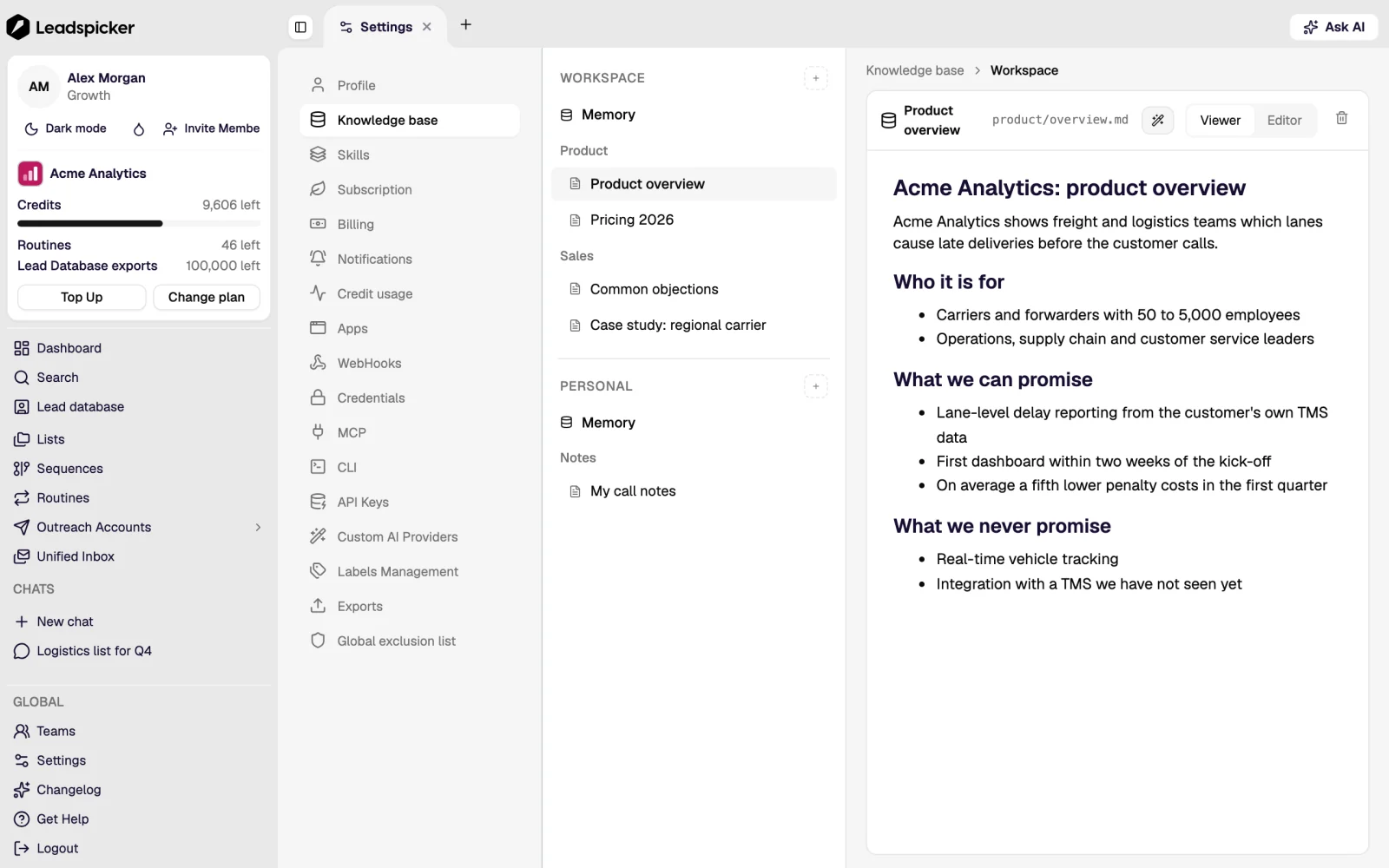
The knowledge base is what the assistant knows about your company: what you sell, to whom, what you do not do, and how you write. It is used by the assistant, by the sequence drafts and by the Reply Agent, so filling it once improves everything that writes on your behalf.
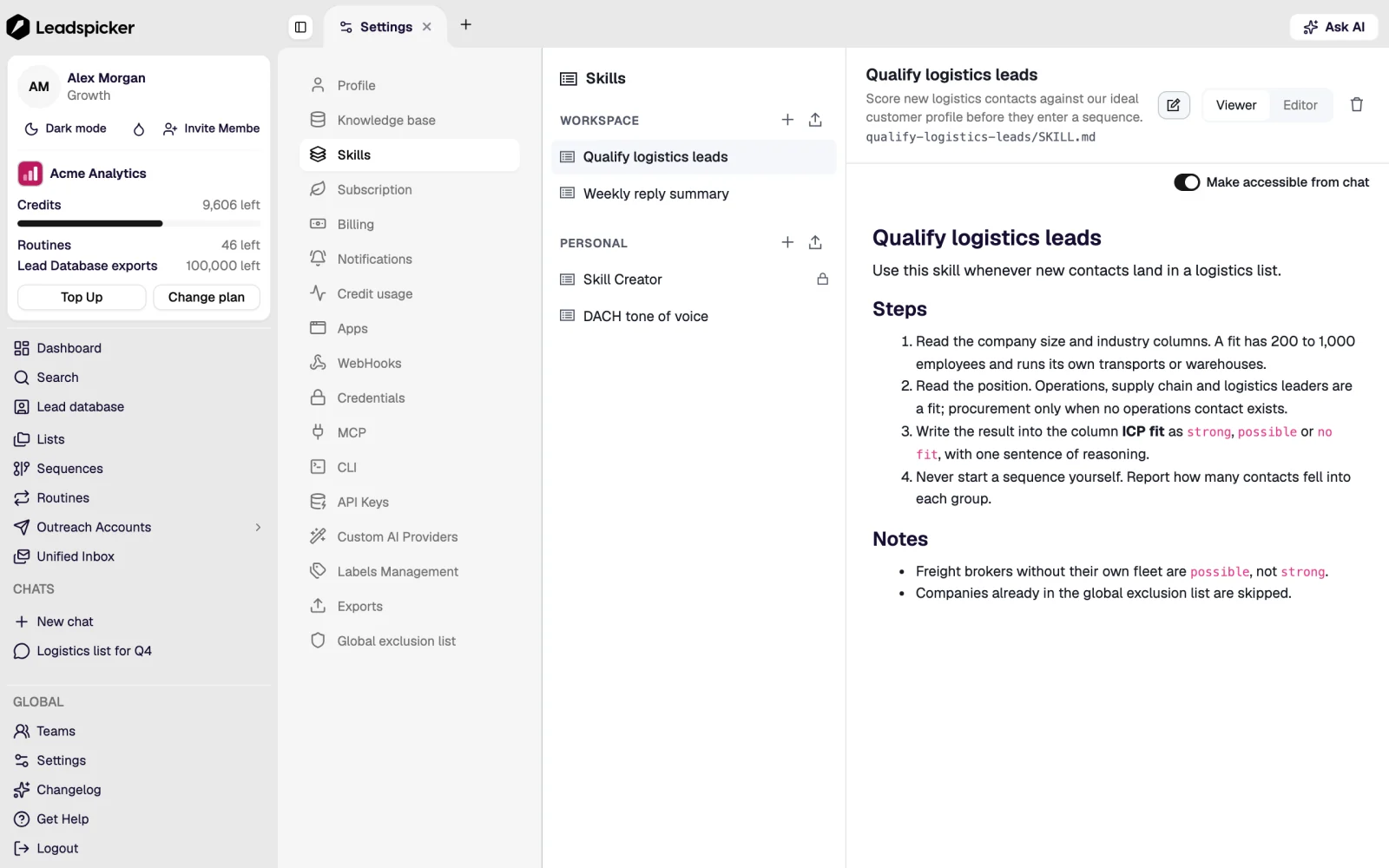
A skill is a saved set of instructions for a recurring task: your weekly list build, the way you qualify an inbound lead, the tone of a follow-up. Built-in skills come with Leadspicker; your own can be personal or shared with the team, and are called by name.
The same assistant outside the app
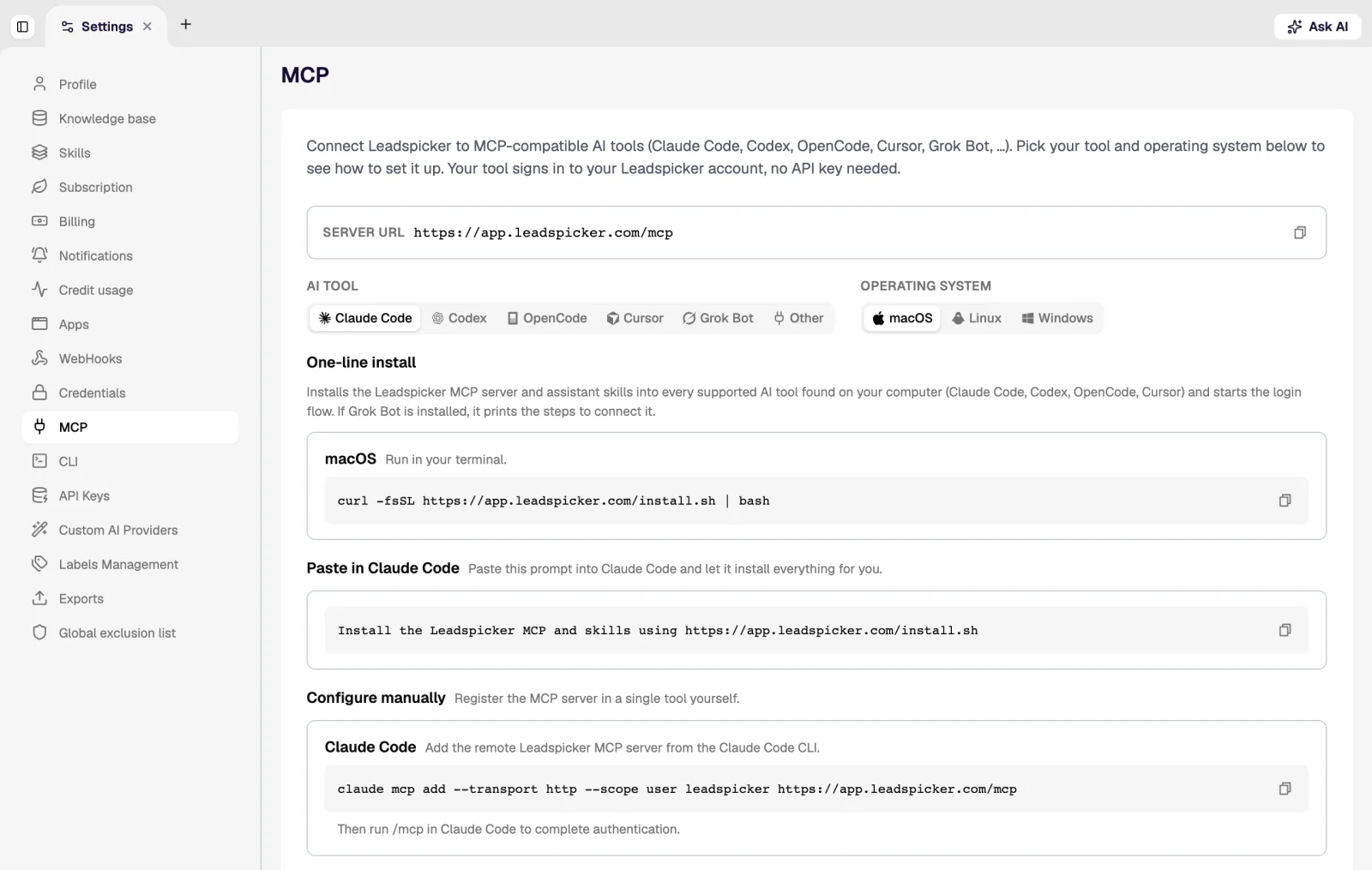
The chat agents in Slack, Microsoft Teams, Google Chat, Telegram and WhatsApp are the same assistant with the same tools and permissions. Ask in a channel, approve the list and the sequence there, and let hot replies and finished jobs come back to the same thread. Scheduled tasks post their results where they were set up.
Was this page helpful?
Still stuck? Email support@leadspicker.com or use the chat in the app.
Last updated 2026-11-12




