Leadspicker quickstart
This is the shortest path from a new account to a running sequence. Most of the time goes into waiting for enrichment and reading drafts.
Before you start
- A Leadspicker account. The trial needs no credit card.
- One mailbox you can connect, and a social account if you want social steps. See outreach accounts.
- A sentence describing who you sell to. "Operations managers at Czech manufacturers with 50 to 500 staff" is enough to start.
1. Create a list
In the sidebar open Lists & sequences and create a list. A list is an empty table that holds contacts; nothing is sent from it, so it is safe to experiment in.
2. Put contacts in it
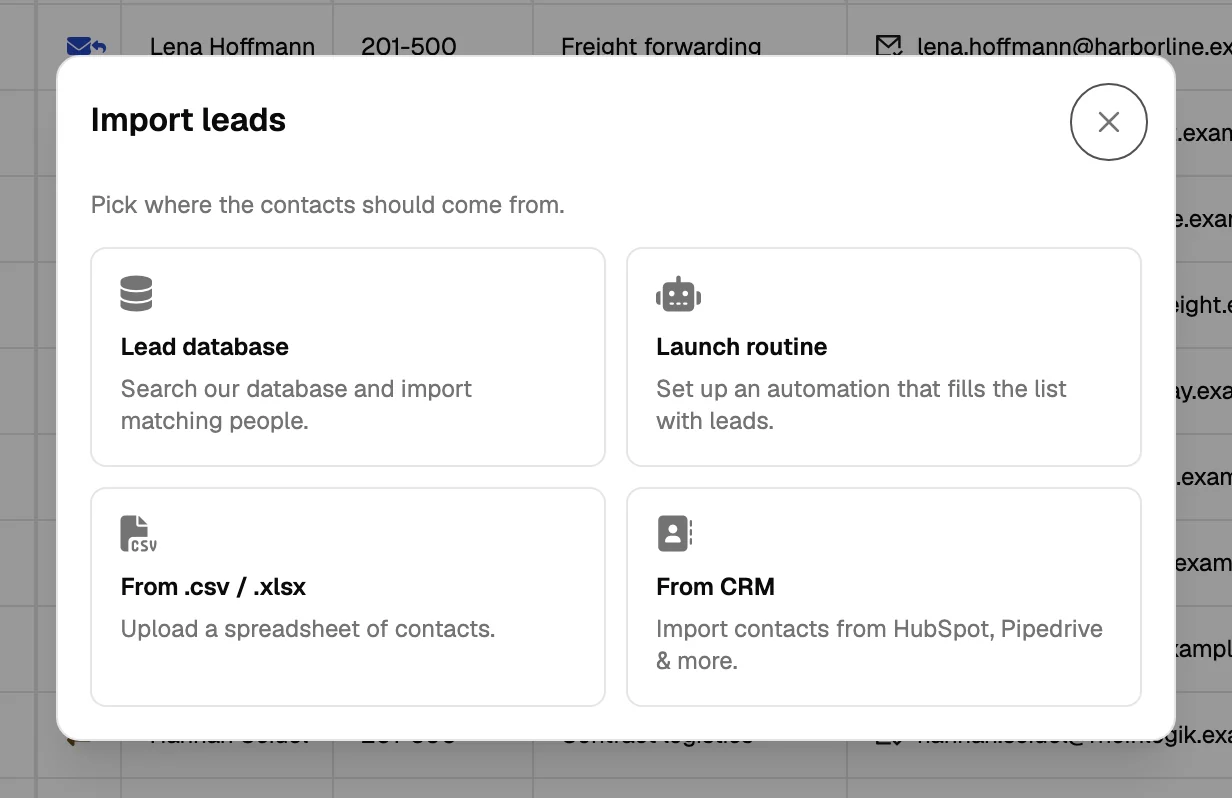
There are four ways in, and they can be combined in the same list.
| Source | Use it when | Where |
|---|---|---|
| Lead database | You can describe the target, or name companies you already sell to and want more like them. | Lead database in the sidebar |
| Import | You already have the contacts in a spreadsheet or a CRM. | Import on the list |
| Routine | You want a source to keep producing: a saved search, job ads, people at target companies, engagement with posts. | Routines on the list |
| Signal | You want companies that just did something that suggests they are ready to buy. | Routines → Signals on the list |
3. Enrich what you need
Add the enrichment columns the outreach actually needs (usually a verified work email, sometimes a phone number) and let them run. Then add one AI column that scores fit against your ICP, and test it on the first ten rows before running the rest. Both cost credits; see credits and plans.
4. Clean the audience
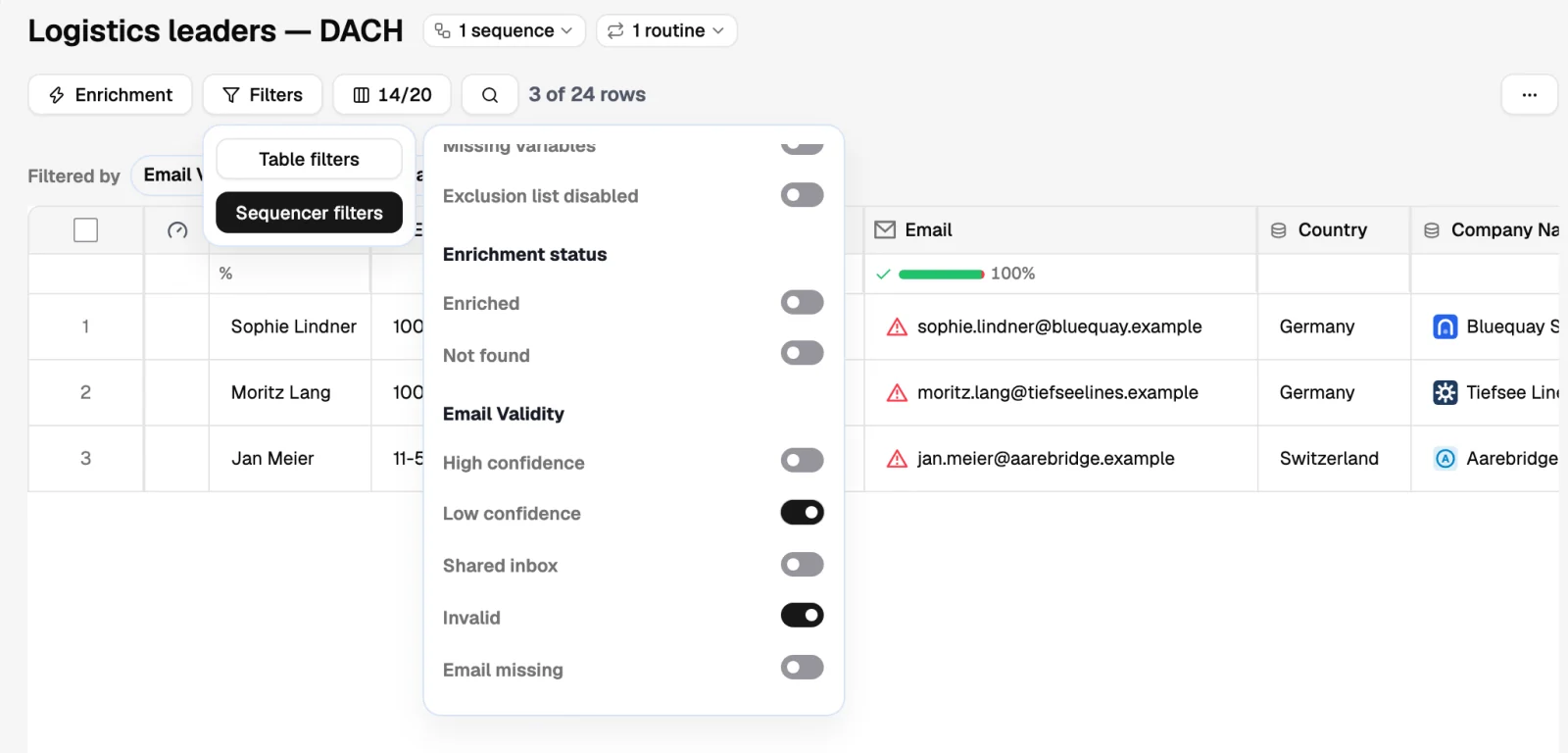
- Filter out the rows without an email
Sorting by the email column shows what is actually reachable.
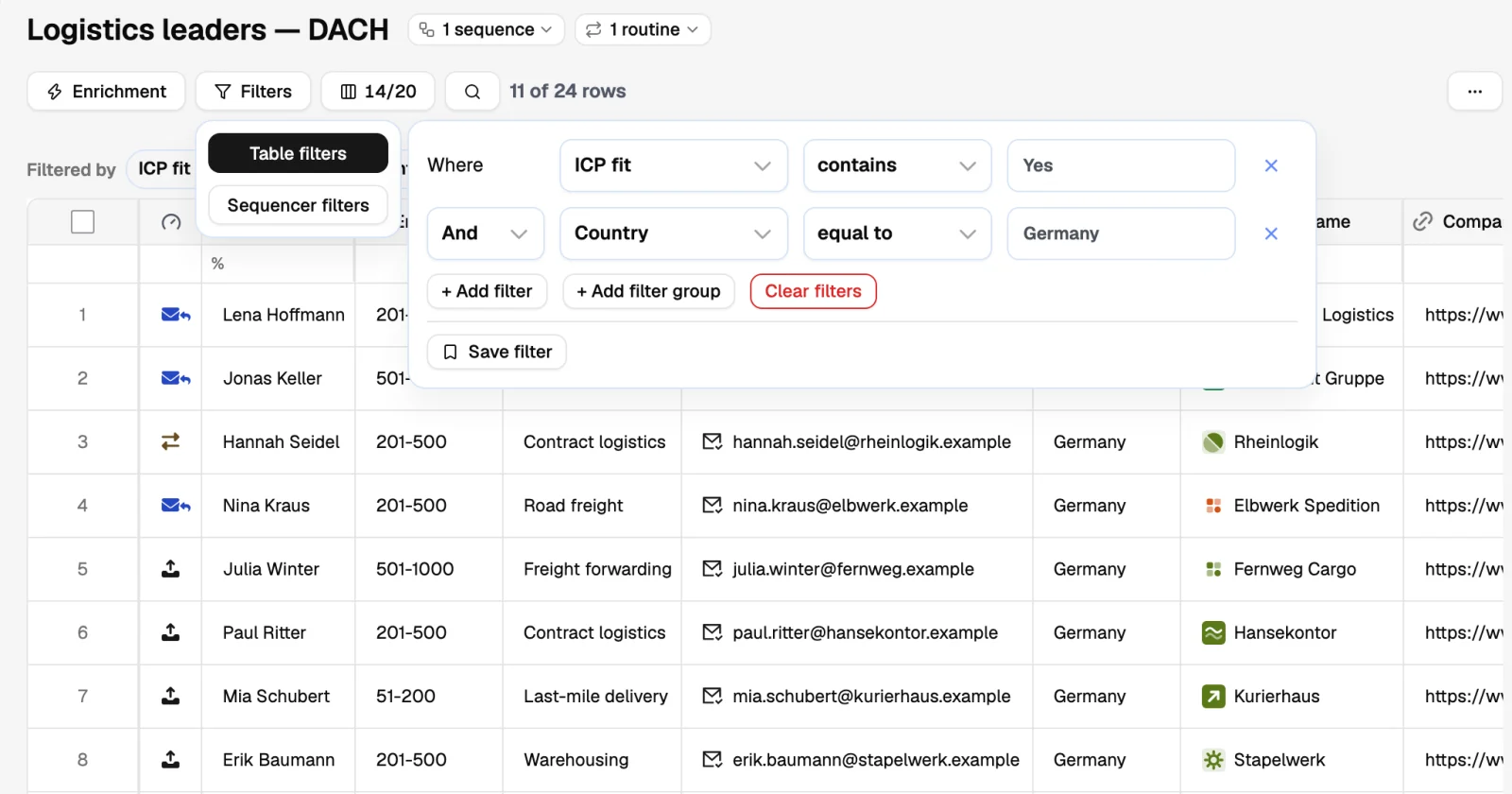
- Filter on the fit score
Keep the rows your AI column marked as a match. Label the rest and leave them for later.
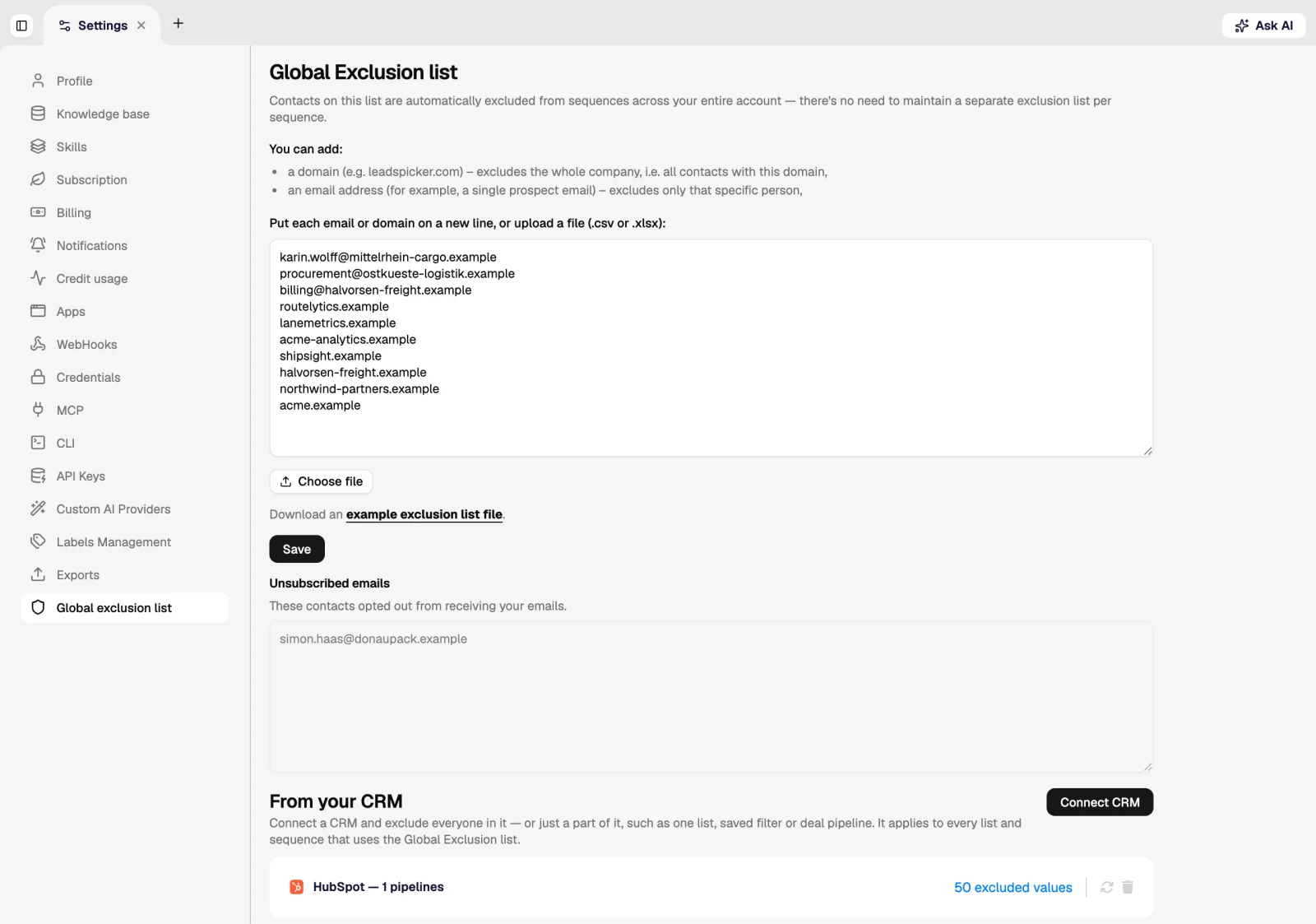
- Check the exclusion list
Existing customers, open opportunities and anyone who asked not to be contacted belong on the global exclusion list before the first send, not after.
5. Write the sequence
Create a sequence and add the steps: a first email, a wait of a few days, a follow-up, and social steps if you use them. Keep the first version to three or four steps. The assistant can draft them from your knowledge base and the list you are targeting, and you edit from there.
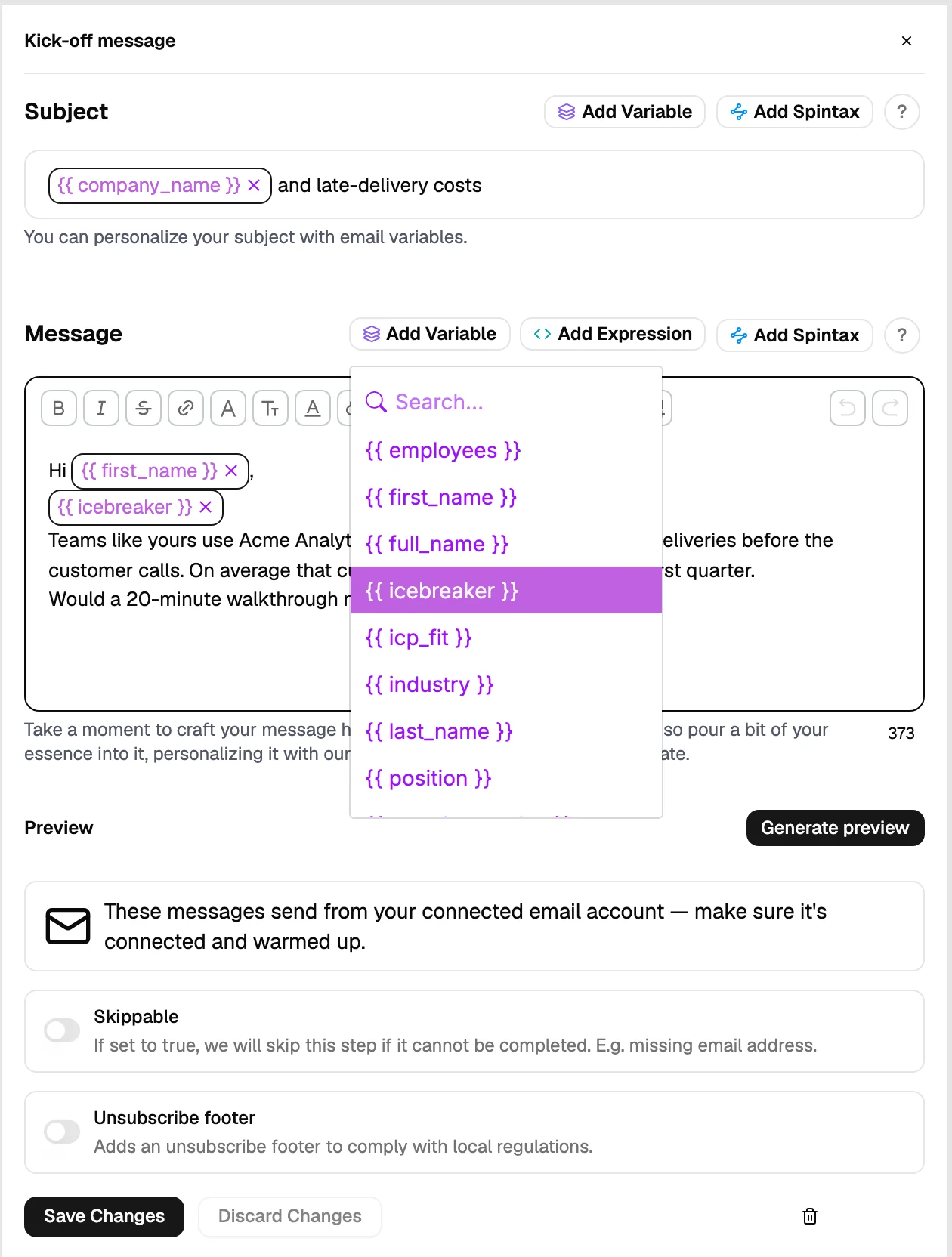
6. Connect the list and launch
- Connect the list
On the sequence, connect the list you prepared. The connection stays live: contacts added to that list later also enter the sequence.
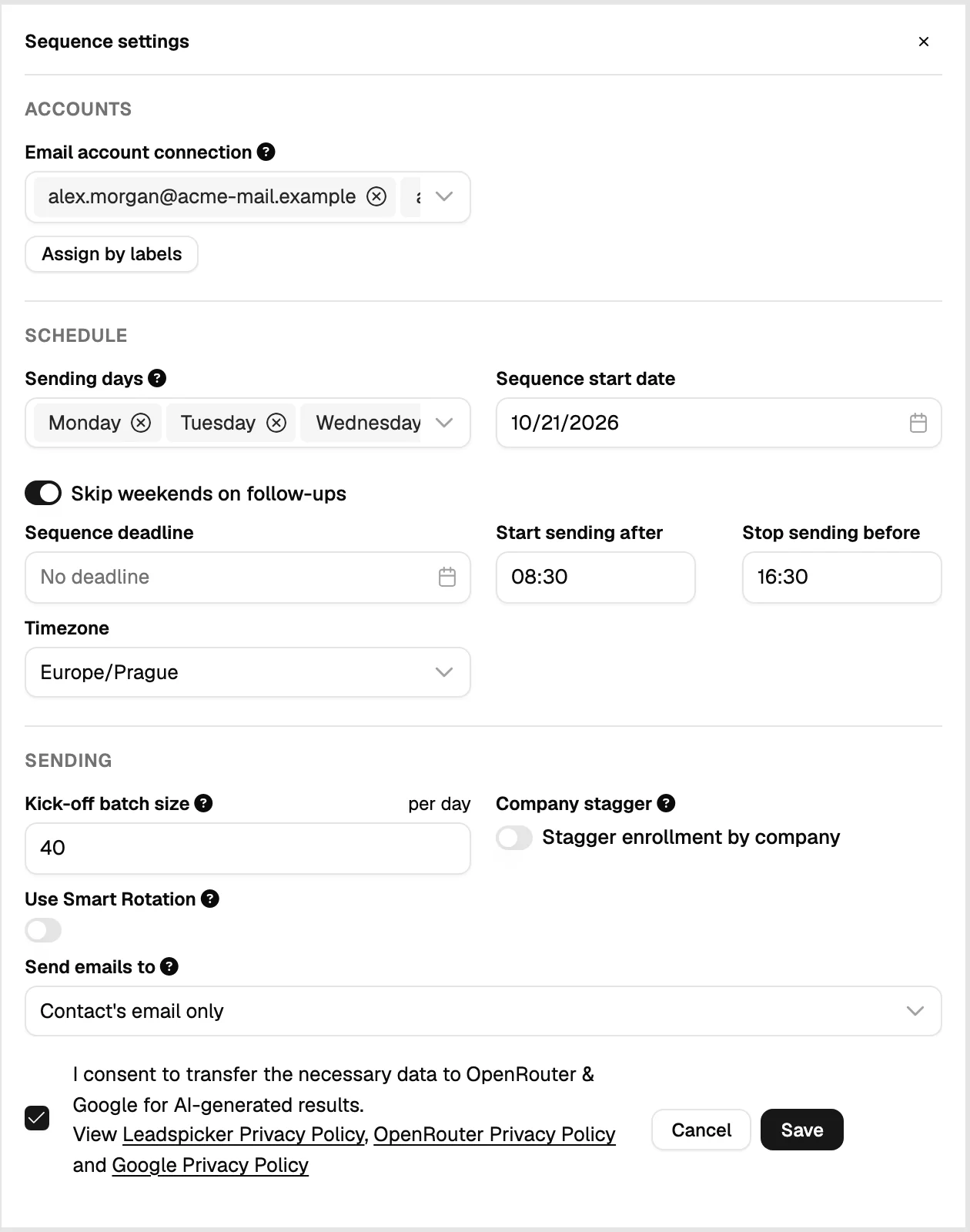
- Set the sending accounts and window
Pick which connected accounts send, and the days and hours they send in. Set the window to the recipient's working days and time zone.
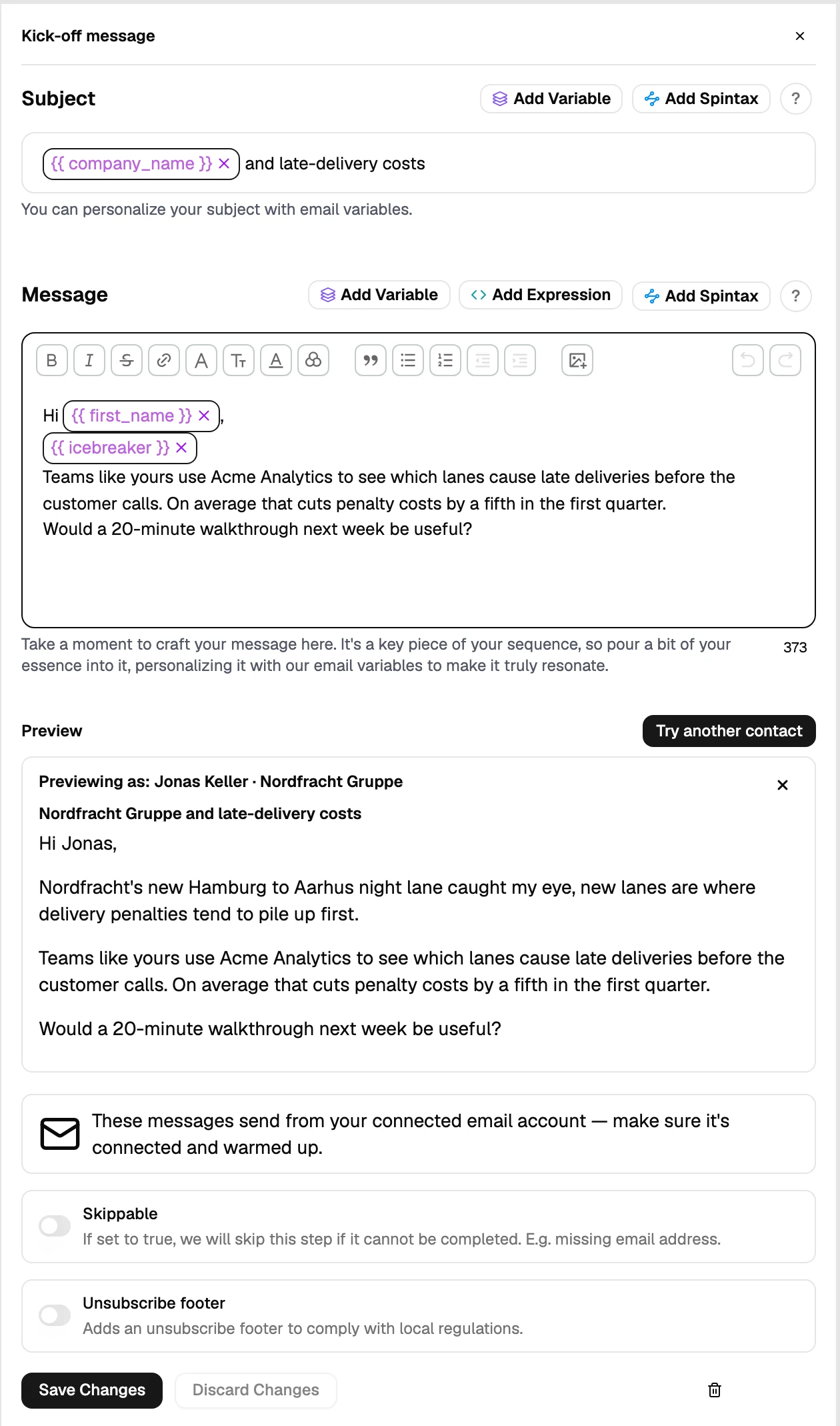
- Send yourself a preview
Every step can be previewed with real values from a contact, which is how you catch an empty personalisation field before it goes out.
- Start it
The sequence enrols contacts gradually within your daily limits rather than sending everything at once.
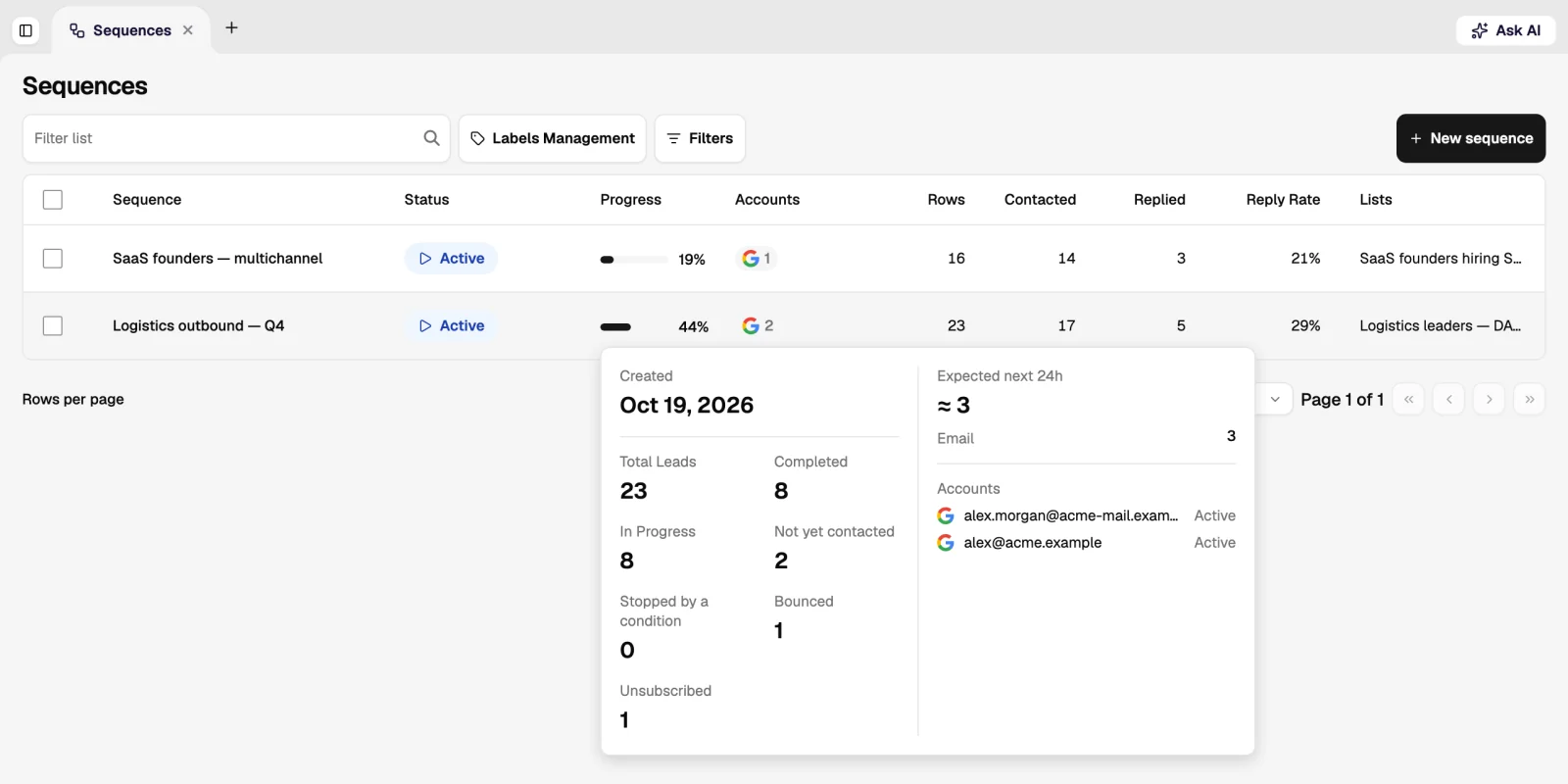
7. Work the replies
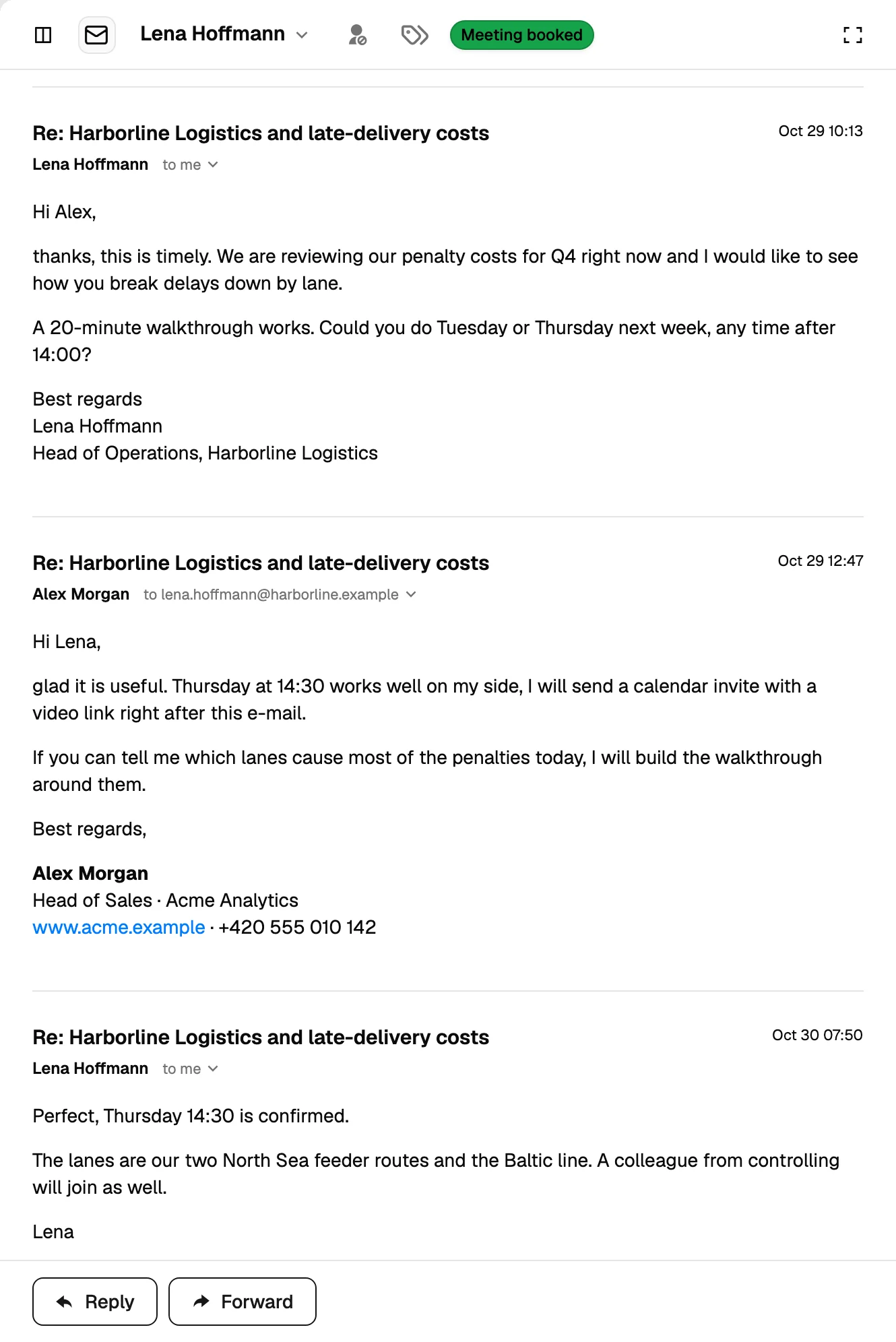
Answers arrive in the Unified Inbox, classified by sentiment. Reply to the positive ones the same day; follow-ups stop automatically for anyone who answers. After a week, the sequence statistics tell you which step is doing the work and which one to rewrite.
How many contacts should the first sequence have?
Enough to learn from and few enough to fix: 50 to 200. Reply rates on smaller batches are noisy, and larger ones burn the audience before you have improved the copy.
How long before I see replies?
First replies usually come within a day or two of the first step going out. Judge the sequence only after the follow-ups have run, which takes one to two weeks.
Can the assistant do all of this?
Yes. Describing the audience, the offer and the channel in the chat produces the list, the enrichment and a drafted sequence, and it asks before spending credits. You still approve the audience and the copy.
Was this page helpful?
Still stuck? Email support@leadspicker.com or use the chat in the app.
Last updated 2026-11-12




