Pipedrive integration
Leadspicker fills Pipedrive with the people you reach out to, and opens a deal with an activity for its owner when someone replies.
What you get
- Persons and organizations created or updated from your lists and sequences.
- Deals in the pipeline and stage you choose, linked to the person and the organization.
- Activities. A task rule creates an activity for the mapped user, under the deal when there is one.
- The Leads Inbox, if you prefer new people to wait there before they become deals.
- Saved filters, pipelines and stages as sources for imports and exclusion lists.
Everything shared with the other CRMs is in How CRM integrations work.
Connect Pipedrive
- Open the Pipedrive card
Go to Settings → Apps and open Pipedrive, as an owner or admin of the organisation.
- Sign in and approve
Connect the account, sign in to Pipedrive and approve the access for your company account.
- Choose where contacts land
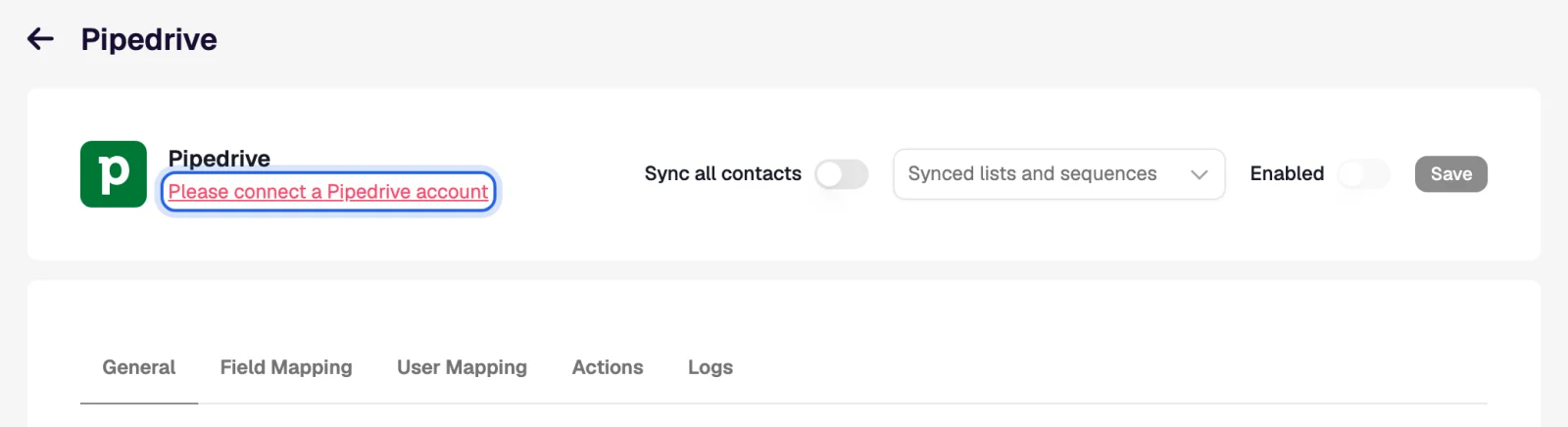
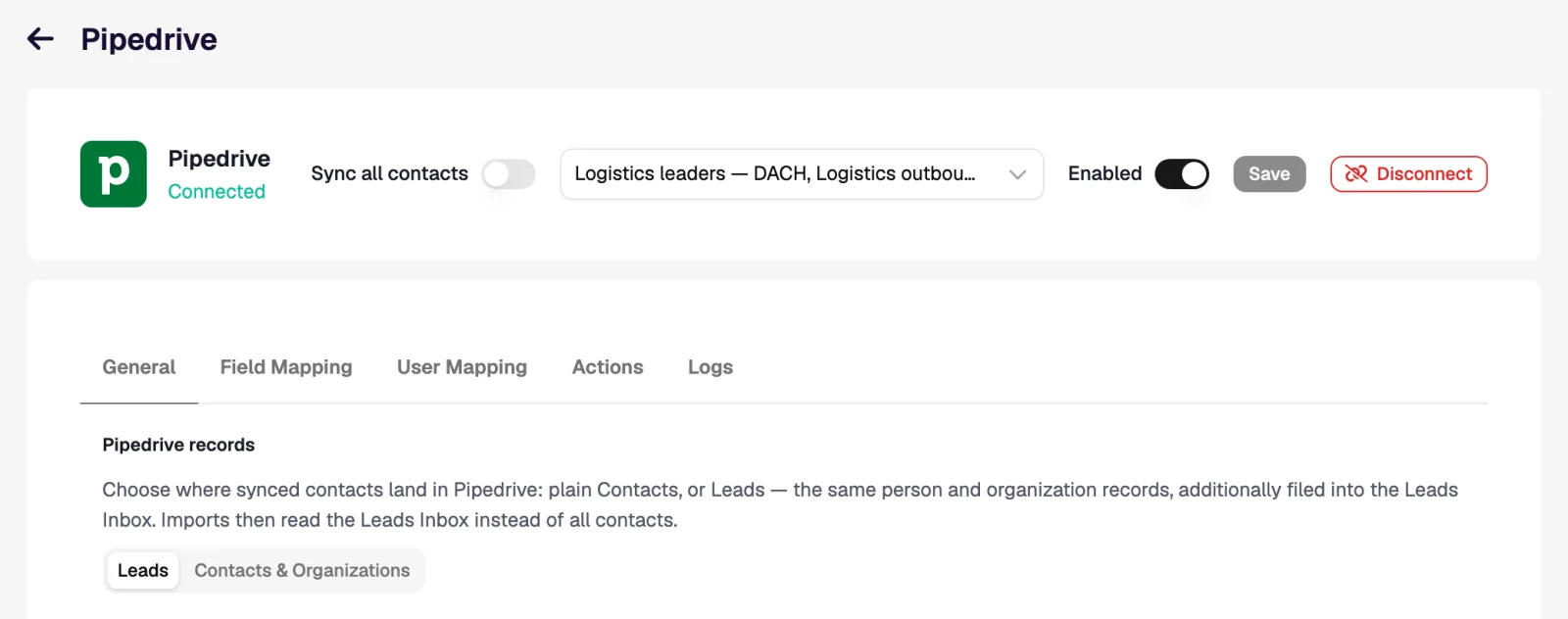
On General, under Pipedrive records, pick Contacts & Organizations or Leads.
- Map, switch on, save
Set the scope and triggers, pair outreach accounts with Pipedrive users on User Mapping, turn Enabled on and Save.
Leads Inbox and other Pipedrive settings
| Setting | What it does |
|---|---|
| Pipedrive records: Leads | A newly synced contact is still a person with an organization, additionally filed into the Leads Inbox. Imports then read the Leads Inbox. |
| Pipedrive records: Contacts & Organizations | Plain persons and organizations, nothing in the Leads Inbox. |
| Overwrite the contact owner | Off by default: an existing person keeps its owner. |
| Phone field | A person can hold several numbers, so a new one is added next to the existing ones. |
Workflows inside Pipedrive
| When | Then | What the rep sees in Pipedrive |
|---|---|---|
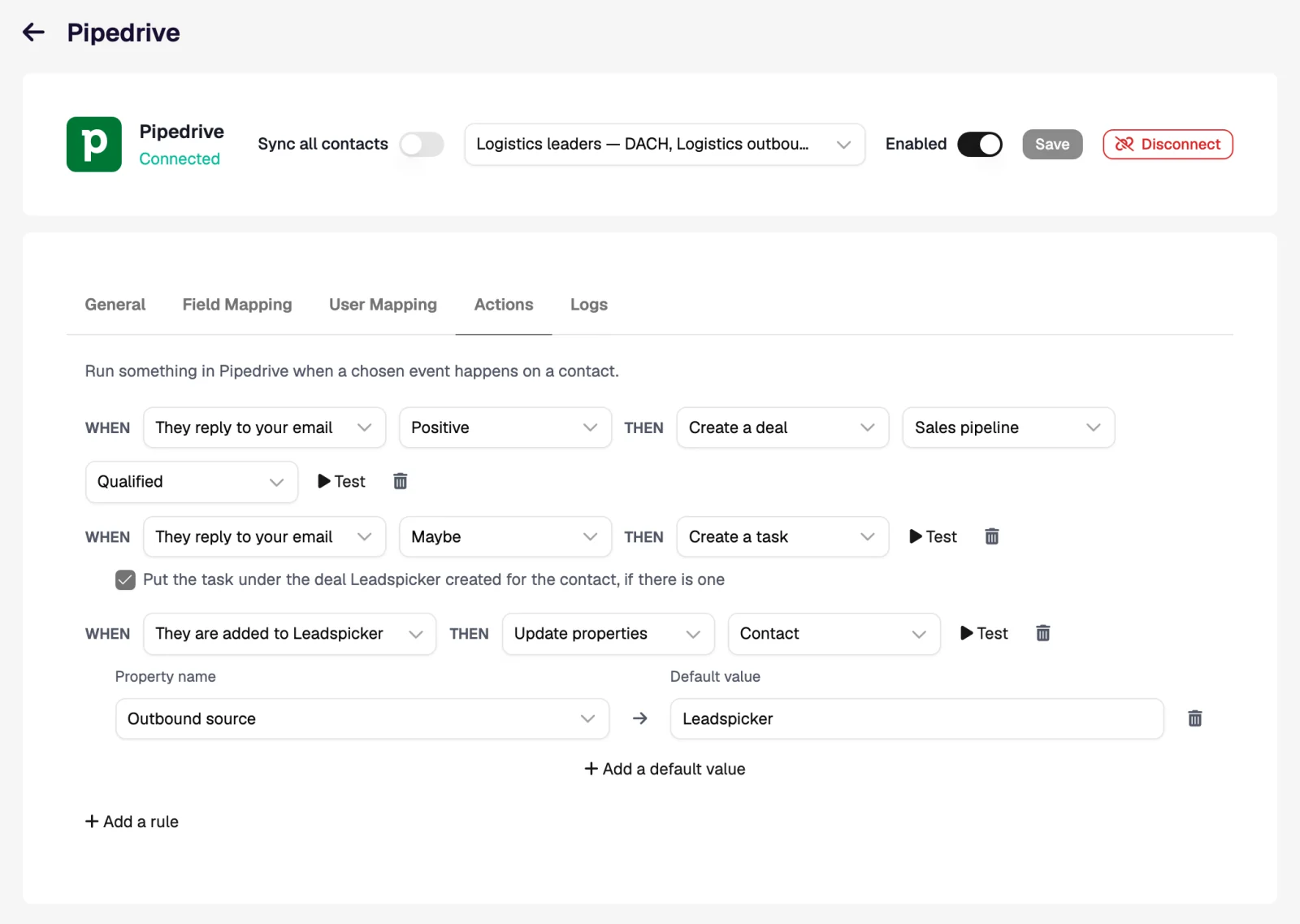
| They reply to your email, Positive | Create a deal in your pipeline, stage Contact made, plus Create a task | A deal with the person and organization attached, and an activity Reply from … (Positive) on the deal in the owner's activity list. |
| They reply on the social network, Any sentiment (Leads mode) | Create a task | The person waits in the Leads Inbox with an activity that carries the reply; the rep decides whether it becomes a deal. |
| They reply, Positive | Get their phone number | The number from the reply or from data sources added to the person, so the follow-up can be a call. |
A repeated reply from the same person does not open a second deal.
Import from Pipedrive and exclusions
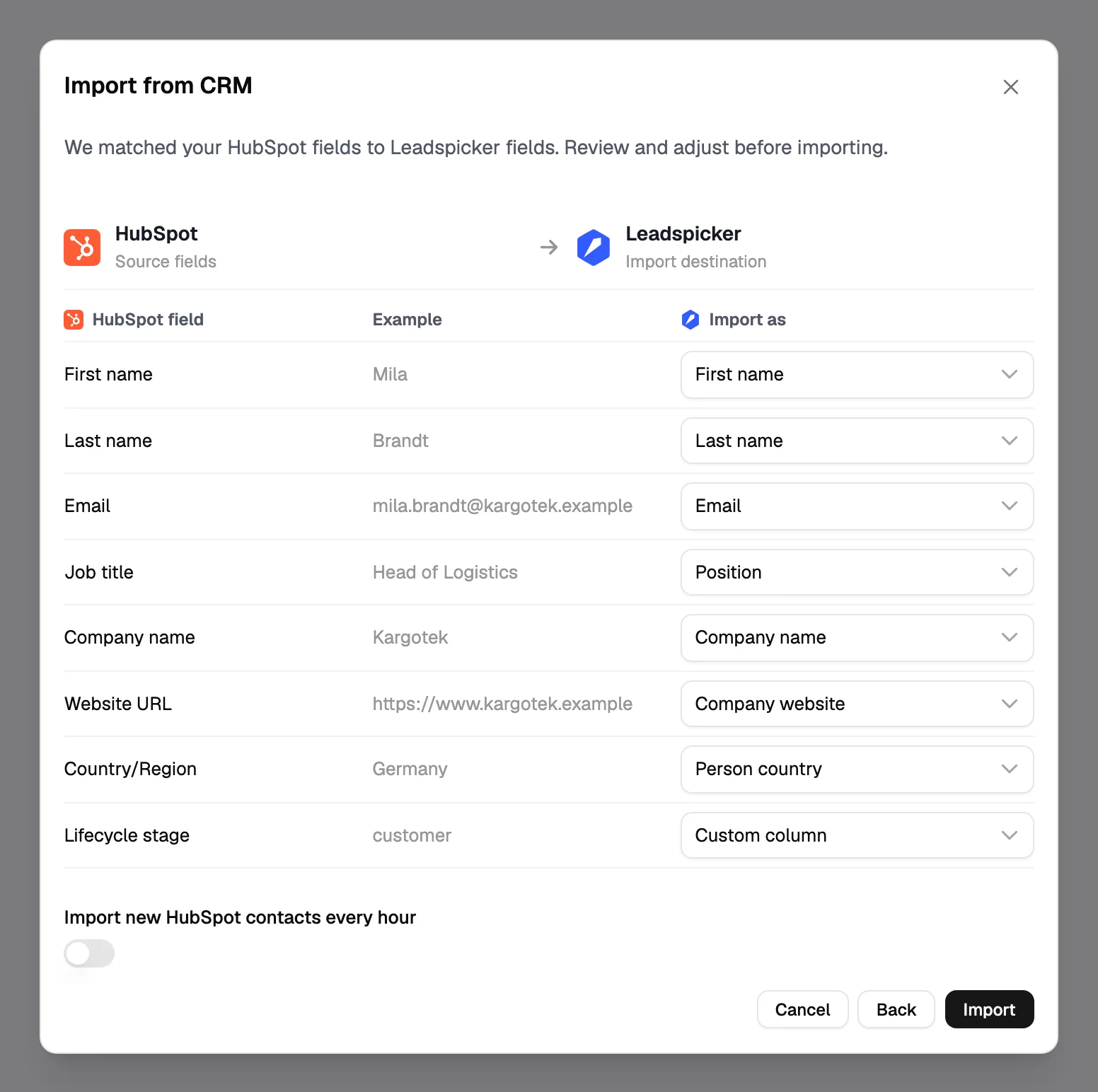
- Import by saved filter. Import → From CRM on a list reads a saved people filter, or a lead filter in Leads mode, hourly if you want.
- Import by deals. A deal filter, a pipeline or a single stage brings in the people on those deals, as a one-time import.
- Exclusions. Exclude everyone in Pipedrive, selected saved filters, or the people on deals in chosen pipelines and stages.
Does Leads mode replace persons with leads?
No. A Pipedrive lead wraps a person and an organization; Leadspicker creates both and adds the lead on top.
Where does the task go?
Into Pipedrive activities, assigned to the mapped user, under the deal when a rule created one.
Can I reach the people stuck in one stage?
Yes. Import that stage into a list and connect the list to a sequence. It is a one-time import, so repeat it for a fresh snapshot.
Was this page helpful?
Still stuck? Email support@leadspicker.com or use the chat in the app.
Last updated 2026-11-12




