How lists and sequences work
Everything in Leadspicker hangs off two objects. Get the difference between them right and the rest of the product is obvious.
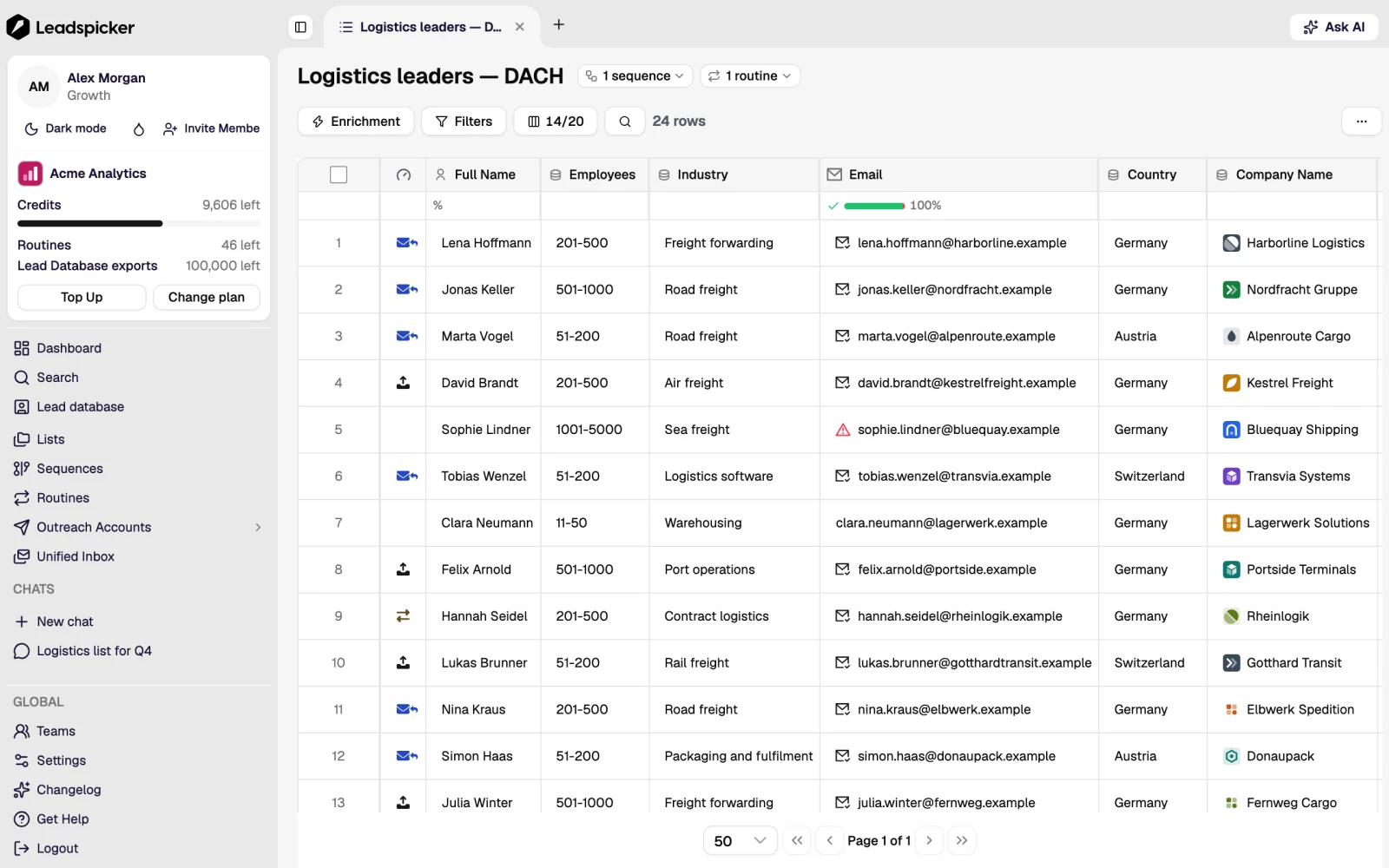
A list holds contacts
A list is a table of people. Imports, the lead database and routines put contacts into it, and all data work happens there: enrichment columns, AI columns, filters, labels and manual edits. Nothing is ever sent from a list.
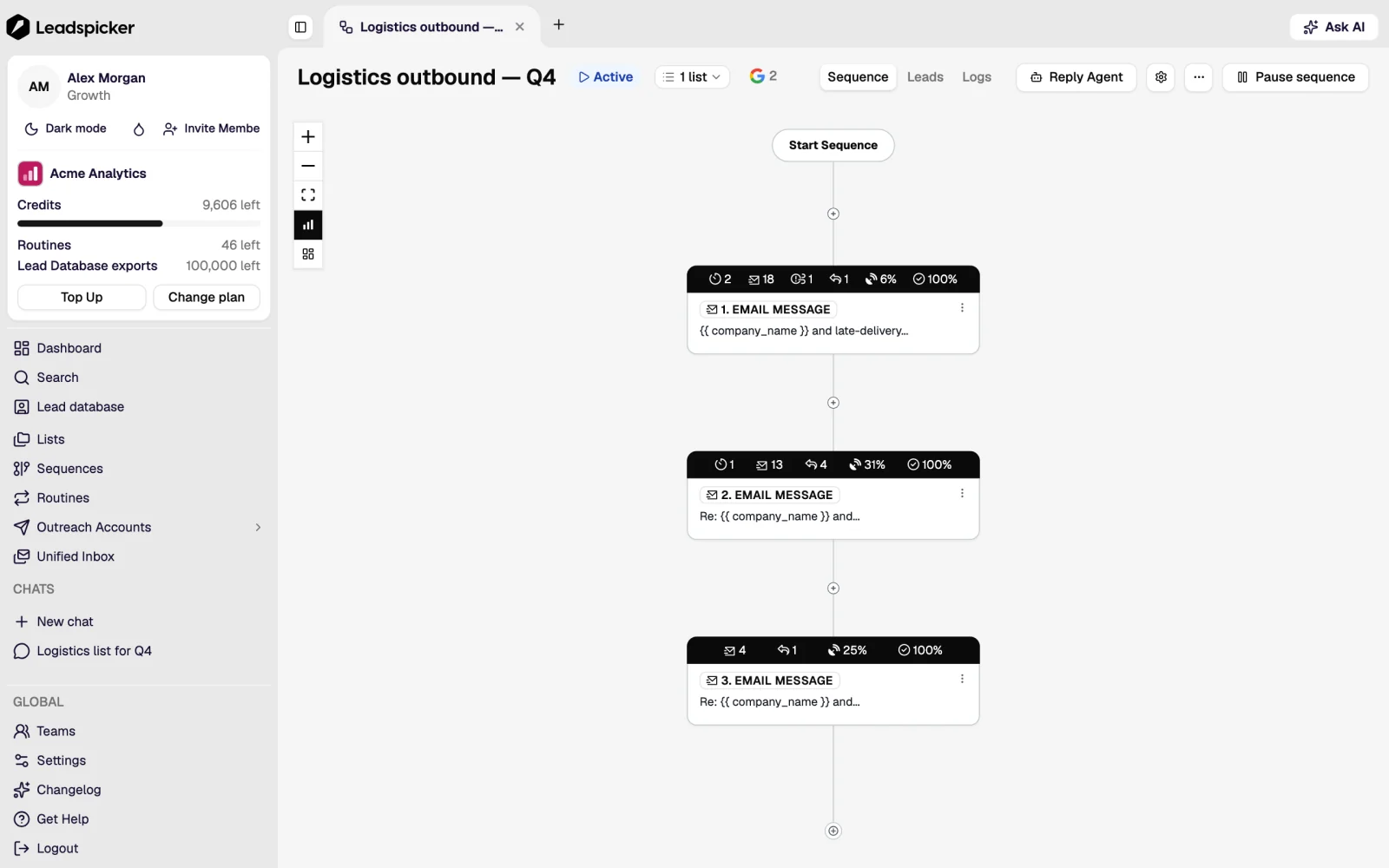
A sequence holds steps
A sequence is the outreach itself: an ordered set of steps (emails, social connection requests, social messages, paid direct messages and waits) plus the settings that govern them, such as which accounts send, on which days and hours, and what happens when someone replies. A sequence starts empty and has no contacts of its own.
Connecting is what joins them
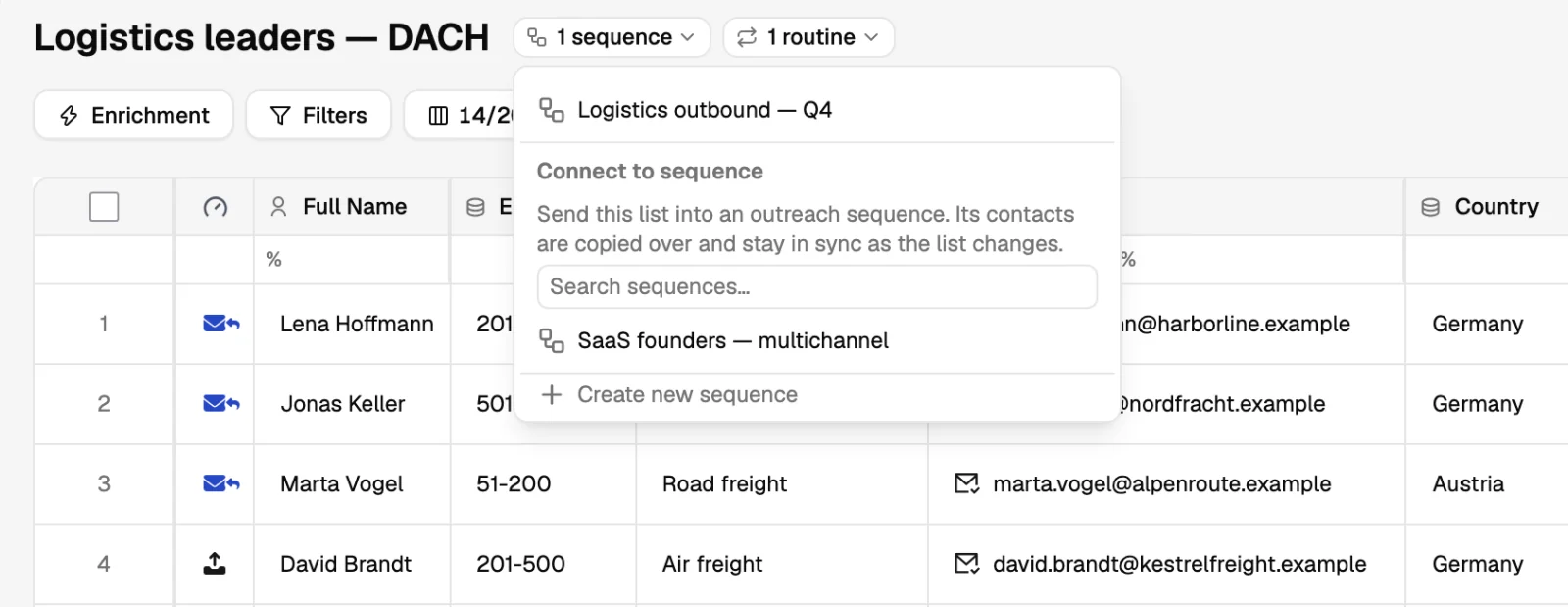
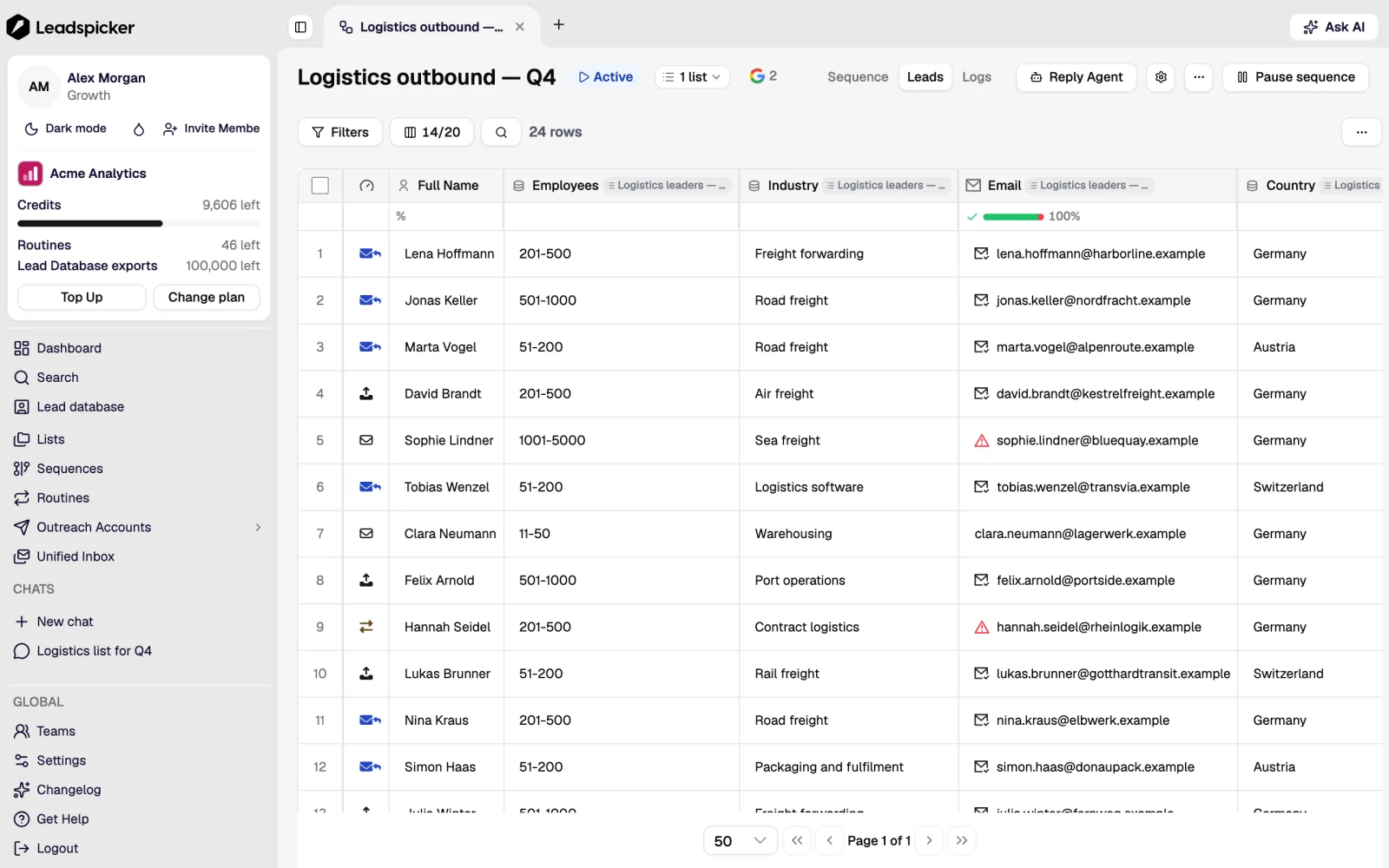
Connecting a list to a sequence is the only way contacts enter outreach, and the connection stays live afterwards:
- Contacts in the list enter the sequence when it runs.
- Contacts added to the list later also enter it, with no second import.
- One list can feed several sequences, and one sequence can draw on several lists.
- Removing a contact from the list does not recall messages already sent; it stops the steps that have not run yet.
What happens to a contact inside a sequence
- Enrolment
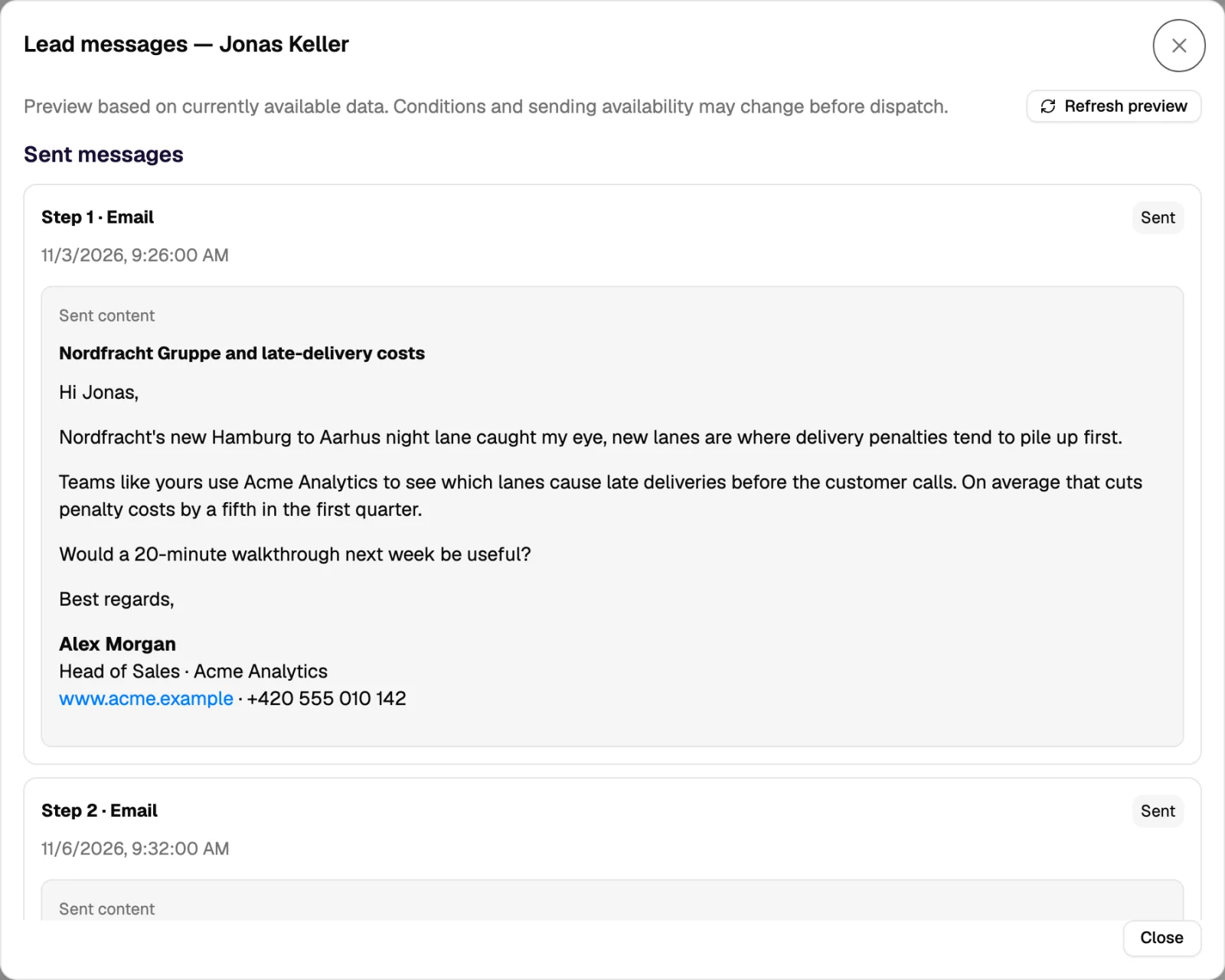
The contact is queued, not blasted. Enrolment respects the daily limits of the sending accounts and the sequence's sending window.
- Steps and waits
Each step runs in order. A follow-up only runs if the waiting period has passed and nothing has stopped the contact.
- A reply stops the follow-ups
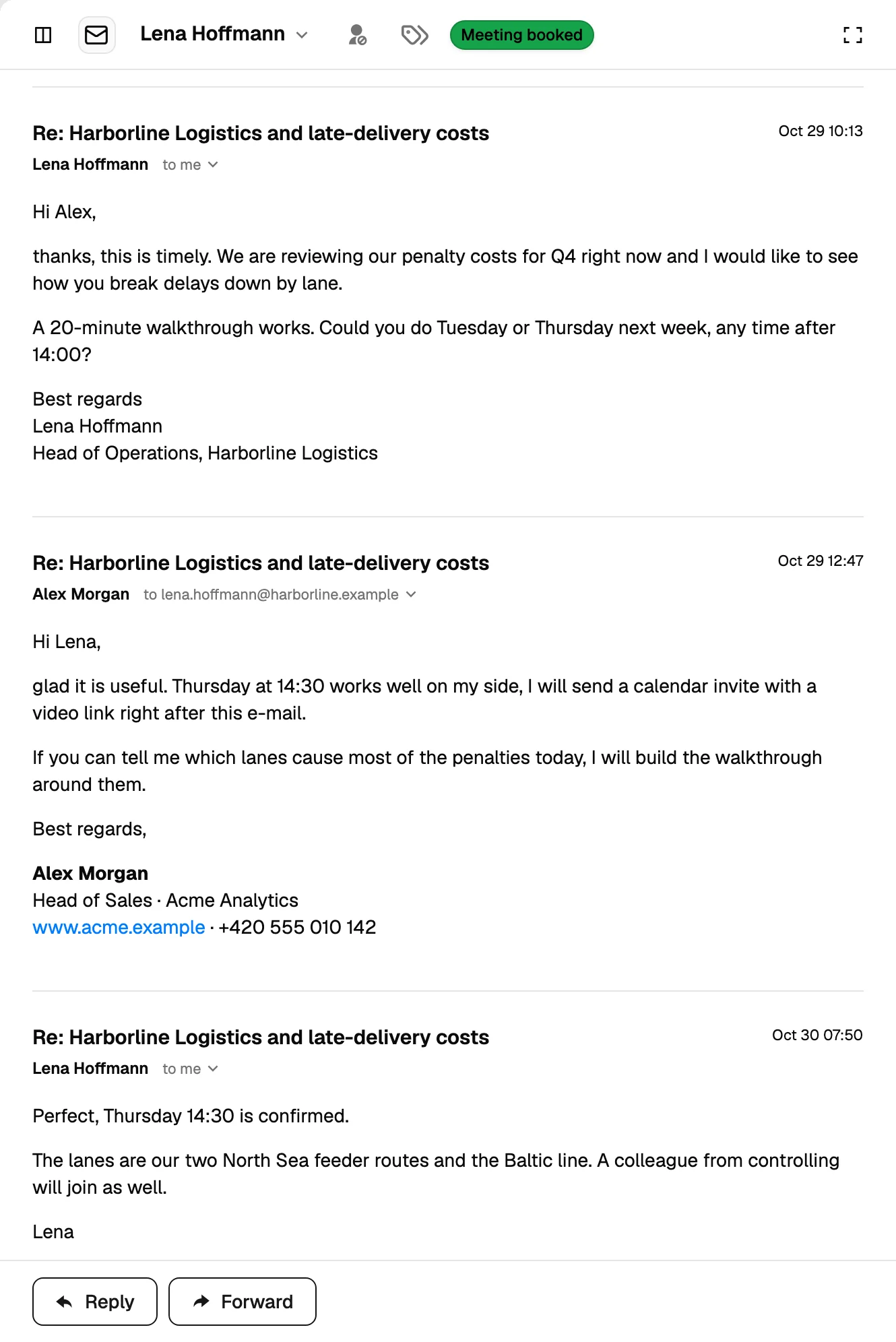
An answer on any channel ends the remaining steps for that contact and the reply is classified by sentiment.
- The end state
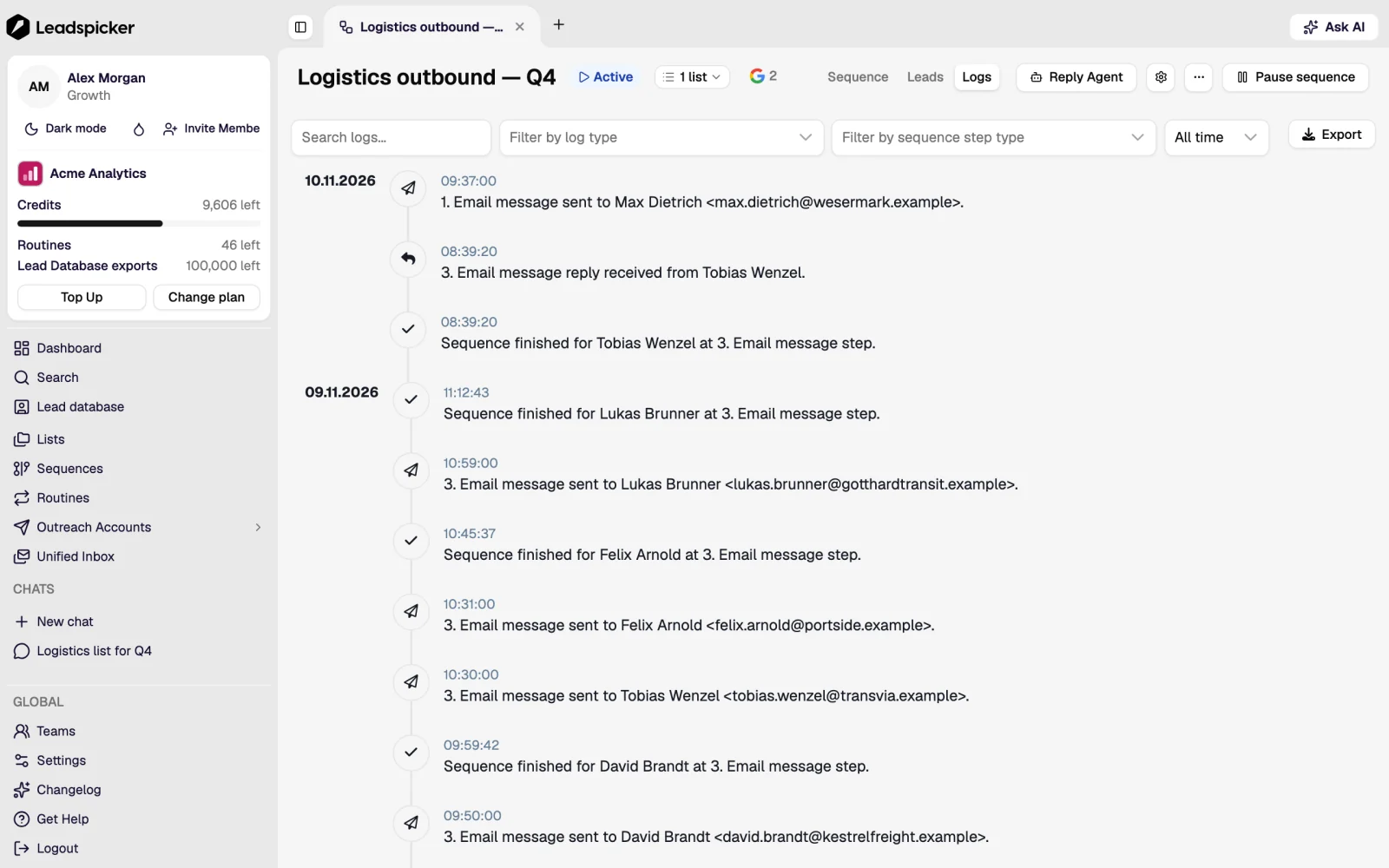
The contact finishes the sequence, is stopped by a reply or a removal request, or fails with a bounce. Every state is visible on the contact and in the statistics.
Rules worth knowing
| Rule | What it means in practice |
|---|---|
| One contact is contacted once at a time | The same person in two connected lists is not enrolled twice in the same sequence. |
| Exclusion lists win | A contact on the global exclusion list is never enrolled, whatever list they arrive in. |
| Missing data can hold a contact back | A step whose personalisation needs an empty field is not sent with a blank in it. |
| Deleting is not the same as disconnecting | Disconnecting a list leaves the contacts and their history; deleting contacts removes them from the list and from future steps. |
Should I build one big list or many small ones?
Many small ones, split by audience, because the message is written for an audience. Several lists can feed the same sequence when the message really is the same.
Can I reuse a sequence for a new audience?
Yes. Copy its steps into a new sequence and connect the new list, so the statistics of the two audiences stay separate.
What is a connected list used for besides sending?
It is also the join that lets the sequence report back: replies, bounces and sentiment are written onto the contacts in the list.
Was this page helpful?
Still stuck? Email support@leadspicker.com or use the chat in the app.
Last updated 2026-11-12




